How to Get or Enable Shift Lock on Roblox Mobile and PC
Are you a Roblox player, and have you heard about Shift Lock but haven’t used it yet? Don’t worry! In this article, I’ve explained step-by-step how you can enable Shift Lock on both Roblox mobile and Roblox PC.
Roblox’s Shift Lock Mode
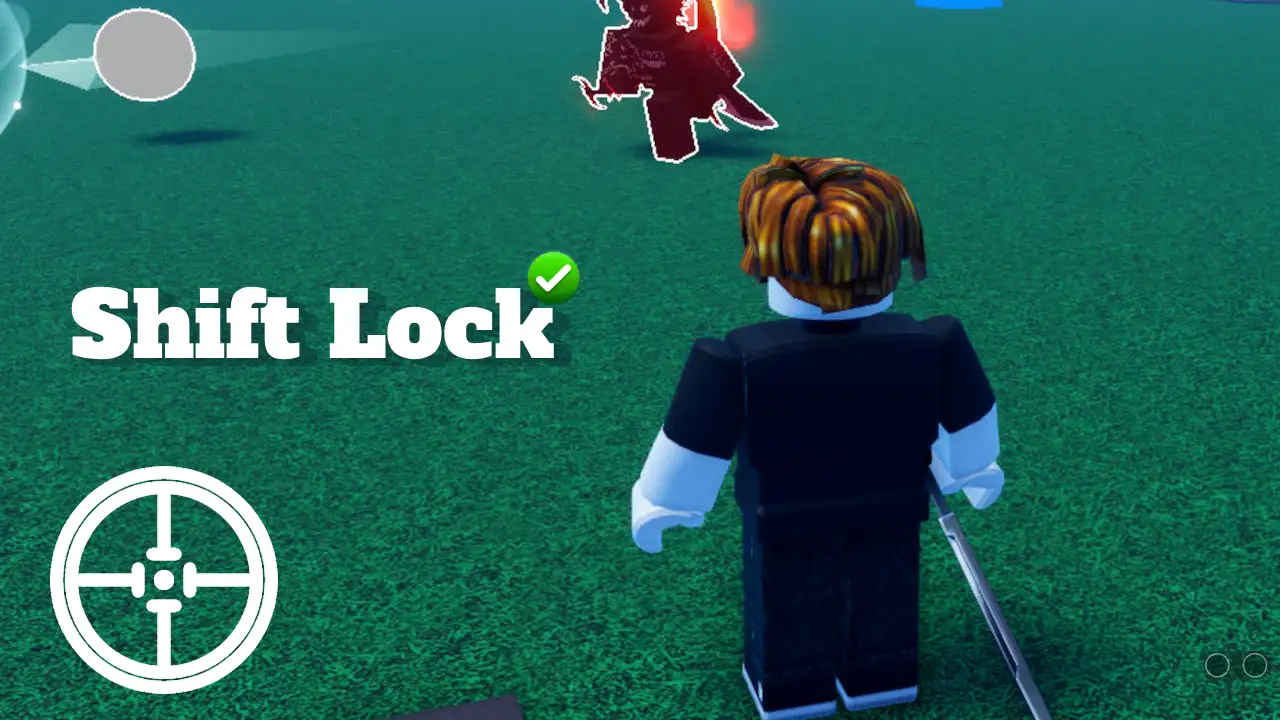
In Roblox, Shift Lock (also known as Mouse Lock) is a control mode feature that allows players to lock their camera perspective to their character’s movement. When this feature is activated, it locks the camera behind the character, providing movement similar to first-person mode while maintaining a third-person view.
Enable Shift Lock on Roblox Mobile
Roblox on mobile does not offer a precise Shift Lock mode exactly like the PC version. However, by adjusting your camera settings slightly, you can achieve a similar experience on mobile. Whether you use an Android phone, iPhone, or iPad, the steps mentioned below will help you do this.
To get shift lock on Roblox Mobile:
Step 1. Open Roblox App on Your Phone Phone or Tablet.
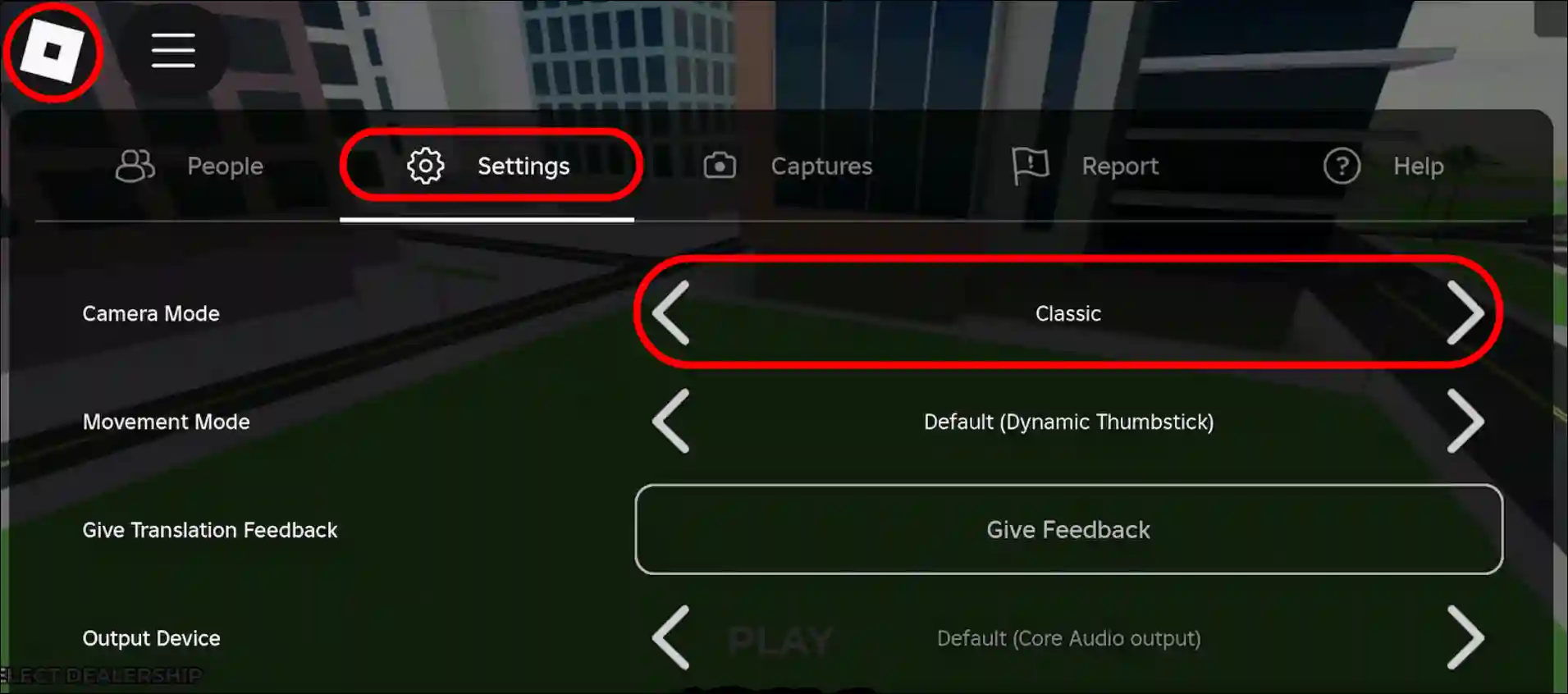
Step 2. Now Play a Game and Tap on Roblox Logo at Top Left Corner.
Step 3. Select Settings Section and Set Camera Mode to Classic.
Related: Disable Regional Pricing in PLS DONATE on Roblox
Enable Shift Lock on Roblox on PC+Mac+Chromebook
Whether you play Roblox on a Windows computer, laptop, Chromebook, or Mac, you can easily activate and use Shift Lock. Activating it is especially useful if you enjoy building or exploring complex structures, as it allows you to maintain control over your character’s movement without worrying about accidentally jumping or moving sideways.
To turn on shift lock on Roblox PC:
Step 1. Open Roblox and Play a Game.
Step 2. Press ESC to Open Game Menu.
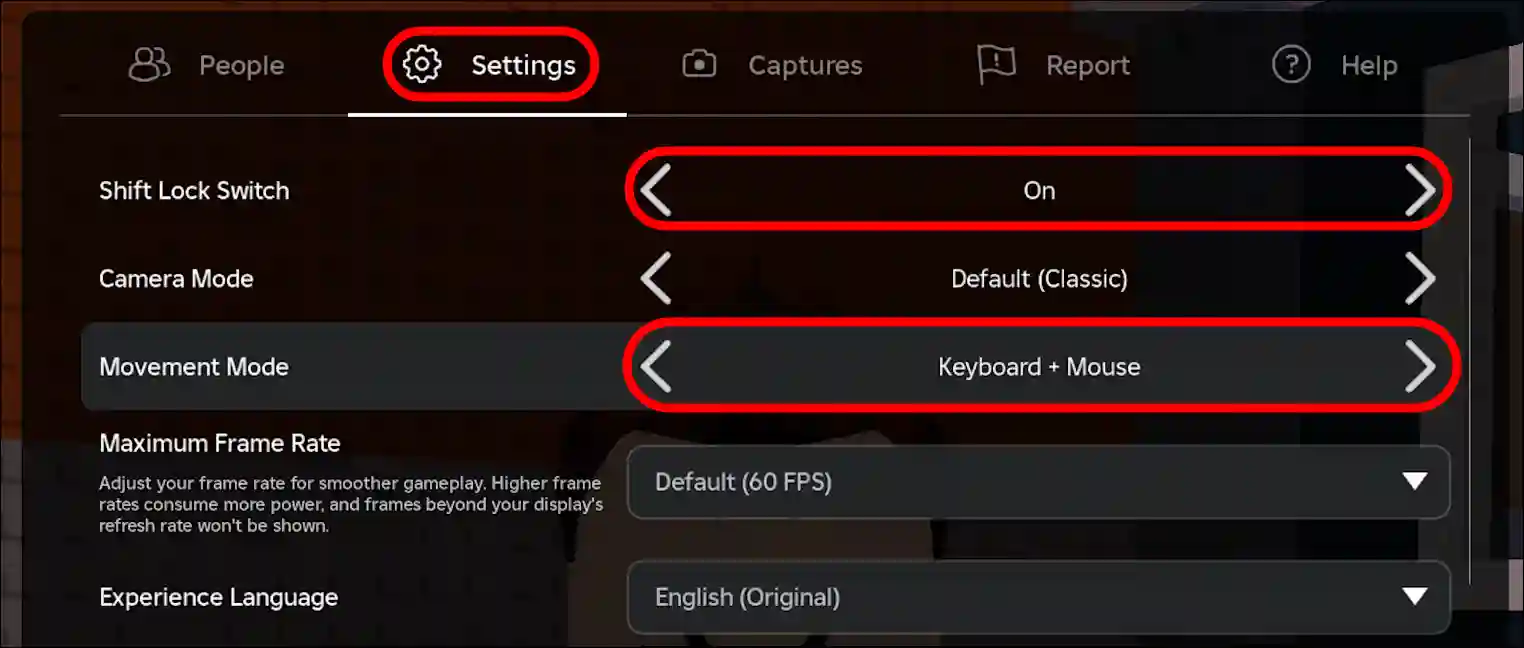
Step 3. Select Settings Section and Set “Shift Lock Switch” to ON and Click on Resume.
Note: Make sure your movement mode is set to Keyboard + Mouse.
That’s all! You’re done…
Related: Enable or Disable ‘Reduce Motion’ on Roblox
FAQs
Q 1. Why is my shift lock not working on Roblox PC?
Answer – If Shift Lock isn’t working in Roblox on your PC, it’s either because it’s disabled in the in-game settings or the game developer has disabled the feature for that specific game. If it’s disabled in the in-game settings, you can easily enable it, but if the developer has disabled it, there’s nothing you can do.
Q 2. How to get out of shift lock Roblox pc?
Answer – To disable Shift Lock on Roblox on PC, press the ESC key on your keyboard, then go to the settings section and turn off the “Shift Lock Switch.” Also, make sure your movement mode is set to Keyboard + Mouse.
Q 3. When was Shift Lock added to Roblox?
Answer – Shift Lock, also known as the mouse lock switch, was added to Roblox in early 2011.
I hope you found this article helpful and learned how to enable shift lock on Roblox. If you have any questions related to Roblox, please ask in the comments below. Feel free to share this article as well.