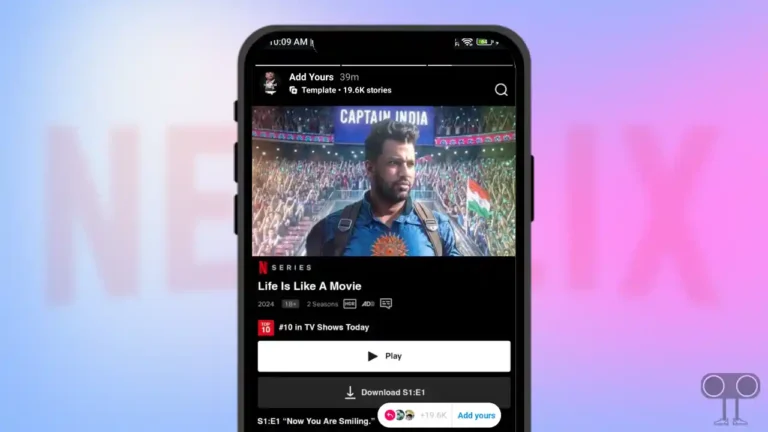
X (Twitter) Dark Mode Not Showing! is Twitter Dark Mode Gone?
After the new update of the X app, Android and iPhone users are reporting on Reddit and Twitter that the dark mode (night mode) option is no longer visible. This “night mode” has disappeared from the app settings of nearly all users, not just a few. Let’s find out the reasons behind this and whether we can bring it back.
Twitter introduced night mode (commonly known as “dark mode”) to its app in 2016, which allowed users to use the app with a dark screen. But now that this feature has suddenly disappeared, users are extremely upset.
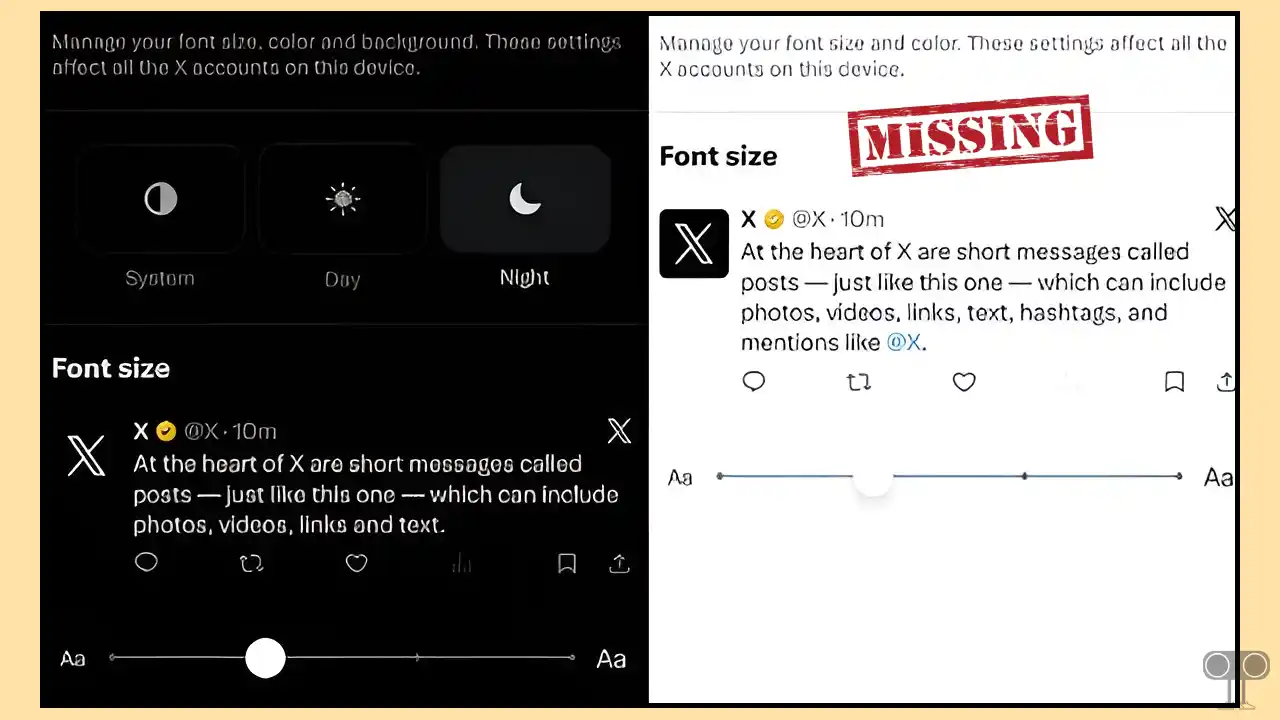
Why is the dark mode option not showing up in the X Twitter app?
The reason the “dark mode option is not visible in the X app is that X has officially removed it from the platform.” On March 5, 2026, X’s Head of Product, Nikita Bier, tweeted that the app now automatically follows your device’s display settings.
This means that the separate in-app dark mode and light mode options that were available earlier will no longer be available. The app will now follow your device’s operating system behavior. So, if your phone’s setting is on dark mode, the X app will automatically switch to dark, and if the phone is in light mode, the X app will start working in light mode.
X introduced this change to align with how other major social media platforms operate. Apps like TikTok and YouTube already work this way; they sync with your phone’s global settings instead of having a separate toggle inside their own app.
Bier said that the app-level controls for Night Mode “made no sense” and caused problems throughout the app.
How to Enable Dark Mode on X (Twitter) App After New Update
To turn on the night mode on the new X app:
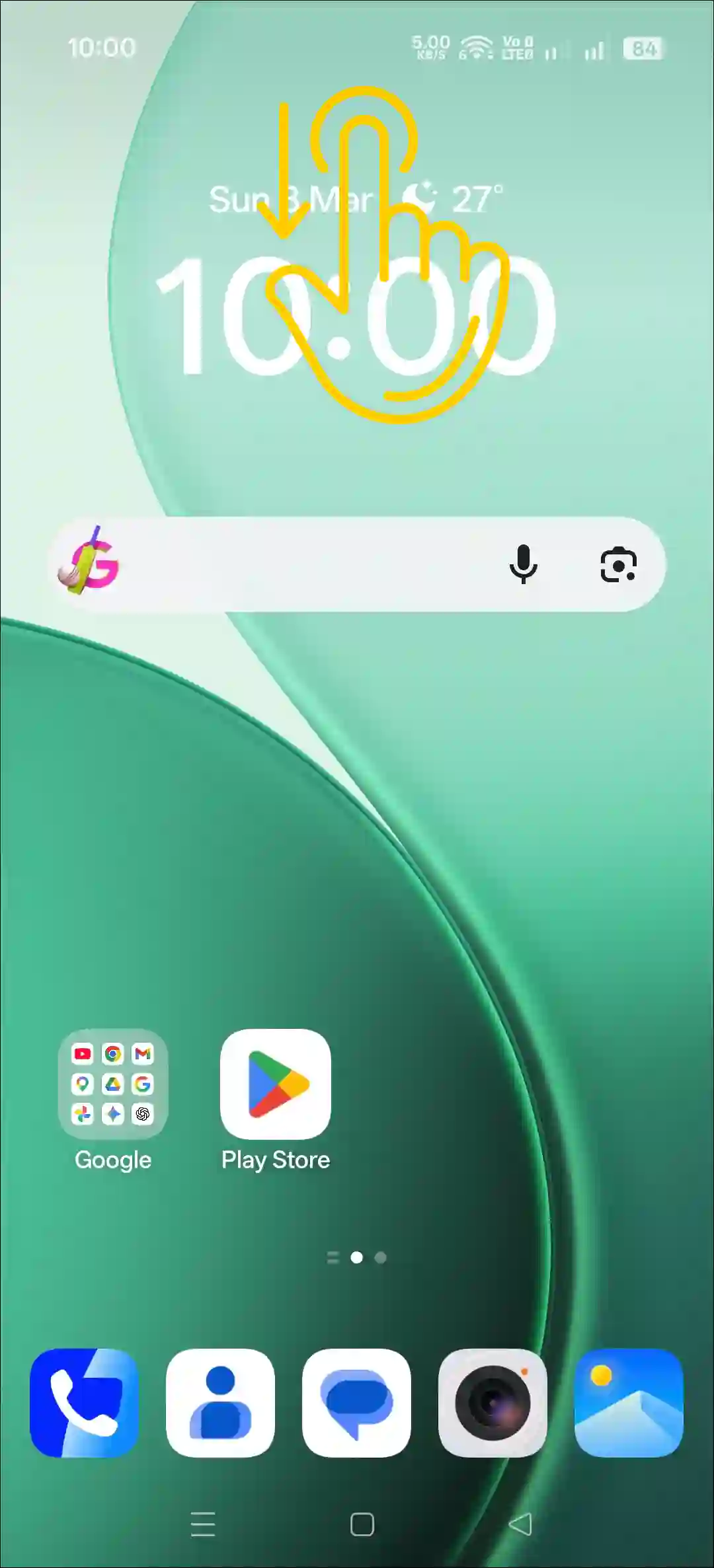
- Swipe Down from Top of Your Screen to Open Quick Panel.
- Tap on Dark Mode to Enable It.
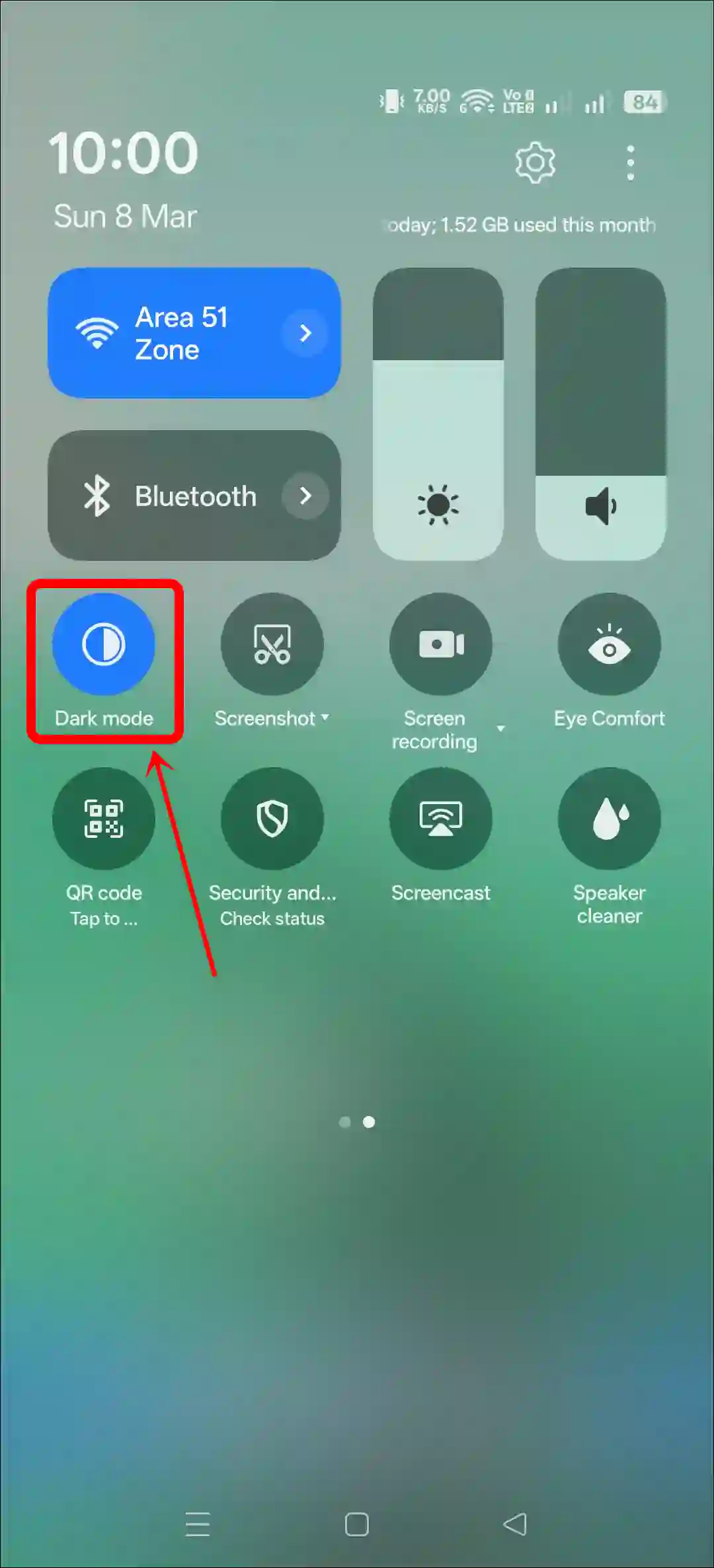
- That’s It! Now, Dark Mode is Enabled on Your X App.

Alternatively, you can also activate it from your phone’s settings. To do this, go to your phone’s Settings and select the Display & Brightness section. Select Dark Mode from here.
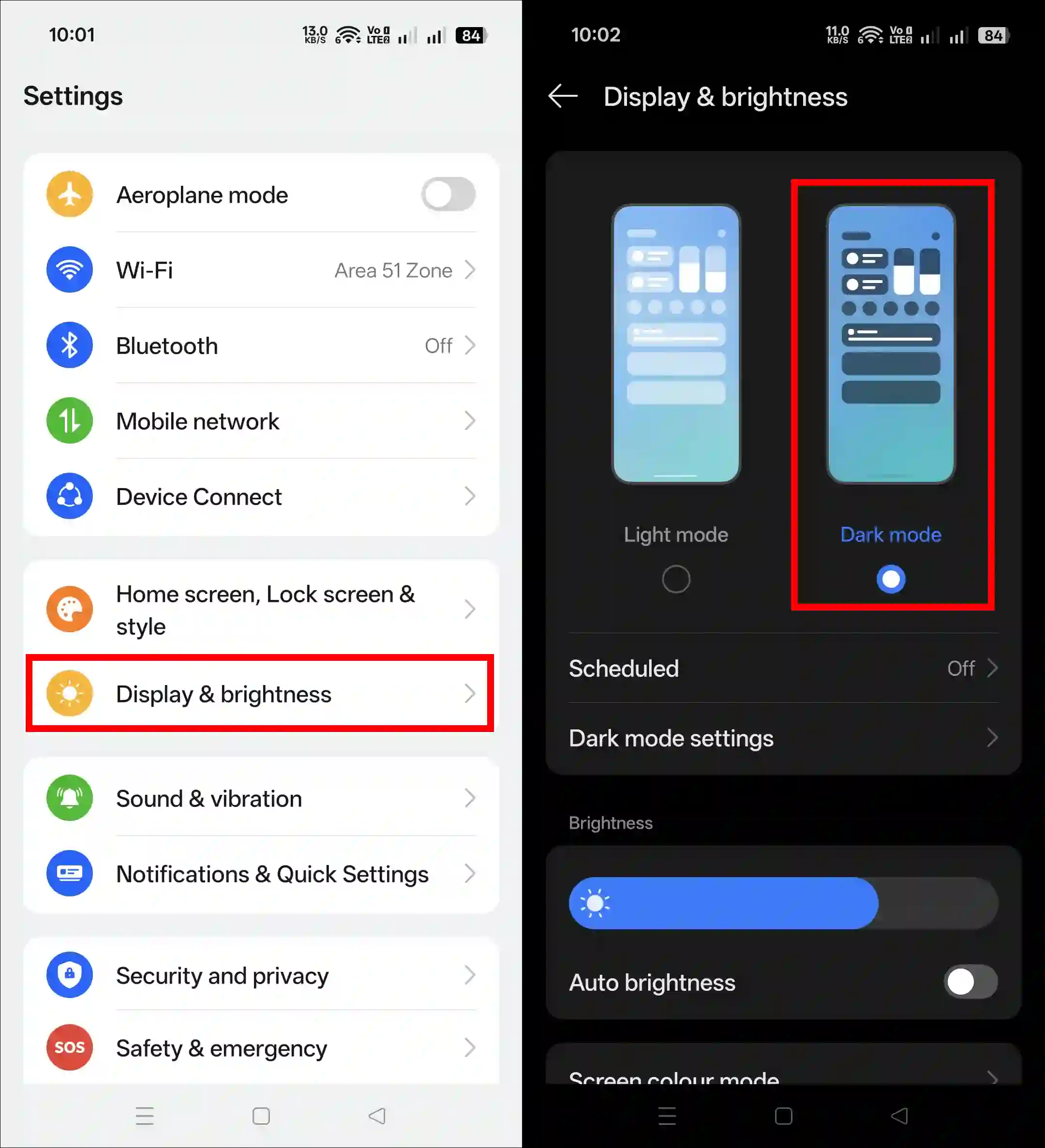
That’s it! You’re done…
More X related posts:
- Send a Private Message (DM) to Someone on X
- Find and Delete Saved Draft Posts on X
- Turn Off Sensitive Content on X
I hope you found this article helpful and learned why X dark mode is not showing. If you have any questions related to X, please ask in the comments below. Feel free to share this article as well.