
How to Activate Google Gravity on Mobile, PC and Chromebook
Google is a popular search engine that provides answers to our questions and many more. It has become an important part of our daily lives. But did you know that, in addition to all this, the Google search engine page also has some hidden fun features?
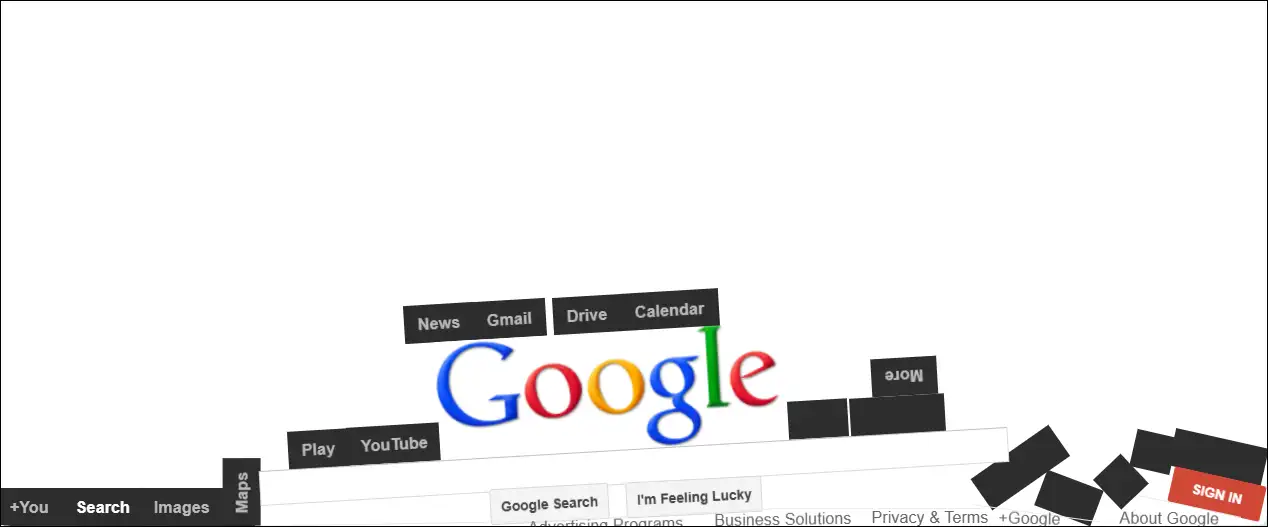
Yes! The Google search engine has a fun interactive feature called “Google Gravity” that applies the laws of physics to the entire Google search page. When you unlock “Google Gravity,” you’ll find all the elements of the Google search engine page have fallen to the bottom, as if gravity has pulled them all down.
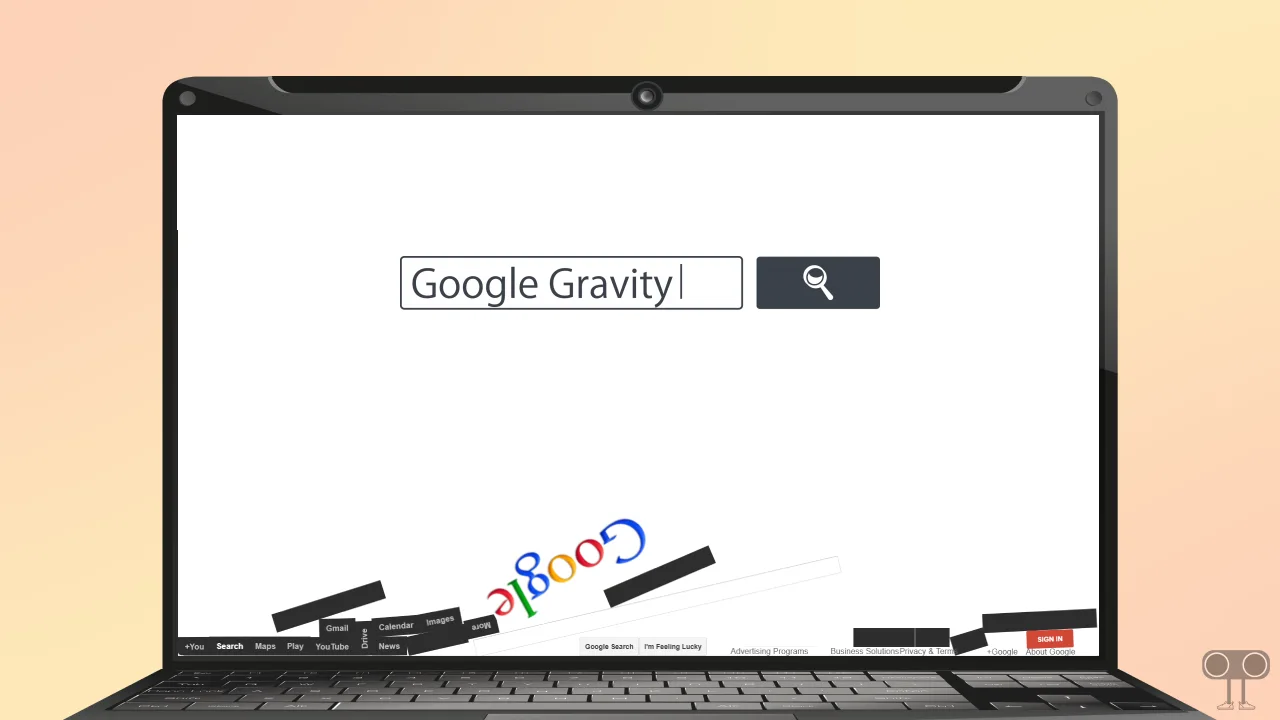
By default, the “Google Gravity” mode is disabled on the Google search page, but enabling it is very easy. In this article, I have explained step-by-step how you can activate Google Gravity on your mobile device, PC, and Chromebook.
Note: This hidden trick will only work in JavaScript-enabled browsers. Before following the steps mentioned below, make sure that JavaScript is enabled in your browser.
1. Activate Google Gravity on Mobile Phone
Whether you’re an Android or iPhone user, you can enable the hidden Google Zero Gravity mode in any browser. Once enabled, all the page elements will collapse to the bottom of your phone screen. It’s a fun trick you can use to surprise people.
To do the Google Gravity trick on Android or iPhone:
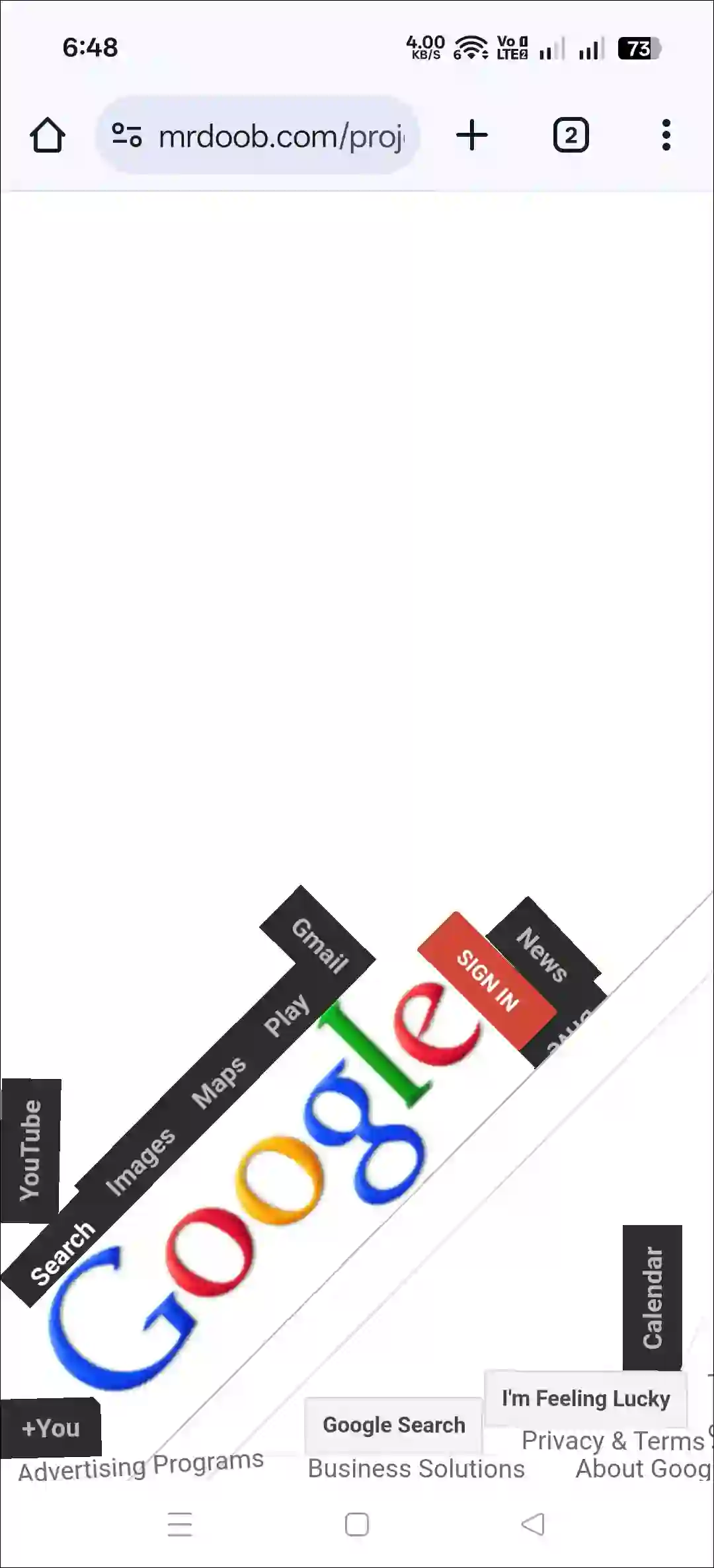
Step 1. Click on This Direct Google Gravity Link.
Step 2. Now You Can See Google Gravity Effect Your Screen.
2. Activate Google Gravity on Desktop + Chromebook
If you want to try this Google Zero Gravity mode on your Chromebook, laptop, Mac, or computer, that’s also possible. You can use any web browser like Chrome, Firefox, Edge, or Safari. However, you will only see this gravity fall effect in the Google search engine.
To do the Google Gravity trick on a PC or Chromebook:
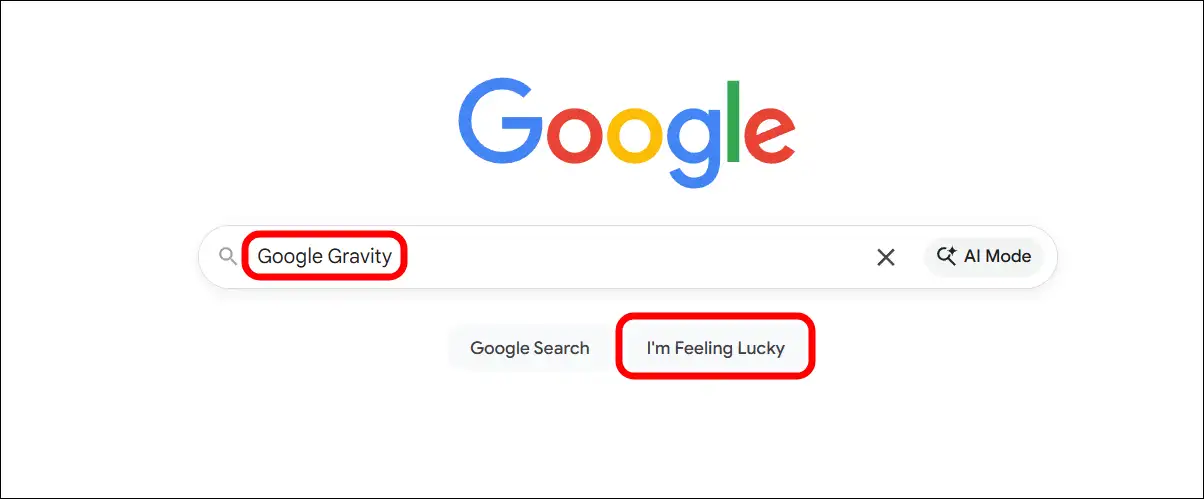
Step 1. Open Any Browser and Go to Google.com.
Step 2. Type “Google Gravity” in the Search Box and Click on I’m Feeling Lucky Button.
Step 3. Now, You’ll Google’s Zero Gravity Effect on Your Screen.
That’s all! You’re done…
FAQs
Q 1. How do you make gravity hit Google?
Answer – You can do so using the “Google Gravity” search trick. Simply search for “Google Gravity” and click on the “I’m Feeling Lucky” button. Alternatively, you can directly go to the elgooG website.
Q 2. What is Google’s I’m Feeling Lucky button?
Answer – The “I’m Feeling Lucky” button on Google’s search page bypasses the search results and takes you directly to the first result for your query.
I hope you found this guide helpful and learned how to perform the Google Gravity trick directly in your browser. If you have any other questions about Google’s hidden tricks, feel free to ask in the comments below. Don’t forget to share this article.

Hini