Bing Says “It’s not you, it’s us! Bing isn’t available right now” Error Message
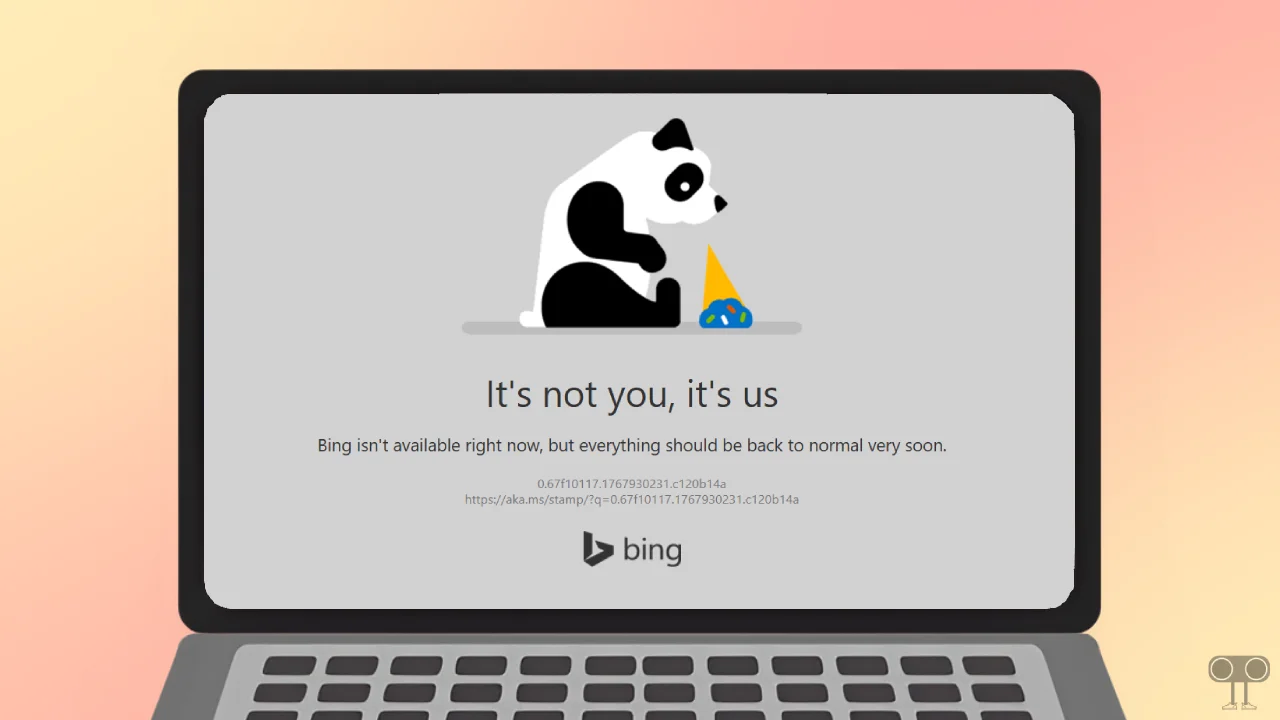
For some time now, Bing users have been experiencing an unexpected technical problem, although it only lasts for a few moments. Microsoft’s official search engine, Bing.com, is quite popular worldwide, but whenever users open “Bing.com” on a desktop browser, they see an error message on the screen.
Whether users are using Google Chrome, Microsoft Edge, Mozilla Firefox, Opera, Brave, or any other browser, when they open the Bing website, a white page appears with the following message:
It’s not you, it’s us.
Bing isn’t available right now, but everything should be back to normal very soon.0.67f10117.1767930231.c120b14a
https://aka.ms/stamp/?q=0.67f10117.1767930231.c120b14aBing!
Many users have posted about this problem on Reddit and other social media platforms like Twitter and Facebook, using hashtags such as #BingDown and #BingNotWorking. If you also tried to open the Bing search engine on any desktop browser and saw this error message, don’t worry! You’re not alone.
Also read: 3 Ways to Remove Yahoo Search from Chrome Browser
Possible Reasons Behind This Error
1. Server-side issue:
This message is displayed by Bing itself. It means there’s a technical problem on Bing’s servers (like a server being down, maintenance, traffic overload, or a software update issue). This usually resolves itself within a few hours.
2. Local network or ISP problem:
Sometimes, a problem with your internet service provider (ISP) or local network can prevent you from accessing Bing’s servers.
3. Browser cache and cookies:
Outdated or corrupted cache or cookies can sometimes prevent websites from loading correctly.
4. Extensions or settings:
Certain browser extensions (such as ad blockers and privacy tools) or strict security settings may interfere with Bing’s website.
Also read: How to Delete Yahoo Search History on Phone & Desktop
Here’s What You Can Do to Fix It?
1. Refresh the Page
As the error message indicates that the problem is on their end and not yours, first try refreshing the Bing search engine page in your browser. We’ve often found that refreshing the page easily resolves the issue and allows you to access the Bing search engine.
To refresh the page, press CTRL + R (or F5) on a Windows computer or laptop, and press Command (⌘) + R on a Mac.
2. Check Bing Server Status
This problem is server-related, so first, check if Bing.com is currently down. Websites like DownDetector and IsItDownRightNow we will show you the live server status of Bing. If the graph shows a problem and the number of reports is increasing, it confirms that the issue is server-side. In this case, all you can do is wait.
3. Clear Browser Cache
Often, outdated and corrupted cache or cookies prevent websites from loading correctly. Clearing them can easily resolve this issue and allow you to access any website. All browsers allow their users to clear corrupted cache and cookies.
- On Chrome, Edge, Opera & Firefox: Press CTRL + SHIFT + DELETE > Select “Cached images and files” and “Cookies” > Click on Clear Data.
4. Disable Extensions
Sometimes, installed browser extensions can prevent certain websites from loading, especially if you’re using an ad blocker extension in your browser. Try disabling all installed extensions and then see if Bing is still showing the error.
5. Try in Private/Incognito Mode
If the Bing search engine page still doesn’t open after following all the methods mentioned above, you should now try opening it in your browser’s private or Incognito mode. This method often works, and the website opens successfully.
Also read: Remove Bing from Firefox on Windows 11/10 using These 4 Ways