Can You See Who Views Your Profile on Instagram? Here’s Everything!
Many users like you wonder, “Can I see who views my profile on Instagram?” This isn’t a new question, as users have been unable to find this information. It’s probably one of the most frequently asked and searched questions on Instagram. I’ve explained it in detail below.
Can You See Who Views Your Profile on Instagram?

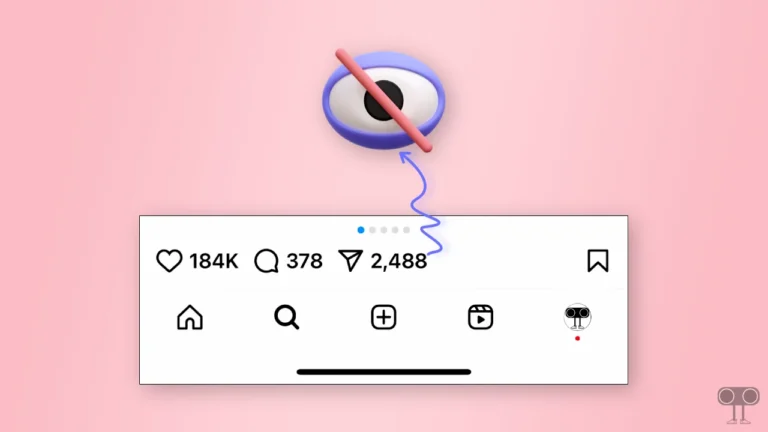
The answer is no! Instagram currently doesn’t offer any feature that allows you to see who has viewed your profile. Meta likely did this for privacy reasons, so you can’t see who visits your profile. Meta maintains the privacy of its users’ visits.
What You Can See?
As you are now aware, you cannot see the names of your profile visitors due to privacy reasons. However, Instagram does have certain features where viewers’ names are visible to you. I have listed each of these features below.
1. Instagram Stories
If you share stories on Instagram, you will see the names of all users who viewed your stories for 24 hours. To see this list, open the Instagram app and then open your story. Tap the eye icon at the bottom left. You will now see the names of everyone who viewed or liked your story.
2. Highlights
Instagram Highlights is a feature that creates an organized, permanent collection of your past Stories, and it appears on your profile, below your bio, as tappable circles. If you add your Stories to Highlights, they will remain visible in your profile’s Highlights section even after the 24-hour expiration period.
However, once the 24-hour duration of stories ends, Highlights will only show you the names of the viewers who liked that specific story of yours.
3. Stories Archive
When your story’s 24-hour period ends, it disappears from the main story feed and moves to the archive. But did you know that in the archive, you can still see the names of all the viewers who watched it while the story was live?
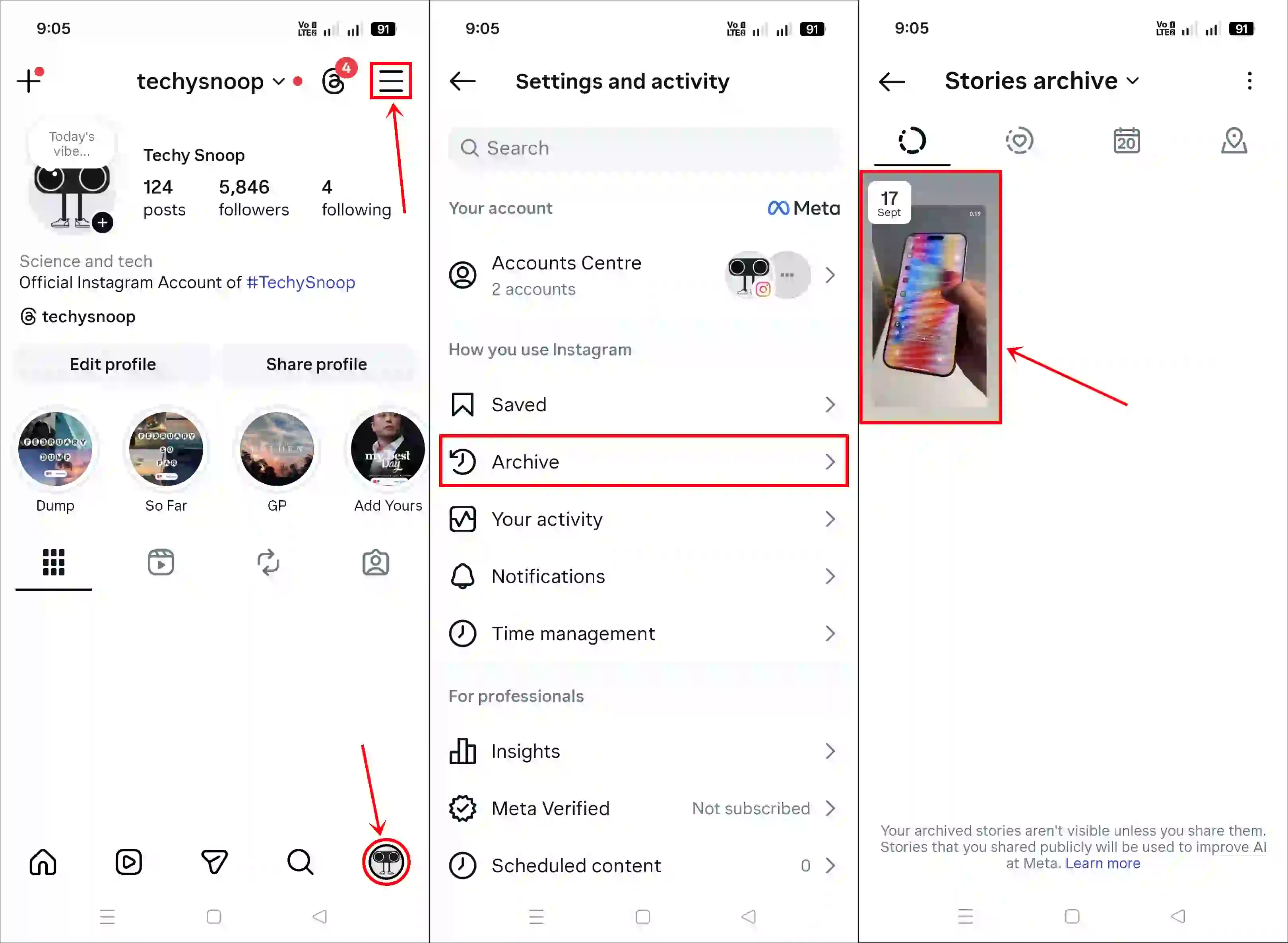
To view your stories archive, go to your Instagram profile and tap the three lines in the top right corner. Then, tap “Archive” and open any story. As soon as you tap “Activity” in the bottom left corner, you will see the names of all your viewers.
4. Instagram Live
If you are live streaming on Instagram, you can see a real-time list of the names of all the viewers who are currently watching your live stream. However, it might occasionally change if Instagram is testing new features.
You may also like:
- How to Send Reels to Yourself on Instagram
- How to See Reels Watch History on Instagram without Save or Like
I hope you found this guide helpful and learned whether you can see who views your Instagram profile. If you have any other questions about Instagram, please feel free to ask in the comments below. Also, remember to share this article.