SmartTube Triggers “Error Code 152-18” on Android TV
SmartTube, formerly known as SmartTubeNext, is a free, open-source YouTube client designed specifically for Android TV and Fire TV. Suddenly, SmartTube users are encountering “Error Code 152-18” on their screens, and numerous users are reporting this issue on Reddit and GitHub.
What Does This SmartTube’s Error Mean?
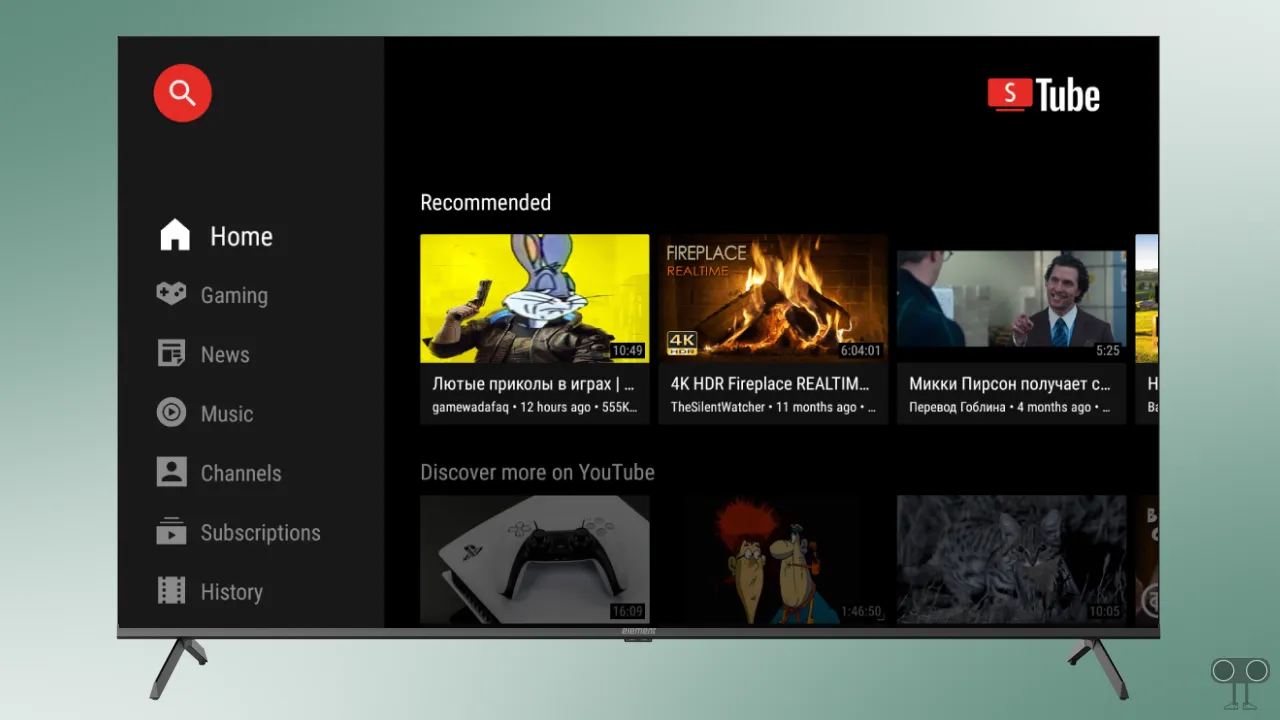
In SmartTube, “Error Code 152-18” means a video playback failure or that the video is unavailable. This error usually occurs due to an outdated app version, corrupted cache issues, authentication problems, or network restrictions.
Video Unavailable! Please reload the page.
Error Code: 152-18
Is smart tube not working anymore?

A user named “BoredOstrich” posted on Reddit that they are continuously seeing the error message “error code 152-18, video is unavailable” on their screen. Additionally, he shared that he reinstalled the SmartTube app from the website, and after signing in, the video kept loading infinitely and just reloading in a loop instead of playing.
Try These Methods to Fix SmartTube Error Code 152-18 on Android/Google TV
1. Clear Cache and Storage
According to some GitHub threads, clearing the corrupted cache and data on the TV fixes the “Video Unavailable” issue in SmartTube. Let’s try this first.
- Open Your Android or Google TV.
- Navigate to Settings > Apps > See all apps.
- Find SmartTube App and Click on It.
- Now, Click on Clear Cache and Clear Data.
2. Reinstall the SmartTube App
If the problem persists even after clearing the cache, you will need to perform a fresh reinstallation of the SmartTube application on your TV. This method often works because it deletes the old SmartTube files and installs new ones.
To uninstall the SmartTube app on Android/Google TV:
- Go to Settings > Apps > See All Apps.
- Click on SmartTube.
- Now, Click on Uninstall.
To reinstall the SmartTube app on Android/Google TV:
- Go to the Official SmartTube GitHub using Any Browser.
- Download the Latest Stable or Beta APK.
- Now, Install It on Your TV and Login to Your Account.
3. Keep Eyes on GitHub’s SmartTube Issues Page
If the problem still persists, you should keep your eyes on the SmartTube Issues Page on GitHub, as users discuss SmartTube-related issues there and also share associated solutions. You can go directly to the SmartTube Issues Page by clicking on the link below.