xAI’s Grok Saying “Message Limit Reached”? You’re Not Alone!
Is Grok AI showing you a “Message Limit Reached” notification too? If so, don’t worry, you’re not alone! Grok is a popular generative AI chatbot developed by xAI. This message can frustrate any user while they are asking questions, generating images, or performing deep analysis.
Why Grok is Showing “Message Limit Reached” Message?
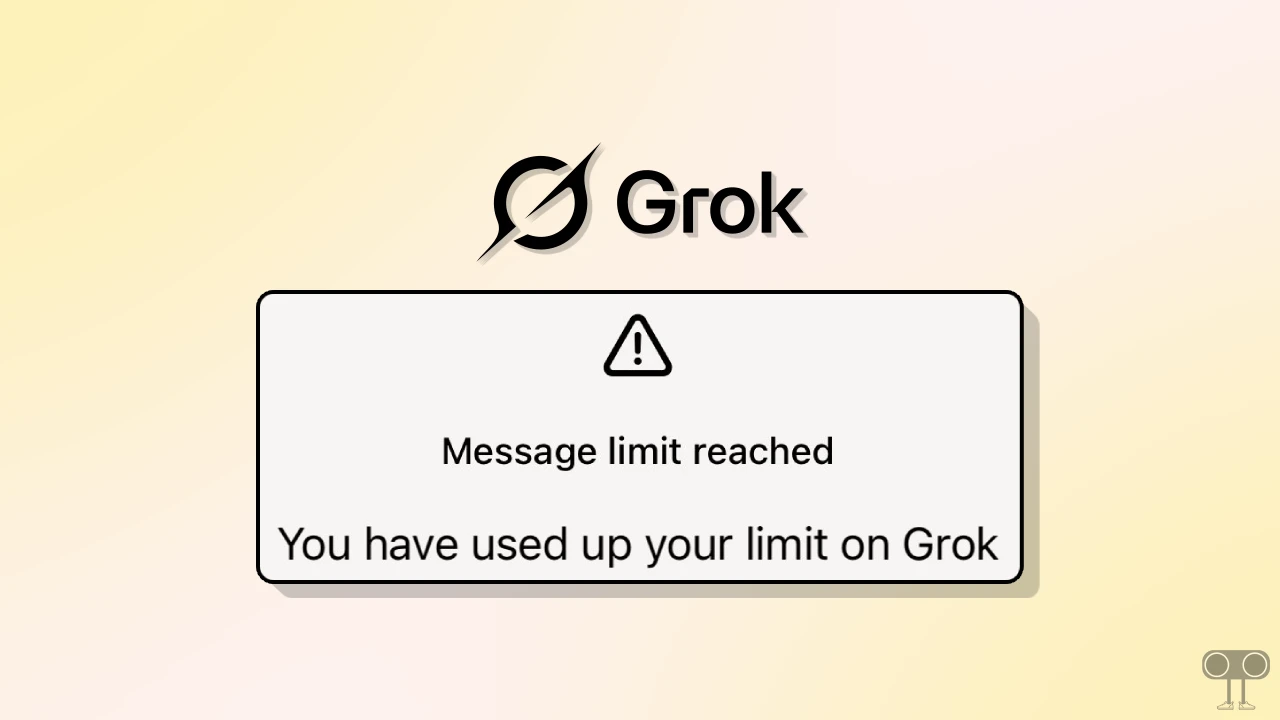
You are seeing this message after a limited search because xAI has set certain limits for model usage. This has been done to manage server load and prevent spam. However, different Grok models (e.g., Grok-2, Grok-2 mini, or Grok-3) have different limitations.
This message appears for both free users and premium subscription users. For example, both the free and paid plans of Grok 3 have limitations. While the free version of Grok 3 allows only a few actions, the paid plan enables many more.
| Category | Free Plan Limit | Premium+ Limit |
| Text Prompts | 10 every 2 hours | 100 every 2 hours |
| Image Generations | 10 every 2 hours | 100 every 2 hours |
| Image Analyses | 3 per day | 25 per day |
This issue may appear in both the Grok AI app (Android and iPhone [iOS]) and the desktop version (grok.com). You may encounter this limit-hit problem in two types of messages, which are mentioned below.
Message limit reached
You have used up your limit on Grok.
Upgrade to SuperGrok
or,
⚠️
Message limit reached
Please try again in an hour.
Also read: Fix ‘Grok was Unable to Finish Replying. Please Try Again Later or Use a Different Model.’
How to Fix or Bypass xAI’s Grok “Message Limit Reached” Problem?
1. Wait for Auto-Reset
As Grok’s AI models have usage limits for specific time periods, if you have reached a limit, you can wait for that time period to end. Once the time period for the limit expires, you can use the Grok model again.
2. Switch Models
If you want to continue using Grok without interruption even after hitting the usage limits, there is a simple solution. Just switch your current Grok model to a different Grok model.
For example, if you are currently using Grok-3 and have reached all its limits, you can switch to the Grok-2 or Grok-2 mini model and continue using it within their respective limits.
3. Upgrade Your Plan
If you don’t want to wait and don’t want to use other models, then you need to upgrade your plan. You can upgrade to the “SuperGrok” plan to use Grok without interruptions.
SuperGrok is a premium and advanced tier of the Grok AI assistant that offers you higher usage limits. Not only that, this plan also gives you early access to models like Grok 4 Heavy.