YouTube’s Incognito Mode Not Showing on Android? Here’s How to Turn It On or Off
Users are suddenly reporting on Reddit, Twitter, and Google Forums that Incognito Mode is not showing in their YouTube app. You, too, may not be untouched by this issue. Don’t worry! This happened following a recent YouTube update, in which the option has been relocated elsewhere, making it seem like Incognito Mode is missing.
Why is the YouTube app not showing the incognito mode option?
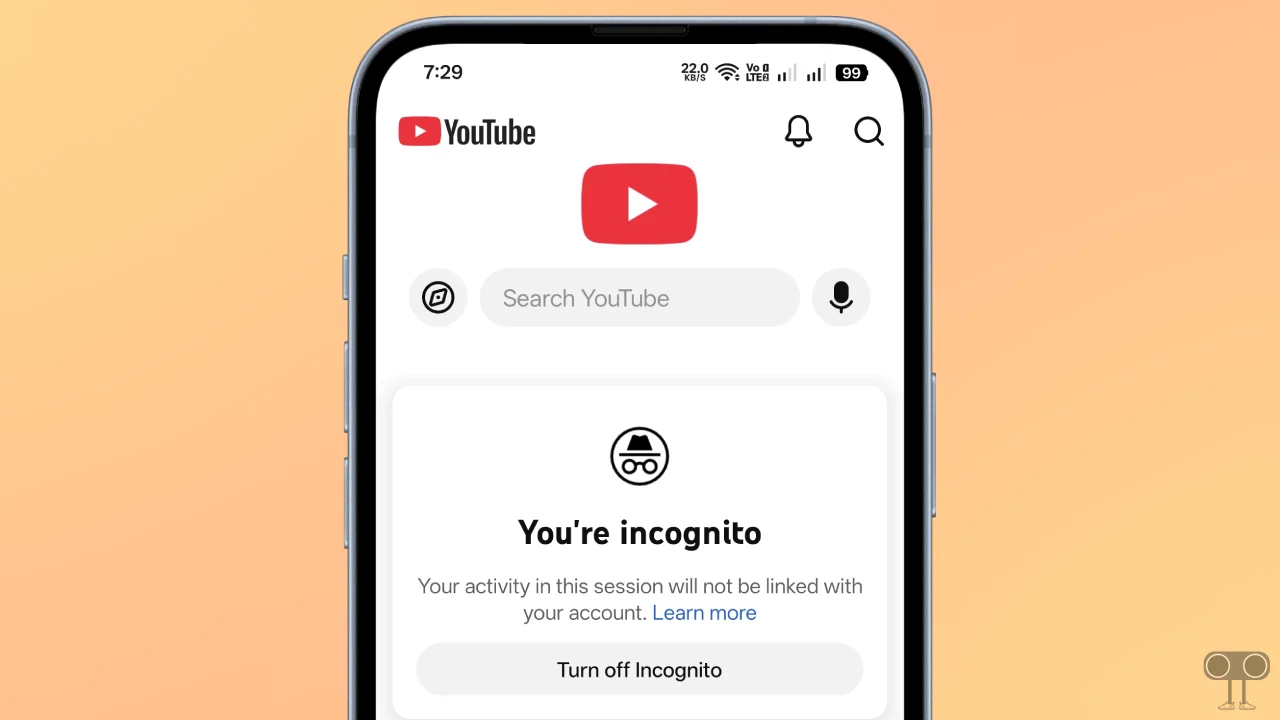
Following the latest update to the YouTube app on Android phones, the Incognito mode option has disappeared from the profile section. This is not a bug or a glitch; rather, it is a layout shift in which certain important options have been relocated to a different location.
You can still enable and disable incognito mode in your YouTube app. Below, I have mentioned all the steps with pictures so you can easily enter and exit incognito mode in the YouTube app.
How to Turn On or Off YouTube’s Incognito Mode After Latest Update
To enable or disable incognito mode in the YouTube app:
- Open YouTube App on Your Phone.
- Tap on Profile Icon at the Bottom Right Corner.
- Tap on Accounts at Top Left Corner.
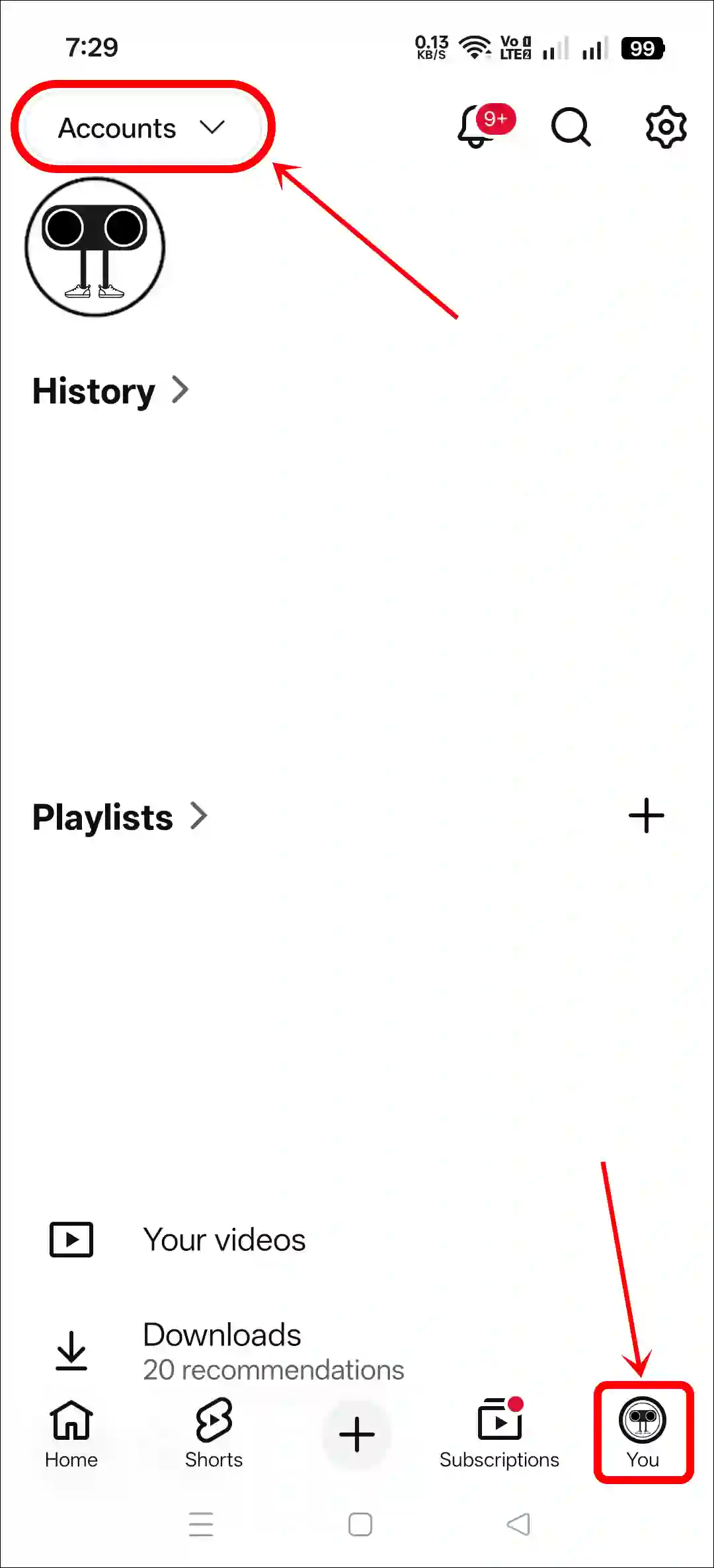
- Tap on “Turn On Incognito”.
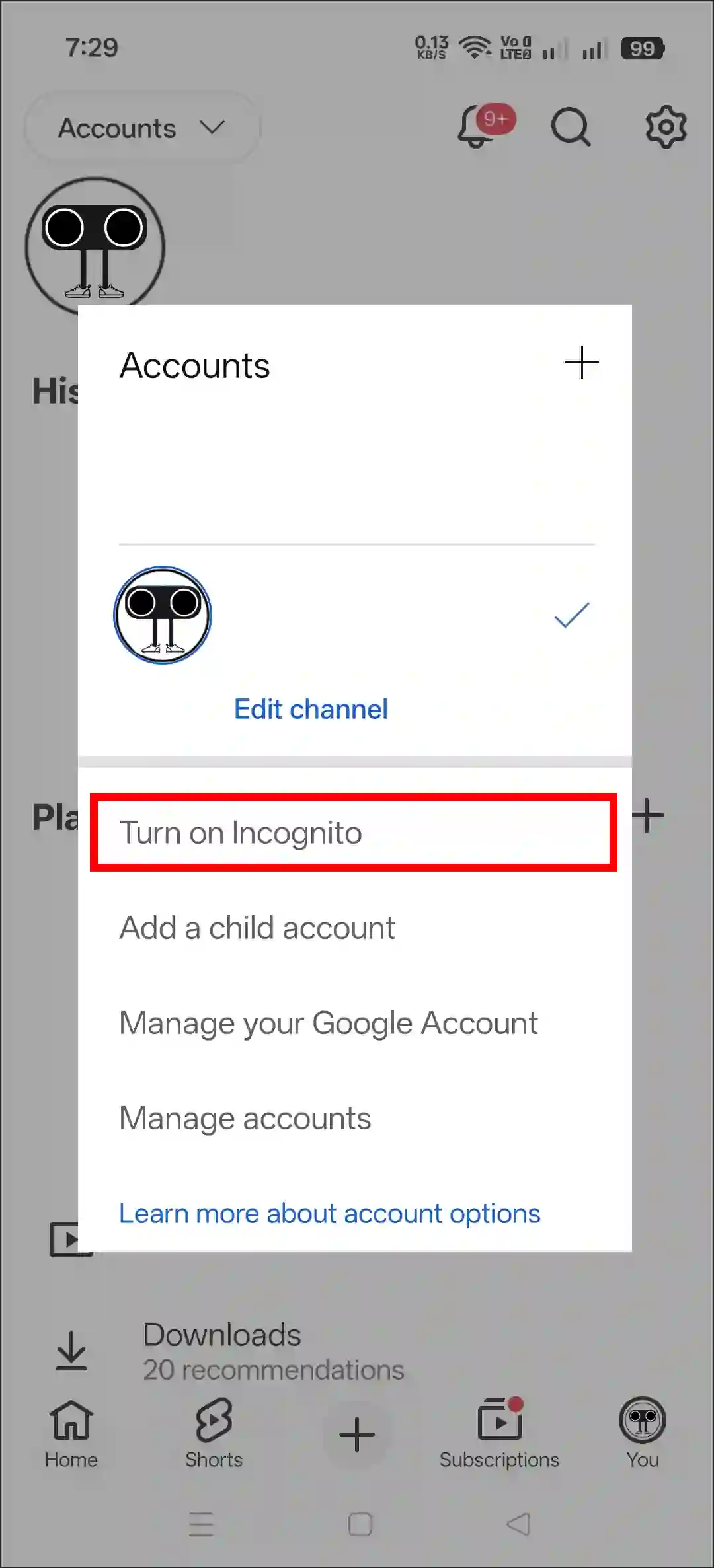
- Now, You’re in Incognito Mode.
- If You Want to Exit, Simply Tap on “Turn Off Incognito”.
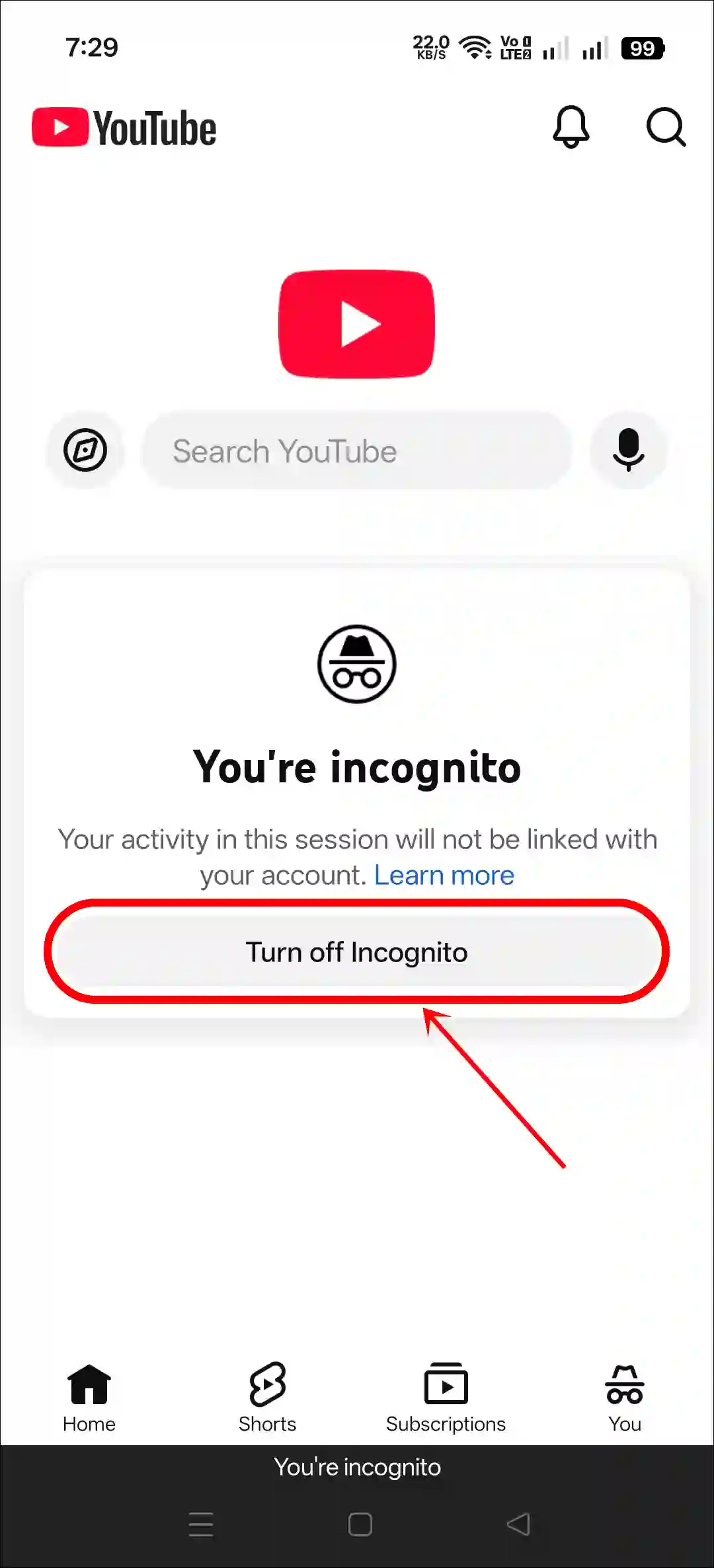
That’s It! You’re done…
Also read: How to Turn Off Auto Dubbed on YouTube as a Viewer
FAQs
Q 1. Where is incognito mode in the new YouTube app?
Answer – In the new YouTube app, they have moved Incognito Mode to a different location. To access it, open the YouTube app, go to the profile section, tap on ‘Accounts’ in the top left, then tap ‘Turn on Incognito.’
Q 2. The incognito mode option is really missing in the YouTube app.
Answer – If Incognito mode still does not appear even after the recent update, the cause could be a bug or glitch within the app, corrupted cache data, or another technical issue. To resolve this, try clearing the corrupted cache data, and then update the YouTube app once again via the Play Store.
I hope you found this article helpful and learned how to enable or disable incognito mode in the YouTube app. If you have any other questions about YouTube, feel free to ask in the comments below. Don’t forget to share this article.