Gemini Logo Remover! Eraser AI Watermark from Image & Video for Free
Whenever you create images or videos using Google Gemini, Google Flow, or Google AI Studio, the Gemini logo appears in the bottom-right corner of the generated content, which looks quite odd. If a photo or video is shared with a logo, it appears to be AI-generated. However, with the help of the “Gemini Logo Remover tool“, you can erase this AI watermark from photos or videos for free without losing quality.
Gemini Logo Remover Online Free
When you upload a photo or video to this tool, it detects the Gemini watermark—or ‘sparkle’ logo—embedded by Google and removes it using mathematical methods. An internet connection is required during this process, and your image quality does not degrade at all.
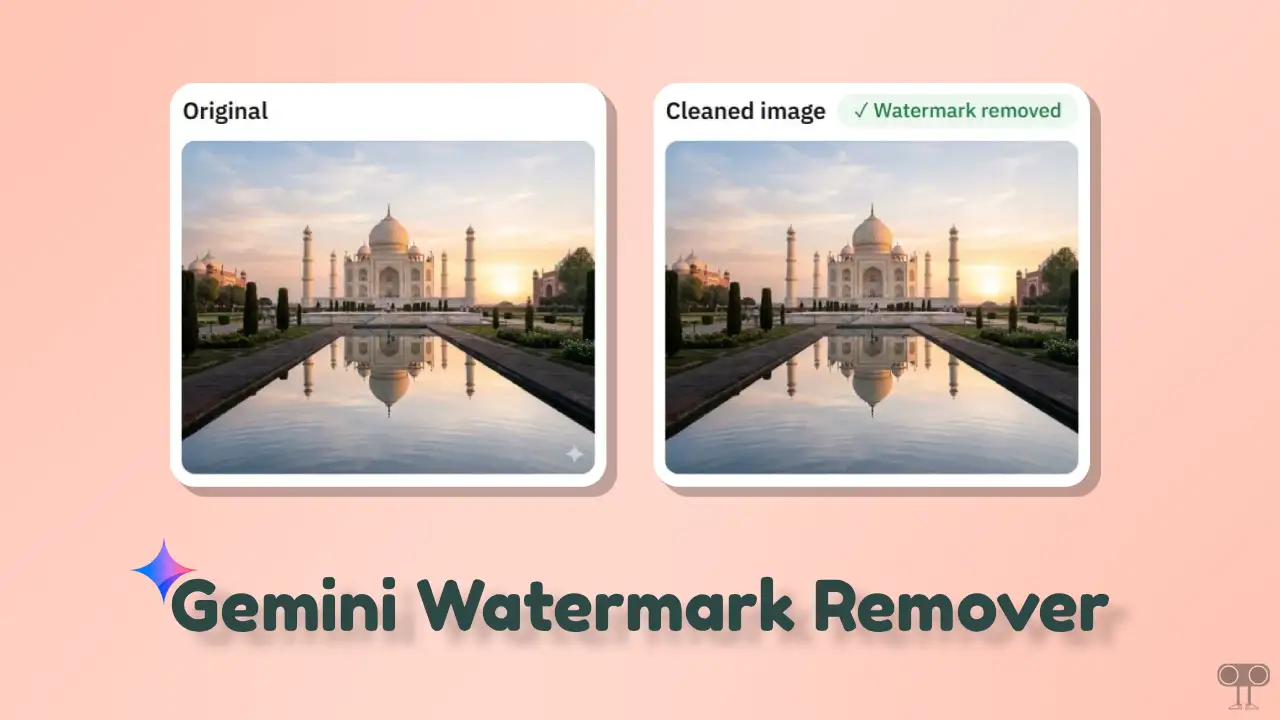
This tool is accessible via a browser (on Mobile Phone & PC, Desktop), and you can upload image formats such as PNG, JPG, and WebP, as well as the MP4 video format. The good thing is that it runs 100% client-side in the browser, meaning the video or photo you upload will not go to our server.
Why Should You Erase Gemini Watermark?
There can be many reasons for removing the Gemini logo from an image or video; some of the key reasons are mentioned below:
1. Professional Presentation: If you are working for a client, giving a presentation, or using images on your own website, the presence of this ‘Gemini’ logo can make your work appear somewhat unprofessional. Removing the logo instantly makes the photo feel like it’s truly your own.
2. No Cropping Needed: If you crop an image to remove people, sometimes important elements of the image also get cut. In such cases, this AI Watermark Remover is an excellent option, as it makes the watermark disappear without cropping.
3. Maintaining Quality: Often, simple apps ruin image quality when people erase logos, but this tool removes the Gemini logo without tampering with your image quality, resolution, or pixels.
How to Remove Gemini Watermark from Generated Image or Video Online for Free
- Open Google and Search “Gemini Logo TechySnoop”.
- Open This Gemini Logo Remover Post.
- Upload Your Generated Image or Video Here.
There is a toggle here for photos and videos. So, make sure it is selected. - Next, Click on “Download Cleaned Photo” or “Download Cleaned Video” Button.
I hope this “Gemini Logo Remover” tool has been quite helpful to you in removing the Gemini watermark from images and videos. If you are facing any issues with the tool, please let us know by leaving a comment below! Be sure to share this post with your friends.