CapCut Says “Too Many People Are Using This Feature Now” Error Message
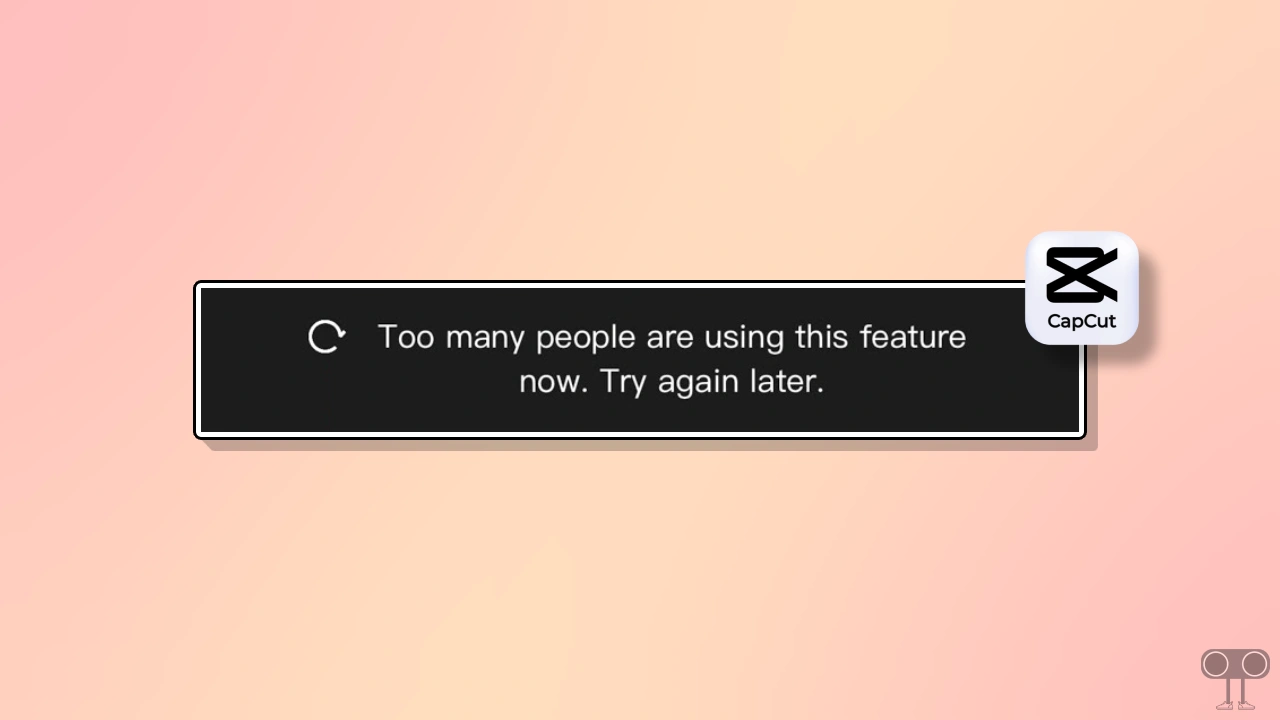
In this article, I have explained how to fix the “Too many people are using this feature now. Try again later.” problem in CapCut on your Android phone. This error message appears when you try to access effects or templates while editing in the CapCut app.
However, along with this error, another problem, “Network error, Check your internet connection and try again. Refresh” can also bother you, and it appears only while accessing templates. This issue is quite common but can be quite annoying for users.
This issue in CapCut typically occurs for three main reasons: internet connectivity problems, an unsupported DNS or VPN, or a server-side issue. However, I have shared some troubleshooting methods below. By following these, you may be able to fix this problem in CapCut.
Fix CapCut’s Too Many People Are Using This Feature Now Problem on Android
1. Check Your Internet Connection
Sometimes your internet connection can also cause this error code in CapCut. First, check the internet speed on your device. If the speed is too slow, change your internet connection. For example, if you are using mobile data, then switch it to Wi-Fi, and if you are using Wi-Fi, then switch to mobile data.
2. Disable Private DNS
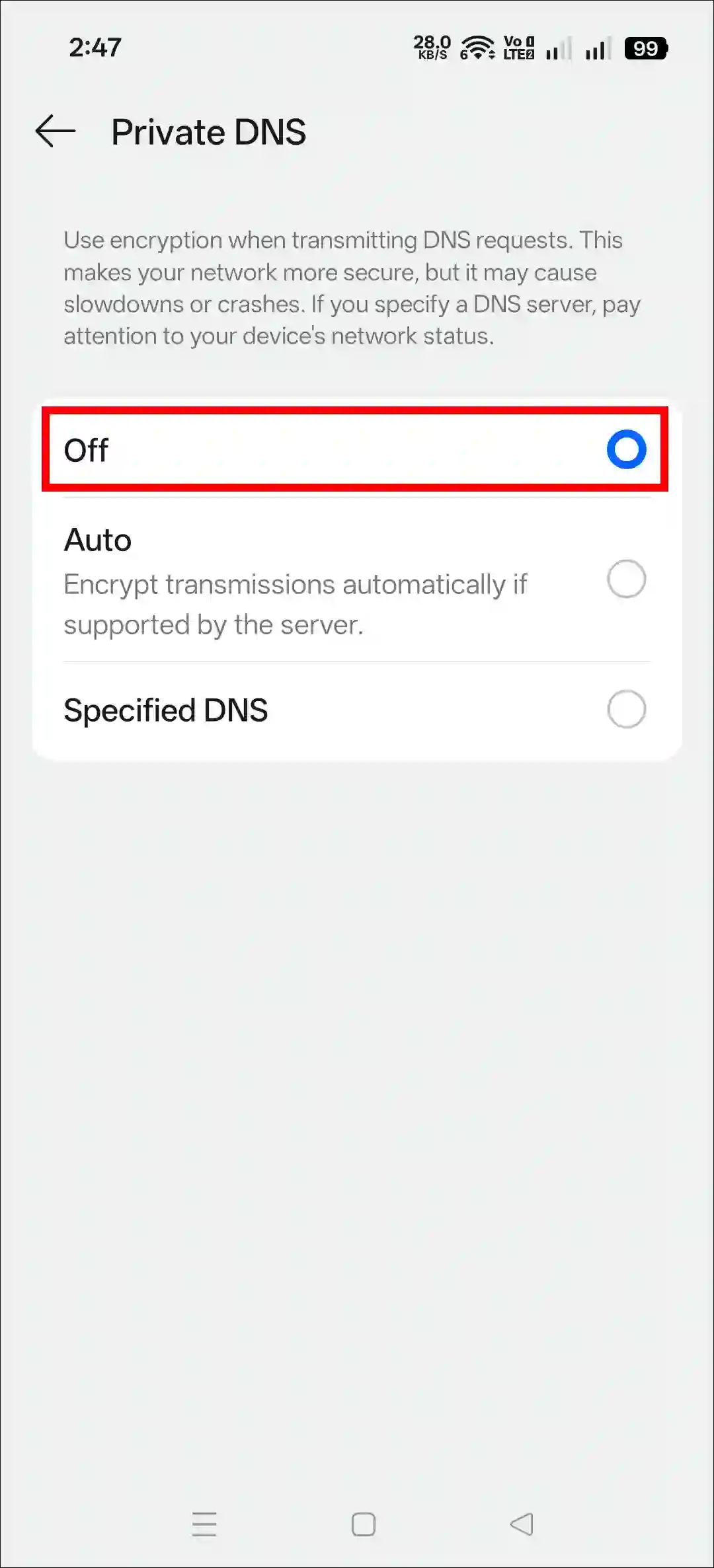
We often use custom DNS for more privacy and faster internet, but sometimes certain DNS settings can prevent CapCut app from working properly. In such cases, disabling the custom DNS or resetting it to default can be a suitable option.
- Open Settings on Your Phone.
- Search “DNS” and Select Private DNS.
- Now, Select Off.
3. Change Your VPN
As CapCut is restricted in some regions, users often use VPNs to access it. However, some VPNs are not fully compatible with CapCut and can create various errors and problems. In such cases, you can use a popular and reliable VPN such as Turbo VPN, Proton VPN, or NordVPN.
Related: CapCut Security Notice Problem
4. Clear CapCut’s Cache & Data
Corrupted cache and data in the CapCut app often cause various problems. If you can’t access the CapCut app or some of its features, you’ll need to clear the CapCut cache and data. This process is quite simple on Android phones.
- Open Settings Your Phone.
- Go to Apps > All Apps > CapCut.
- Tap on Storage Usage or Storage & Data.
- Tap on Clear Data and Clear Cache.
5. Reinstall the CapCut
If you are using an outdated version of CapCut, you may not be able to access effects and templates. In this case, a good option is to reinstall the latest version of CapCut on your device. First, uninstall CapCut from your phone, then install the latest CapCut APK.
I hope you found this article helpful and that you’ve fixed capcut too many people are using this feature now; try again later. If you have any problems or questions related to CapCut, please let us know in the comments below. Don’t forget to share this article with your friends on social media.