How to Enable or Disable Face Tracking (Selfie Mode) on DJI Osmo Pocket 3/2/1
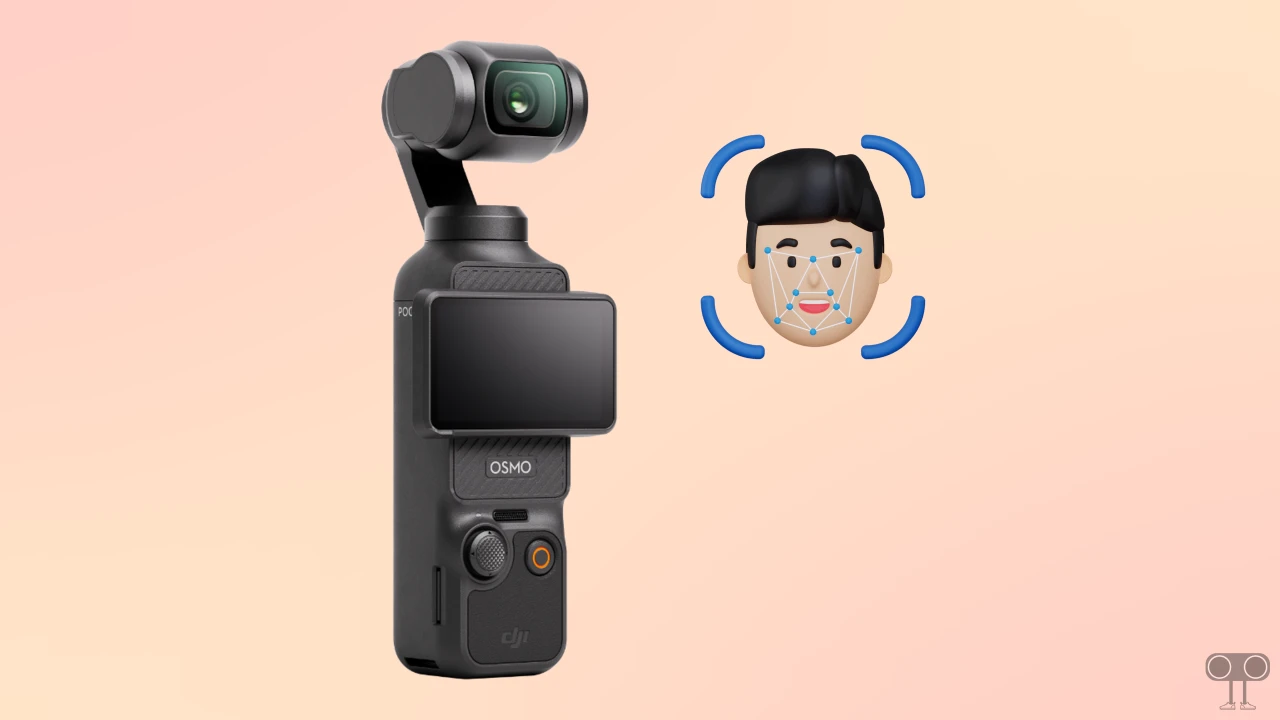
In this article, I have explained how you can enable or disable face tracking or selfie mode on the DJI Osmo Pocket 3/2/1. The Face Tracking (FT) Selfie Mode in the DJI Osmo Pocket series (especially models 3 and 2) is a smart, automated gimbal feature that recognizes and tracks a person’s face to keep it centered in the frame.
DJI introduced this face-tracking feature in the Osmo Pocket series to enable smooth, hands-free tracking during vlogging, dancing, or other movements. You can easily activate and deactivate this feature on the DJI Osmo Pocket. All the steps are given below, one by one.
Turn On Face Tracking (ActiveTrack) on DJI Osmo Pocket 3/2/1
- Turn On Your DJI Osmo Pocket Device.
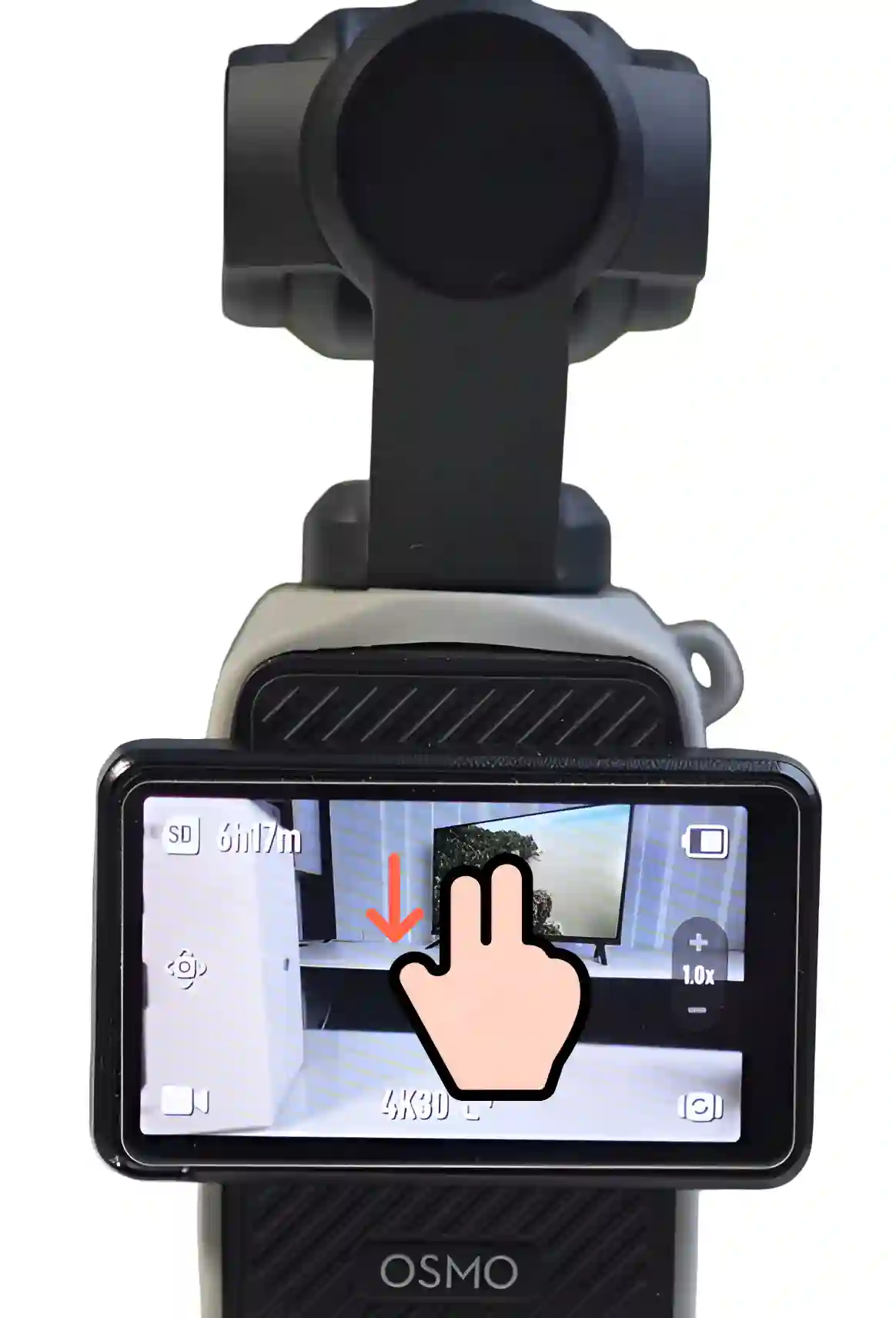
- Swipe Down Your Screen from Top.
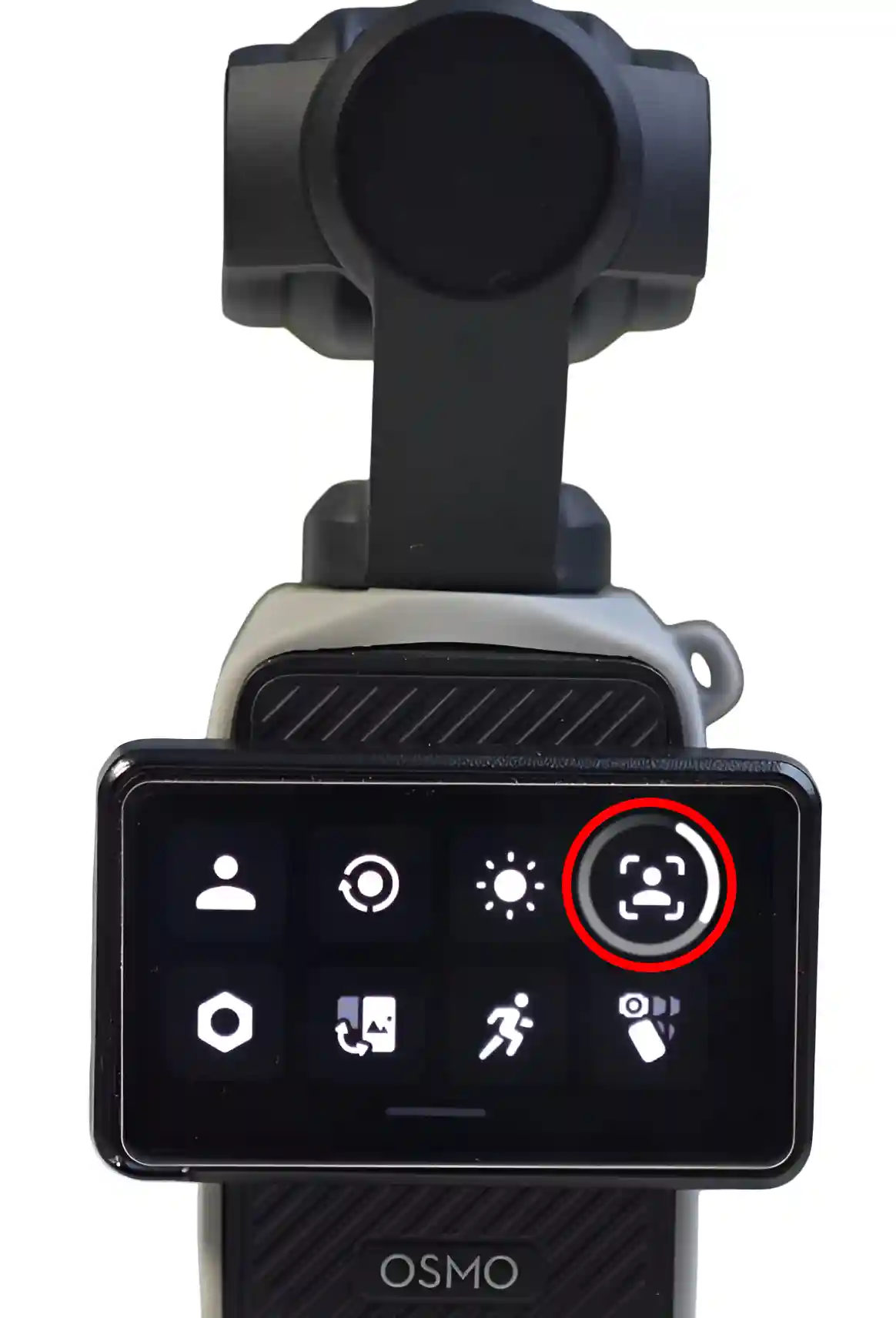
- Tap on the FT/Tracking Icon Next to the Brightness Icon.
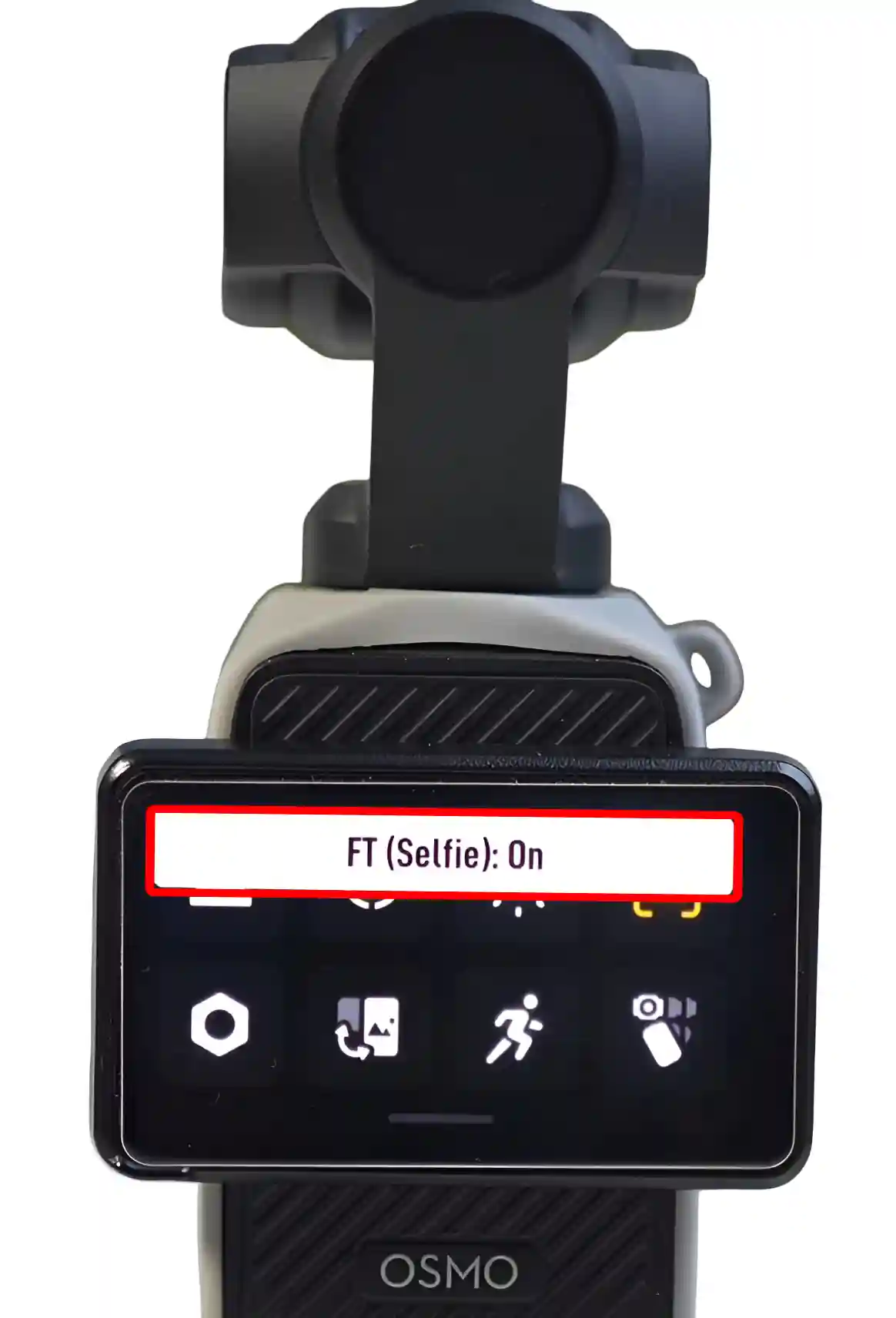
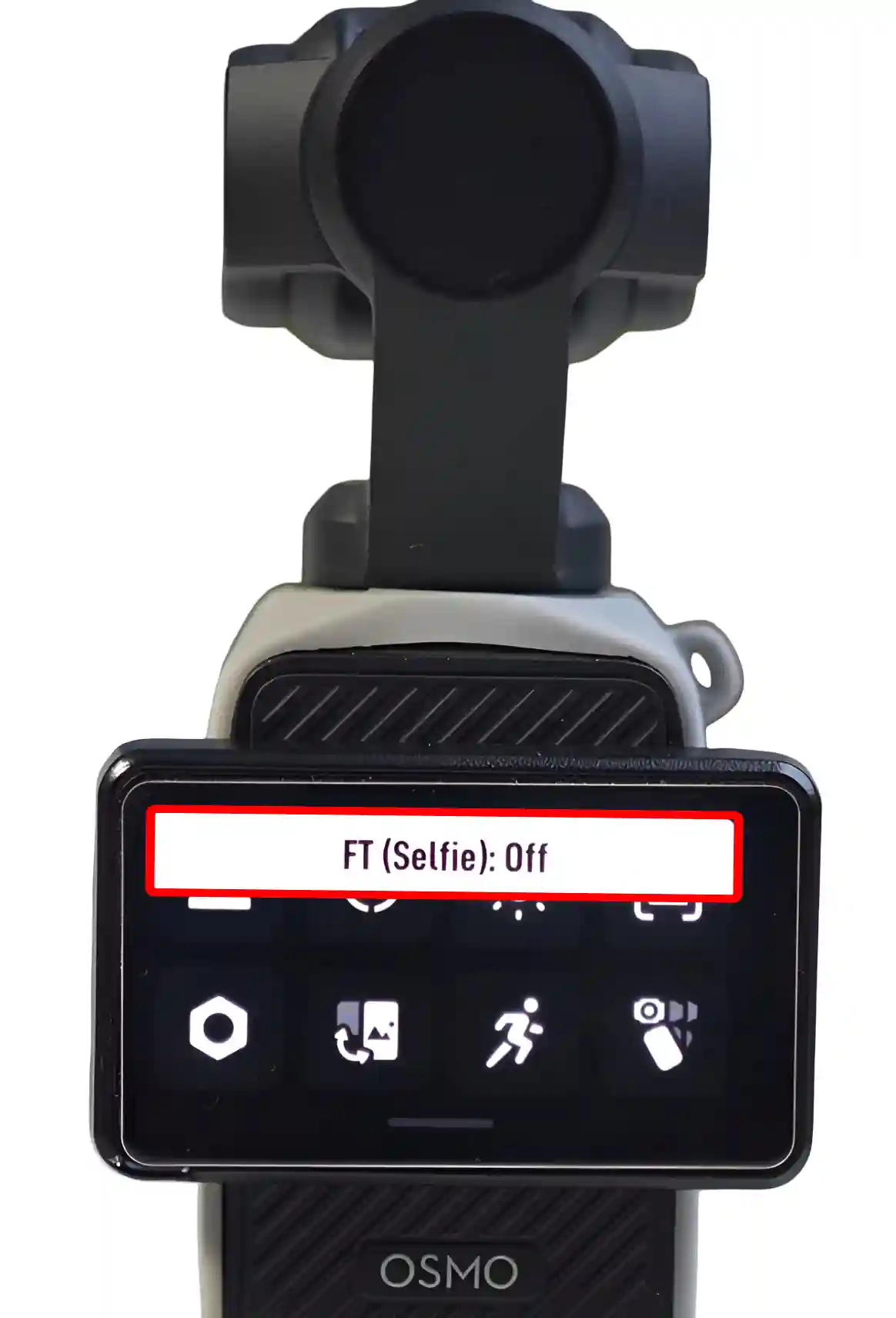
- Now, A Message “FT (Slefie): On” will Appear.
Turn Off Face Tracking (ActiveTrack) on DJI Osmo Pocket 3/2/1
- Turn On Your DJI Osmo Pocket Device.
- Swipe Down Your Screen from Top.
- Tap on the FT/Tracking Icon Next to the Brightness Icon.
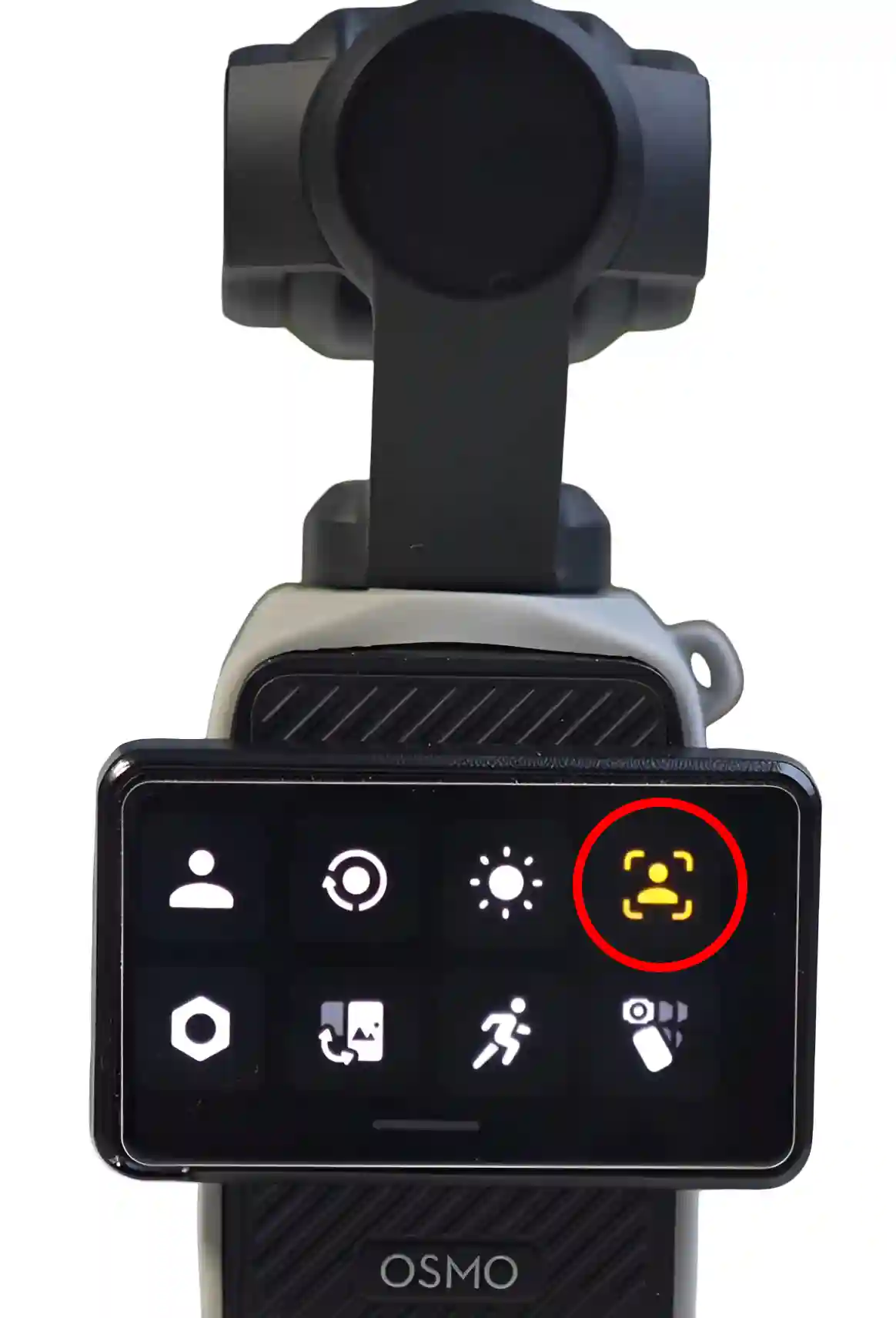
- Now, A Message “FT (Slefie): Off” will Appear.
That’s all…
FAQs
Q 1. Does the DJI Osmo Pocket 1 have face tracking?
Answer – Yes! The DJI Osmo Pocket 1 also has built-in face tracking, which is part of the “ActiveTrack” feature. You can enable or disable it whenever you want by swiping down on the screen.
Q 2. Does the Osmo Pocket 2 have face tracking?
Answer – Yes! The DJI Osmo Pocket 1 also features advanced face tracking, powered by DJI’s ActiveTrack 3.0 technology.