GoFundMe is Showing “Unknown Error” on the Screen
The “Unknown Error” is a common issue experienced on various platforms like Marvel Rivals, Rapidgator, and the Microsoft Store, but it has recently been noticed on the GoFundMe website as well. Users have also raised the issue on Reddit and Twitter.
“Unknown Error” is a common error message on GoFundMe that typically results from browser conflicts, temporary server glitches, or payment/banking mismatches. If the issue is server-related, users can’t do anything except wait.
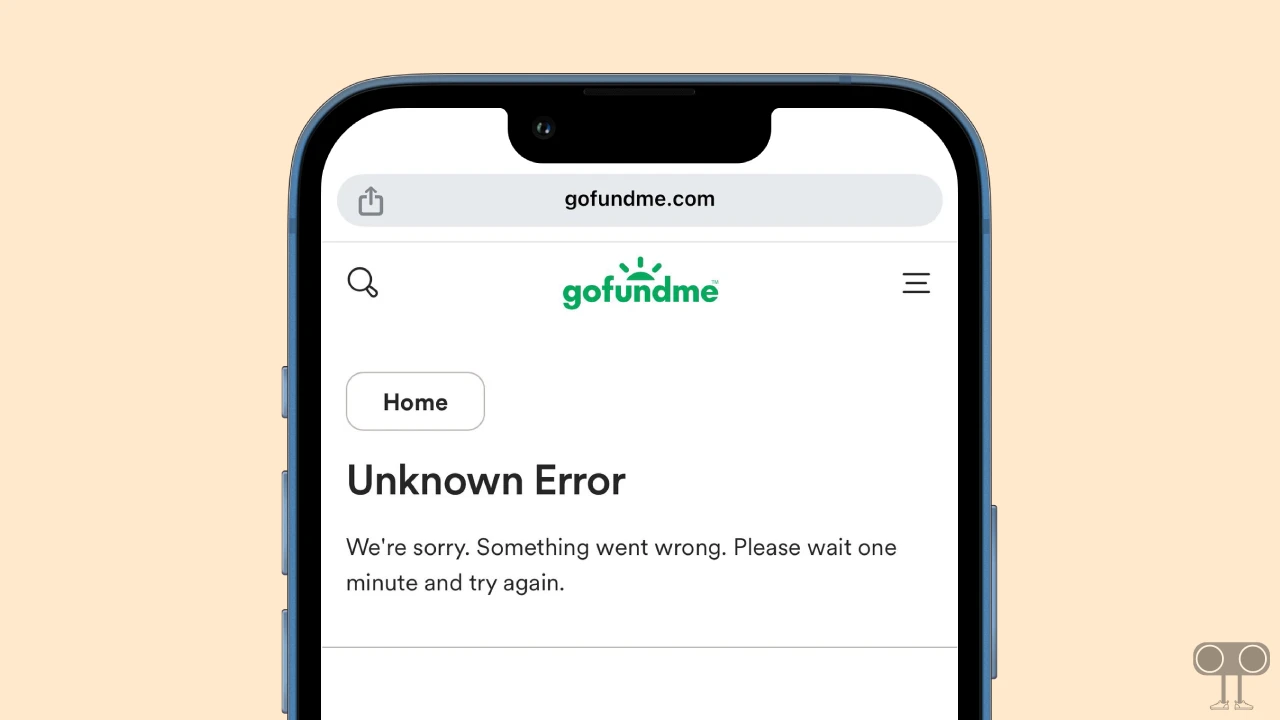
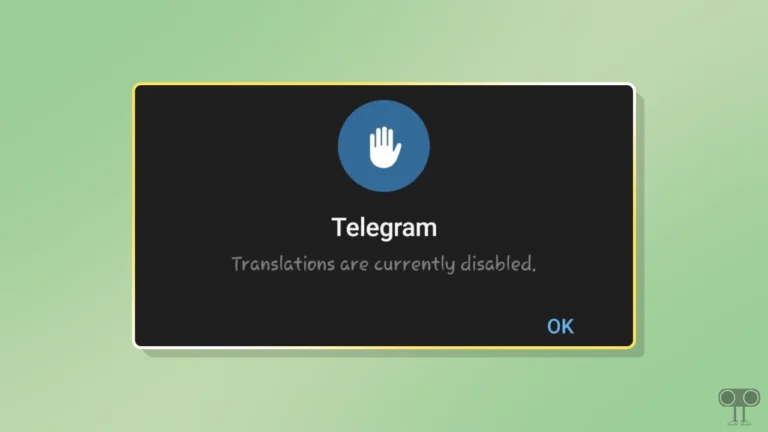
This error appears on GoFundMe something like this:
Unknown Error
We’re sorry. Something went wrong. Please wait one minute and try again.
Things You Can Do from Your End to Fix This Problem
1. Use Incognito Mode
Open the GoFundMe website in your browser’s Incognito mode instead of the default tab. This method bypasses the browser cache, allowing the website to open smoothly and without errors. If you are a desktop user, then press CTRL + SHIFT + N, and on an Android phone, open the browser and tap on the three dots and select Incognito mode.
2. Clear Browser Data
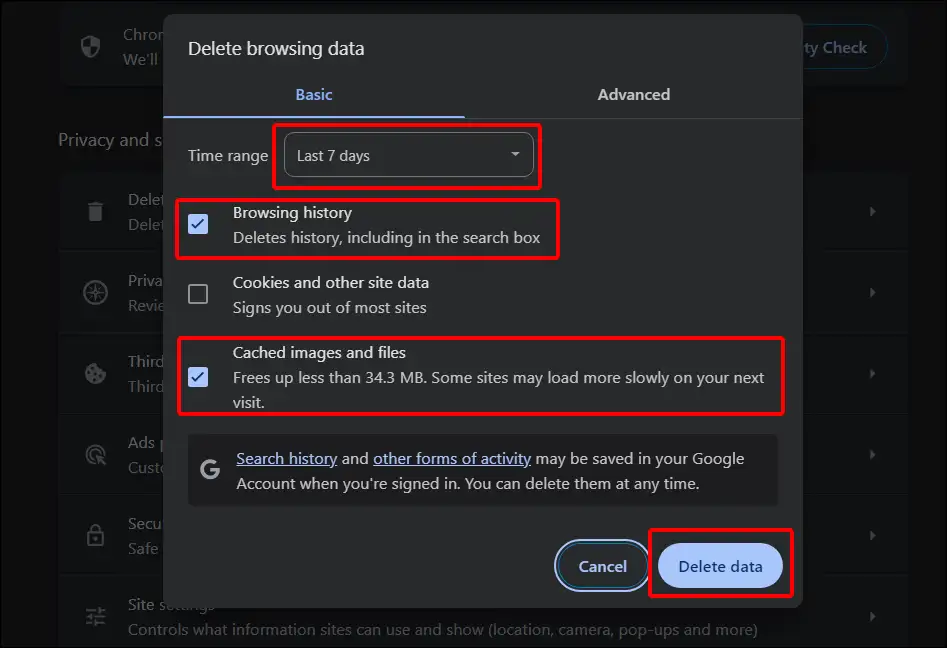
If this issue occurs intermittently rather than constantly, browser cache is a likely culprit. Whether you’re accessing the website on your phone or PC, clearing the browser cache can easily resolve this issue by following the steps below.
- Open Chrome Browser on Laptop or Computer.
- Now Press CTRL + SHIFT + DELETE Simultaneously.
- Now Select Time range, Tick the Browsing History Box and Tick the Cached Images and Files Box. Now Tap on Delete Data.
3. Disable Extensions
While extensions (VPNs and ad blockers) make browsing much easier, sometimes some extensions also prevent websites from working properly. You might have an extension on your browser that’s responsible for the “Unknown Error” on GoFundMe. In this case, you can try disabling extensions in your browser.
4. Switch Browsers
Some browsers may not be compatible with GoFundMe, so you can try using a different browser instead of your current one. For example, if you are using an ad-blocking browser like Brave, you can switch to Chrome, Firefox, Edge, or another browser.
5. Reverify Your Details
Double-check that your name and postal code exactly match your billing statement. If the problem continues, the fundraiser might be in “draft” mode, or the organizer may have disabled donations.
Note: Ensure that the photos are color, under 2MB in size, and show all four corners of the ID without any flash glare.