Instagram DP Downloader! Save Insta Profile Picture in HD Quality
Sometimes while exploring Instagram, you like someone’s profile picture (DP) and want to save it on your phone in HD quality. Unfortunately, Instagram doesn’t offer a download button.
But don’t worry! In this article, I’ve mentioned a free Instagram DP downloader that will help you save someone’s Instagram profile picture in full-size, HD quality. This tool is completely free and will do the job in just seconds.
Whether you’re an Android phone user, an iPhone user, or a desktop user, this tool works across all devices. And the good news for phone users is that it doesn’t require downloading or installing any third-party apps. Simply follow the steps below.
How to Save Insta Profile Picture in HD Quality Using Instagram DP Downloader
To save someone’s IG profile photo in HD quality, you’ll need internet access and a browser. I’ve outlined the remaining steps below. You can follow these steps on both mobile and desktop devices.
Note: With this, you can save both private and public Instagram profile pictures.
- Open Any Browser Like Chrome, Firefox, Opera, Brave, Safari Etc.
- Go to Indown.io’s Insta DP Viewer & Downloader.
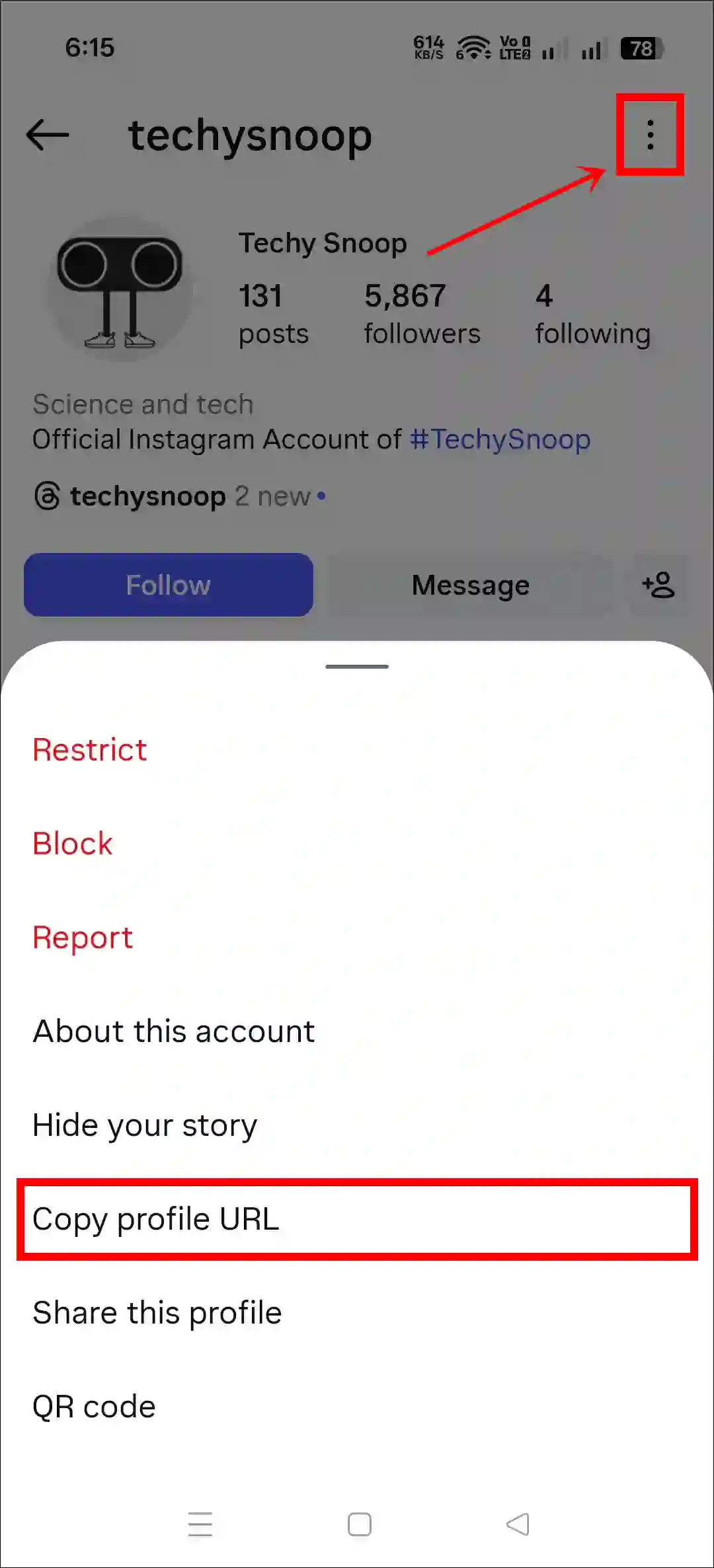
- Copy the IG Profile Link.
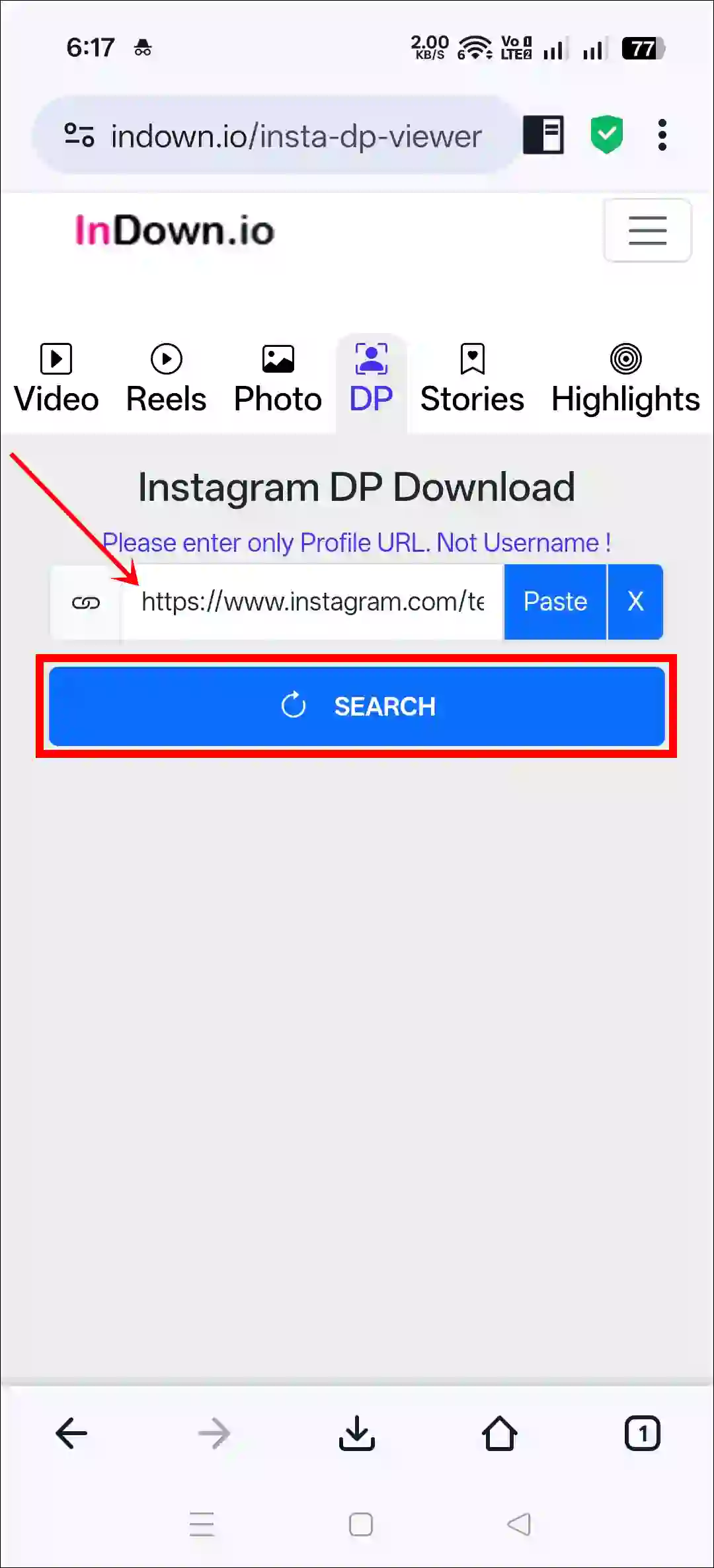
- Now Paste the Copied Profile Link into the Box and Tap on Search Button.
- Now, Tap on Download Button.
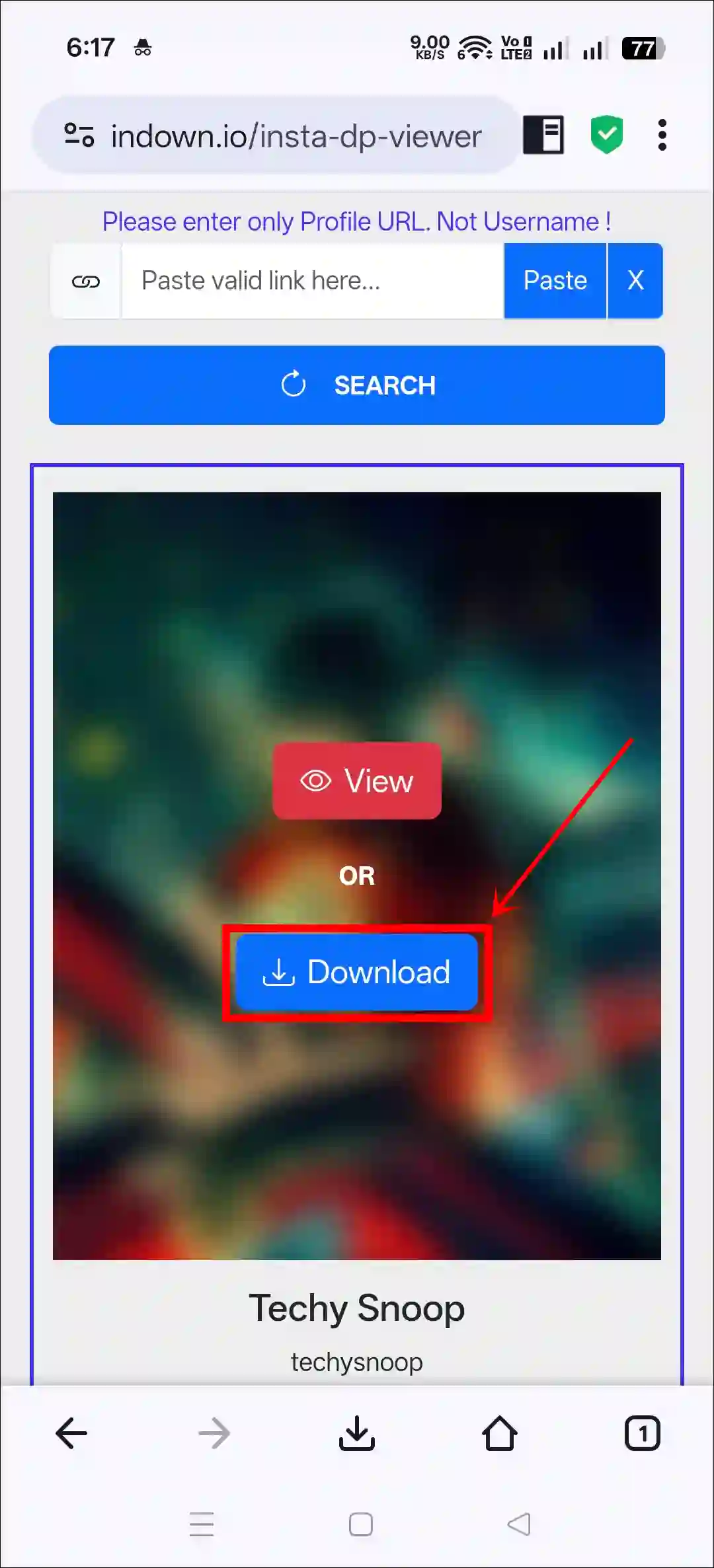
That’s it! Now that IG profile picture has been saved to your phone’s gallery in full HD quality.
You may also like:
- See Reels Watch History on Instagram without Save or Like
- Enable or Disable GIF Comments on Instagram Posts and Reels
- Turn Off Repost Button on Instagram Reels and Posts
Some Other Free Instagram Profile Picture Downloaders
1. SnapDownloader Instagram DP Saver
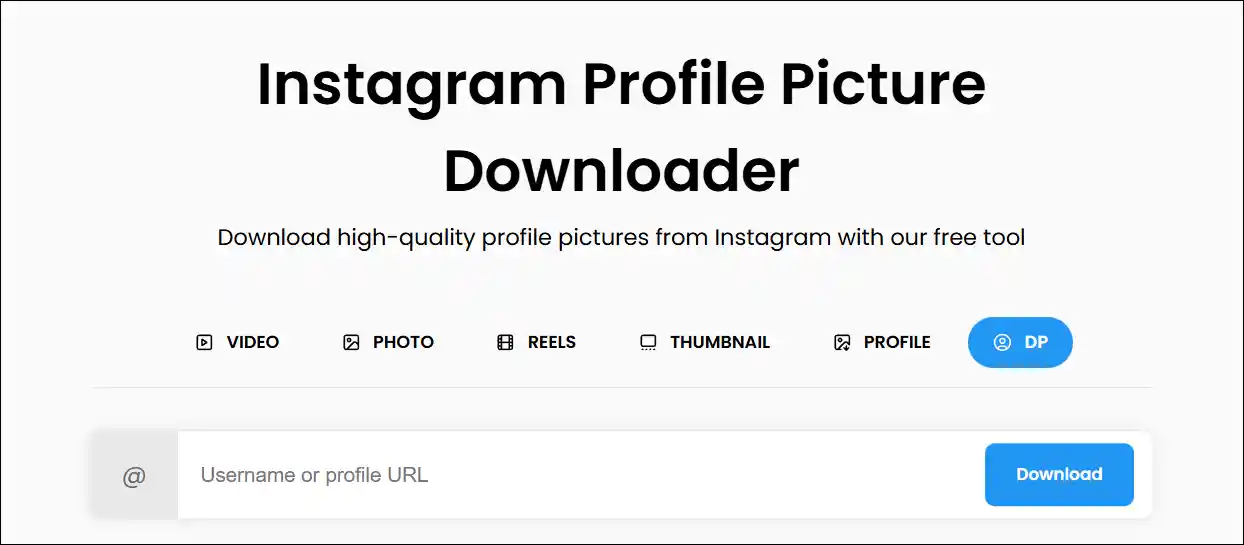
A special feature of SnapDownloader is that it allows you to save an IG profile picture using a username. You just need to enter the profile’s username and click the download DP button.
2. Inflact Instagram Profile Downloader
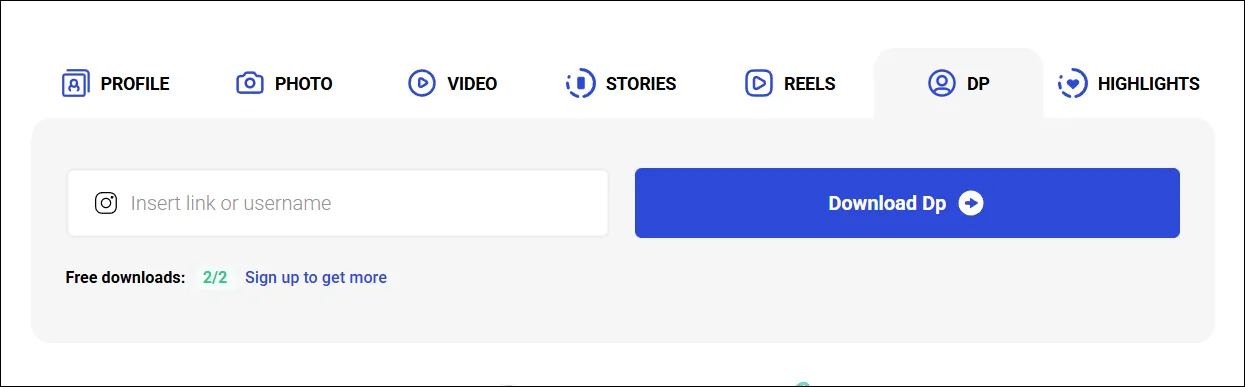
Inflact is also a popular IG profile downloader tool that allows you to save profile pictures in full size using either the username or profile link. You can use this tool for free on both mobile and desktop browsers.
3. Snapinsta DP Downloader
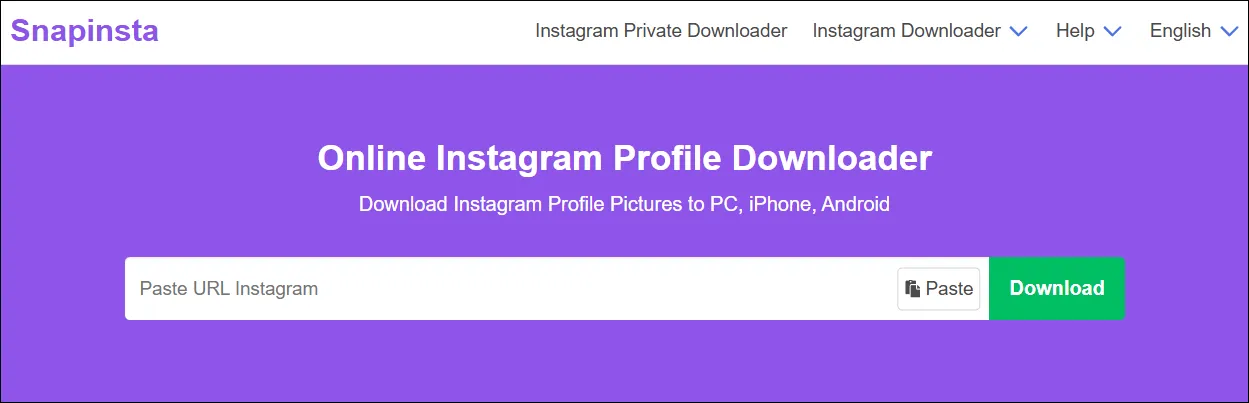
Snapinsta is a popular online Instagram profile downloader that allows you to save IG profile pictures in high quality on PC, iPhone, and Android. However, this tool does not support direct username entry, meaning you need to paste the profile link.
4. Save Free Instagram Profile Picture Downloader
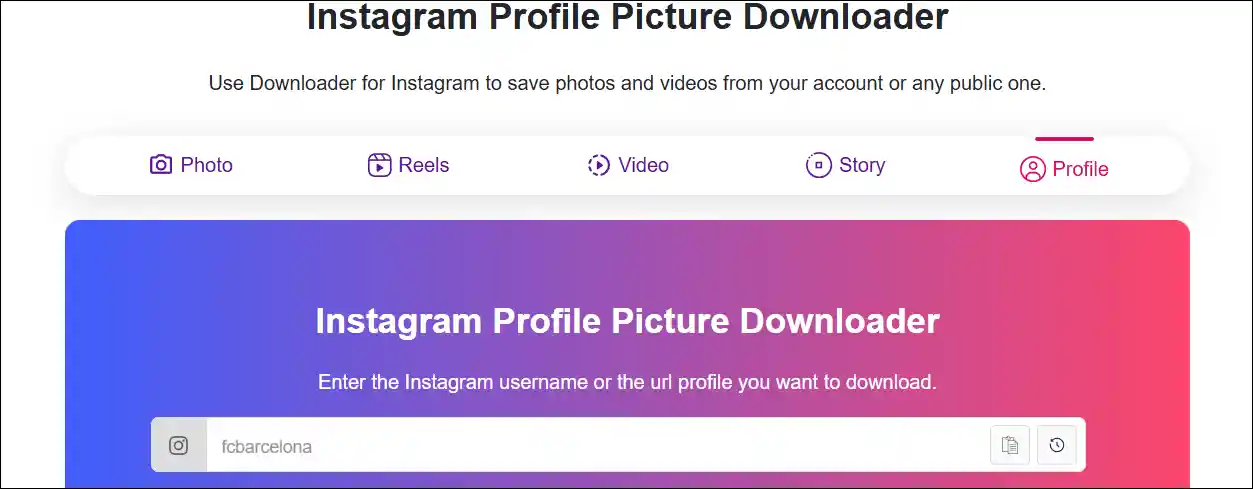
Save-free.com’s IG Profile Picture Saver is special because it lets you download your DP in two different qualities: the first is “Download HD Image” and the second is “Zoom HD Image”. You will find the links to access it below.
I hope you found this article helpful and learned about the Instagram DP downloader. If you have any questions related to Instagram, please ask in the comments below. Feel free to share this article as well.