Enable (or Disable) NSFW Preferences in Grok App
Much like popular platforms such as Reddit, ChatGPT, and Discord, the Grok app also features an NSFW mode that users can toggle on or off according to their preference. In this article, I have shared step-by-step how you can enable or disable NSFW preferences in the Grok AI app.
Grok AI’s NSFW Mode
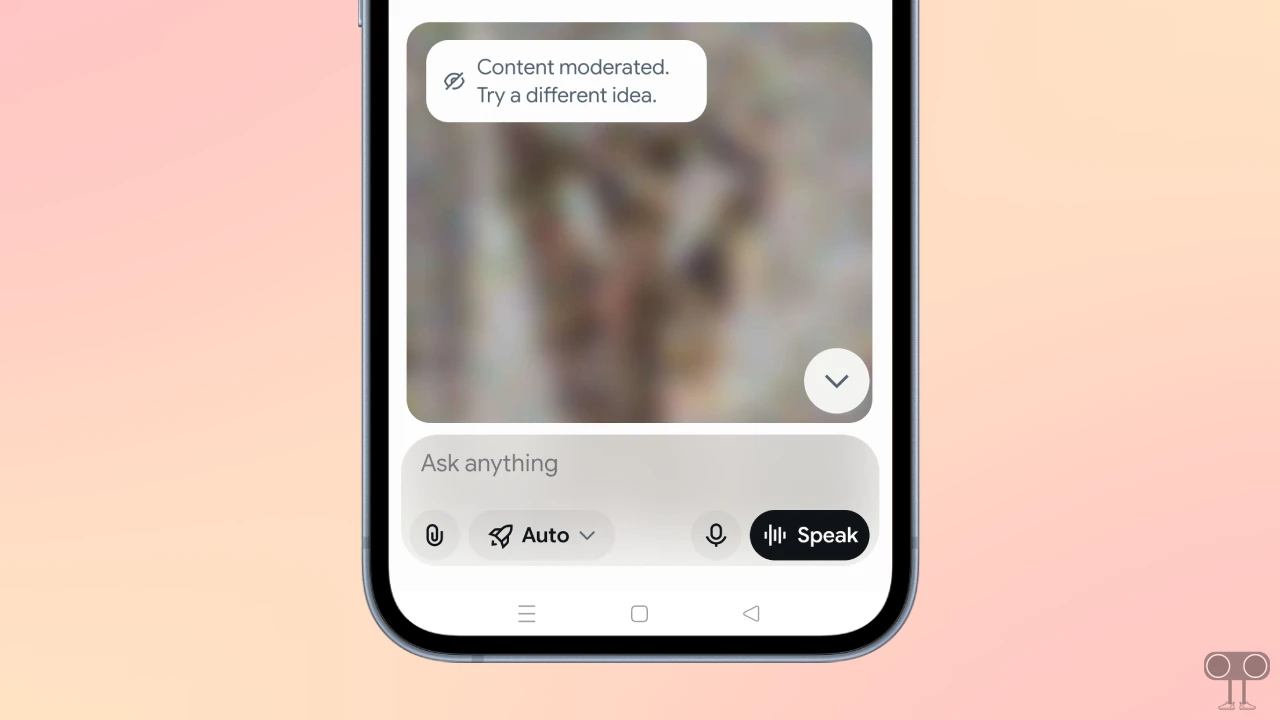
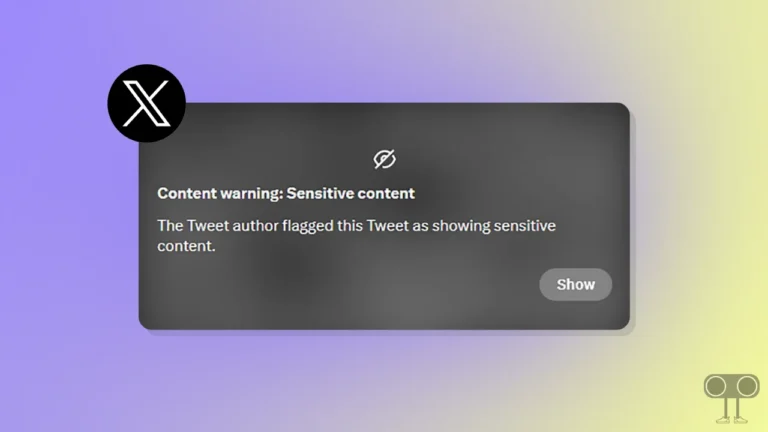
NSFW (Not Safe For Work) or Adult Mode in Grok AI is a feature that blurs mature images and videos within the generated responses. You can also refer to this as the “18+ mode”, and it is a built-in feature of Grok. You can manage this feature according to your preferences via the Grok settings.
Turning On NSFW Preferences in Grok App
If you enable NSFW Mode in the Grok app, the app will automatically blur any adult images and videos. This feature is especially helpful when children use Grok AI on your phone. Let’s see how you can activate it.
- Open Grok AI App on Your Android or iPhone.
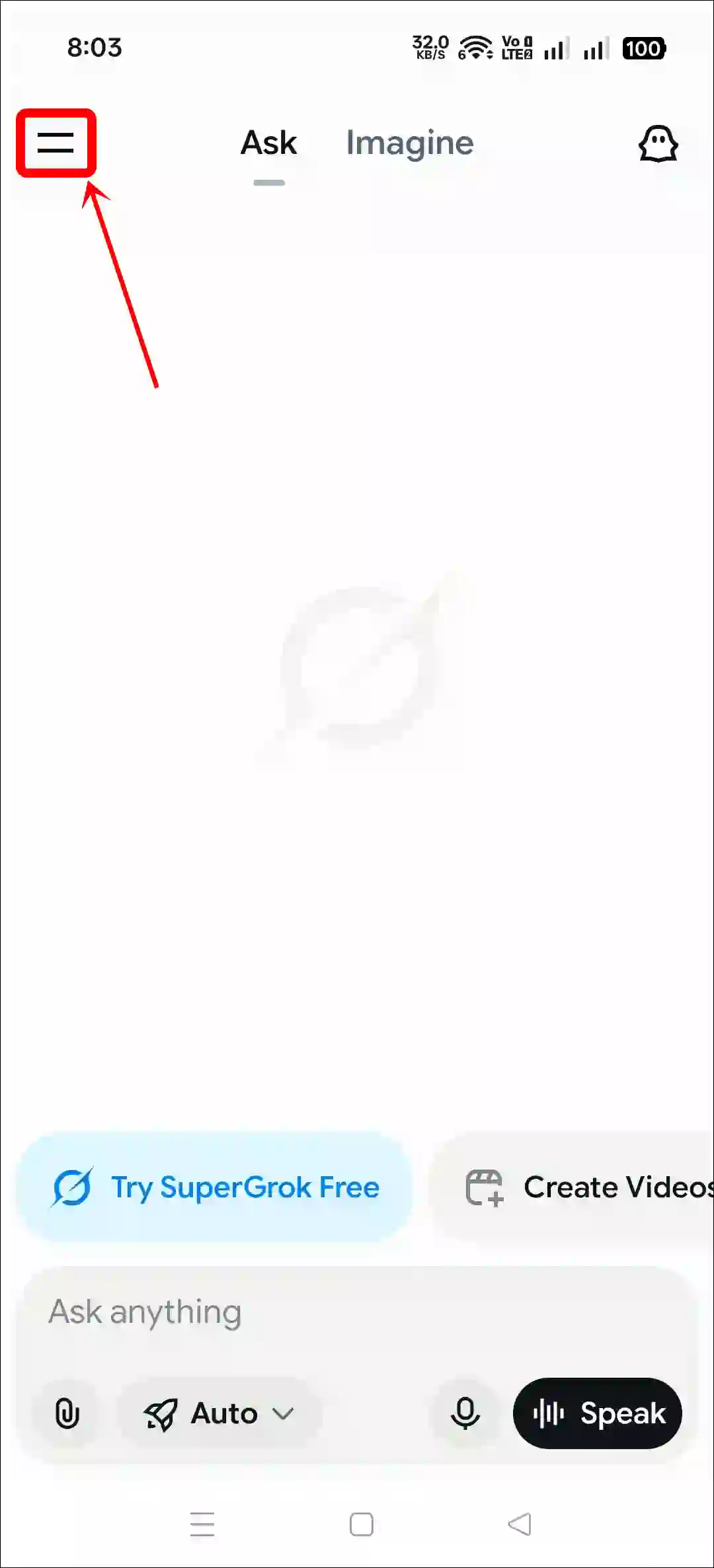
- Tap on Two = Lines at Top Left.
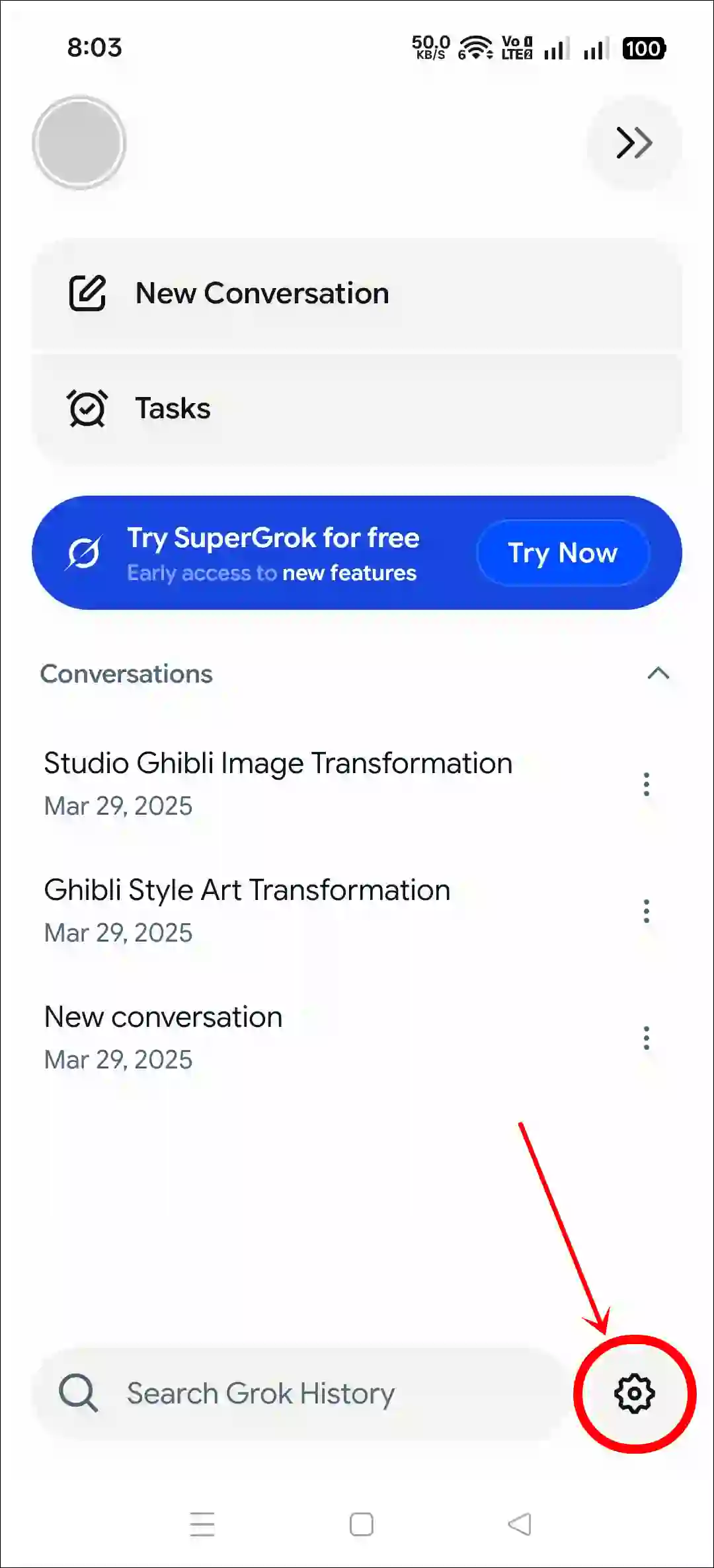
- Tap on Gear ⚙️ Icon at Bottom Right.
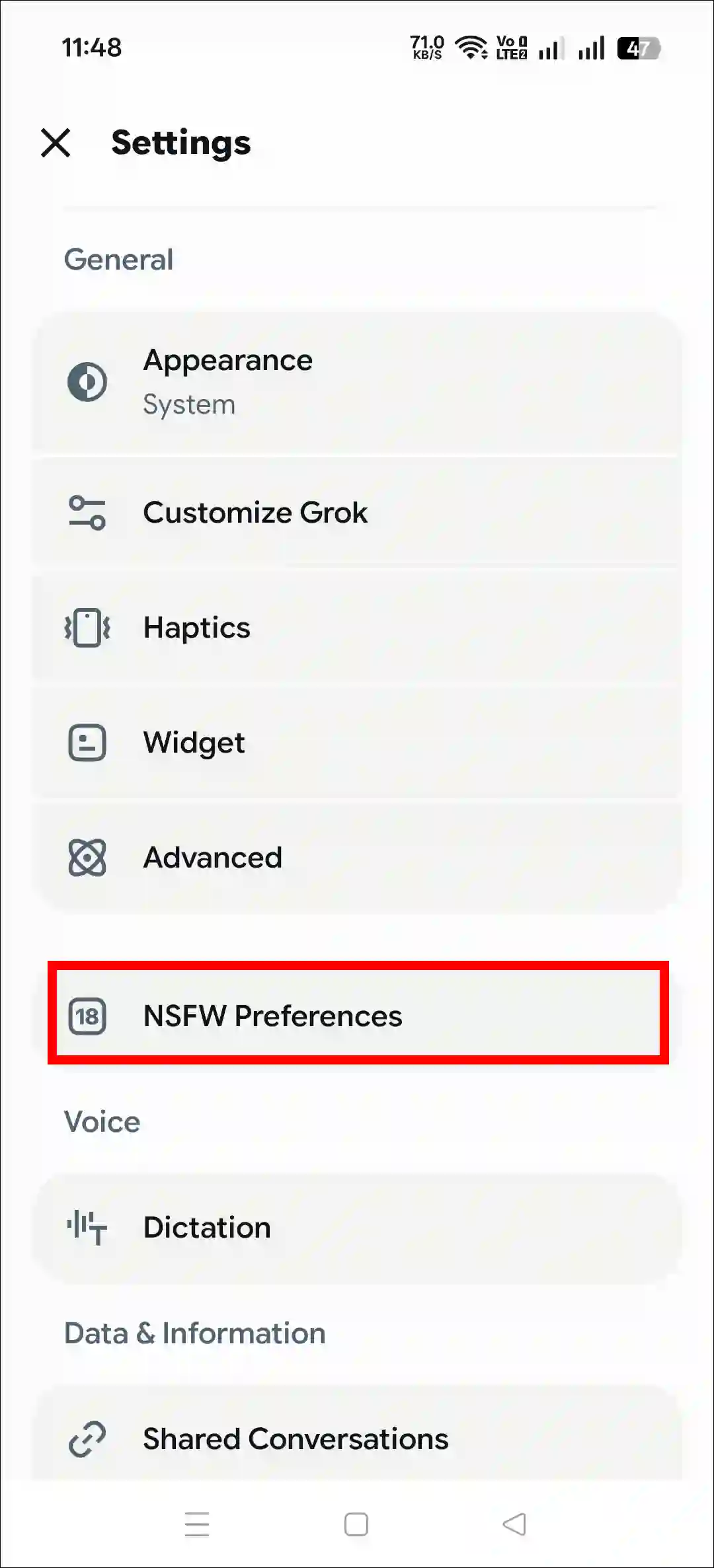
- Tap on NSFW Preferences.
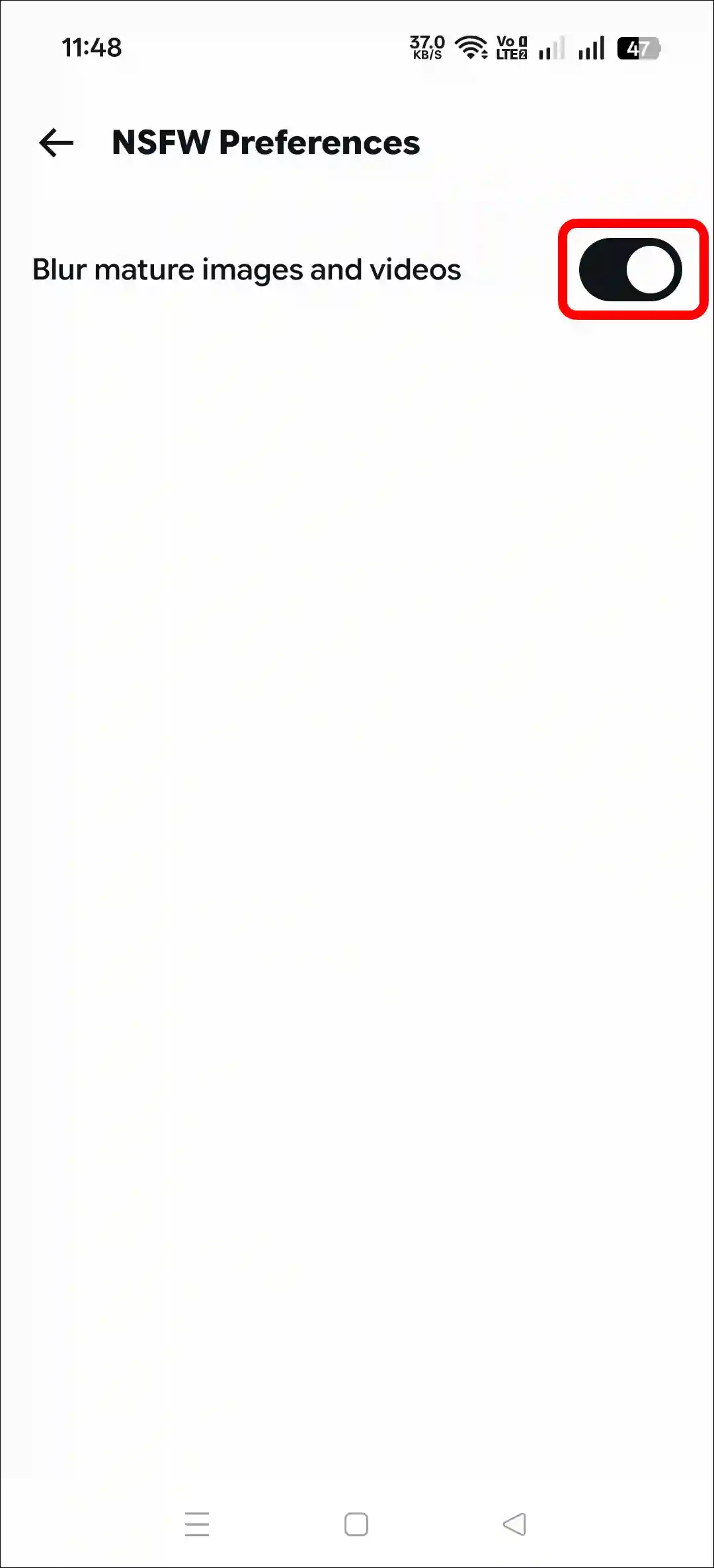
- Simply, Turn On the “Blur Mature Images and Videos” Toggle.
Also read: Turn Off Vibration in Grok AI by Disabling Haptics
Turning Off NSFW Preferences in Grok App
If the generated adult photos and videos in your Grok app automatically appear blurred, it means that NSFW mode is enabled. You may have turned it on yourself, or it could have been enabled accidentally. Don’t worry! The steps mentioned below will help you turn it off.
- Open Grok AI App on Your Android or iPhone.
- Tap on Two = Lines at Top Left.
- Tap on Gear ⚙️ Icon at Bottom Right.
- Tap on NSFW Preferences.
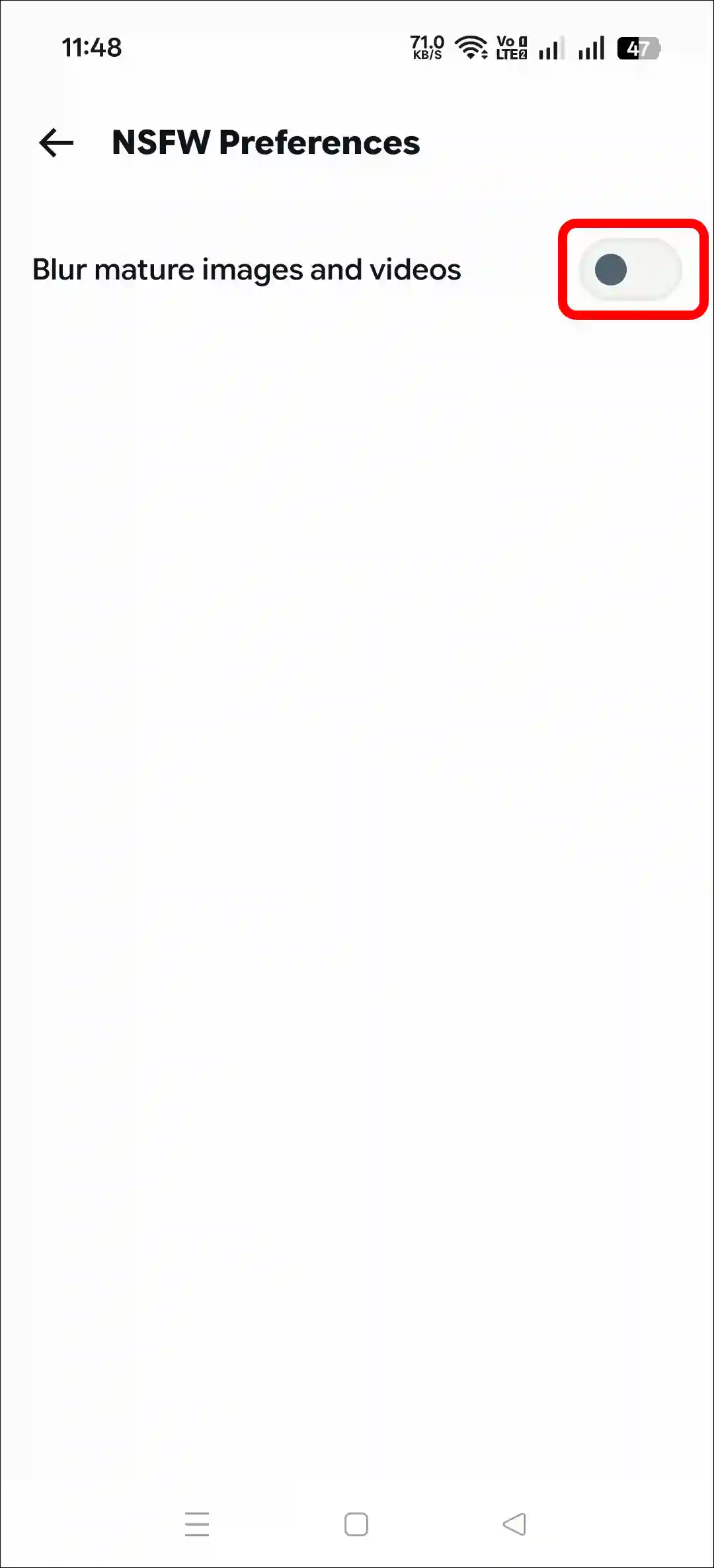
- Simply, Turn Off the “Blur Mature Images and Videos” Toggle.
That’s all! You’re done…
Also read:
Grok’s NSFW Mode isn’t Showing
According to some Reddit posts, the NSFW option is missing from the Grok app for certain users. If you are also facing this issue, don’t worry! Some of the primary reasons for this could include an outdated app version, a corrupted cache, changes in settings, and so on.
To fix this, update the Grok app to the latest version and clear the cache.
Update Your Grok App
- Open Google Play Store or Apple App Store.
- Search for “Grok” and Tap on Update Button.
Clear Grok App Cache (Android)
- Tap and Hold the Grok App Icon.
- Tap on App Info.
- Tap on Storage Usage.
- Tap on Clear Cache.
I hope you found this article quite helpful and learned how to enable and disable NSFW preferences in the Grok app. If you have any questions related to Grok, then tell us by commenting below. Please share this article.