Trending “Bachcha Hai Tu Mera” AI Prompt for Gemini and ChatGPT
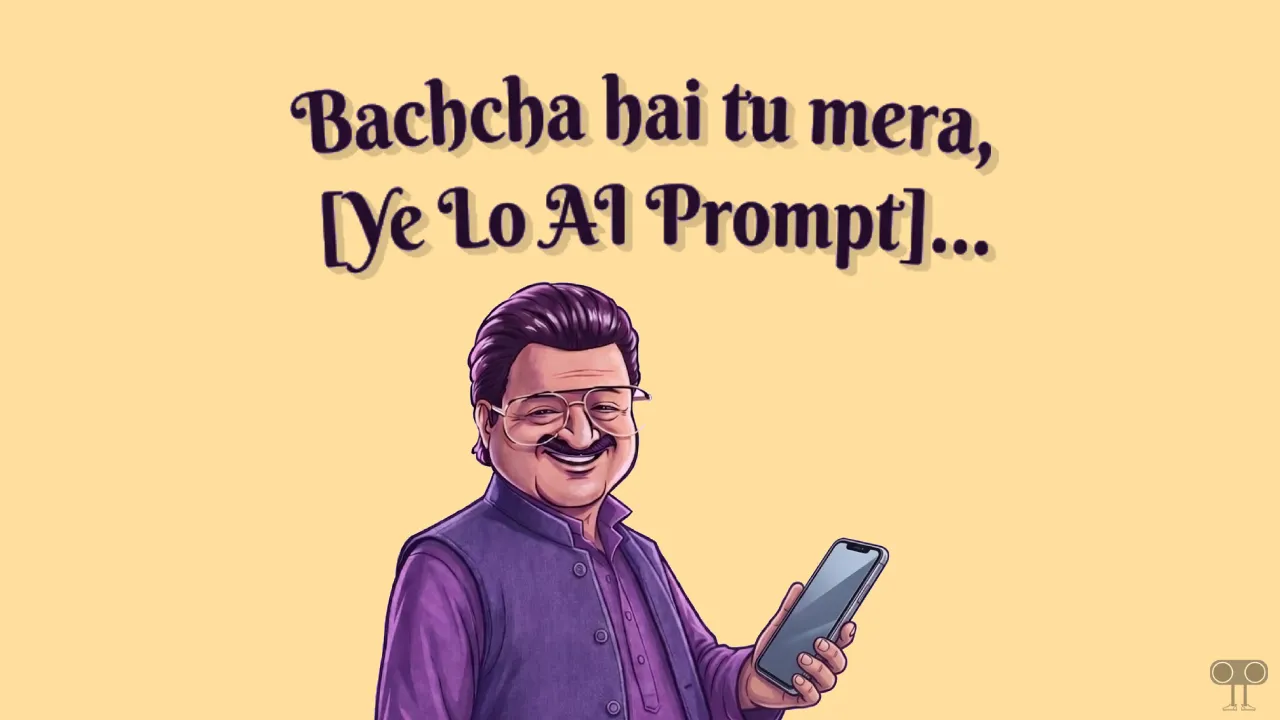
The dialogue “Bachcha Hai Tu Mera” has gone viral on social media; along with its memes, promotional posters are also trending on Instagram and Facebook. Would you also like to create a poster like this for your product or for something else?
If so, then for this you will need the “Bachcha Hai Tu Mera AI Prompt”, which works on Gemini, ChatGPT, Grok, and similar platforms.
What is the “Bachcha Hai Tu Mera” Meme?
The dialogue “Bachcha Hai Tu Mera” is from the movie Dhurandhar: The Revenge, in which actor Rakesh Bedi (who played the character Jamil Jamali) delivered this line. This dialogue’s meme went so viral that even institutions like Delhi Police, BSNL, and India Post used it in their campaigns.
How to Use Trending “Bachcha Hai Tu Mera” AI Prompt on Gemini and ChatGPT
If you also want to create your own unique meme or promotional campaign using Jamil Jamali’s dialogue and character from the movie Dhurandhar 2, follow the steps given below. You can use this viral prompt not only in Gemini but also in ChatGPT and Grok AI.
To create the “bacha hai tu mera” meme:
- Open Google Gemini or ChatGPT App or Website.
- Select Create Image Option.
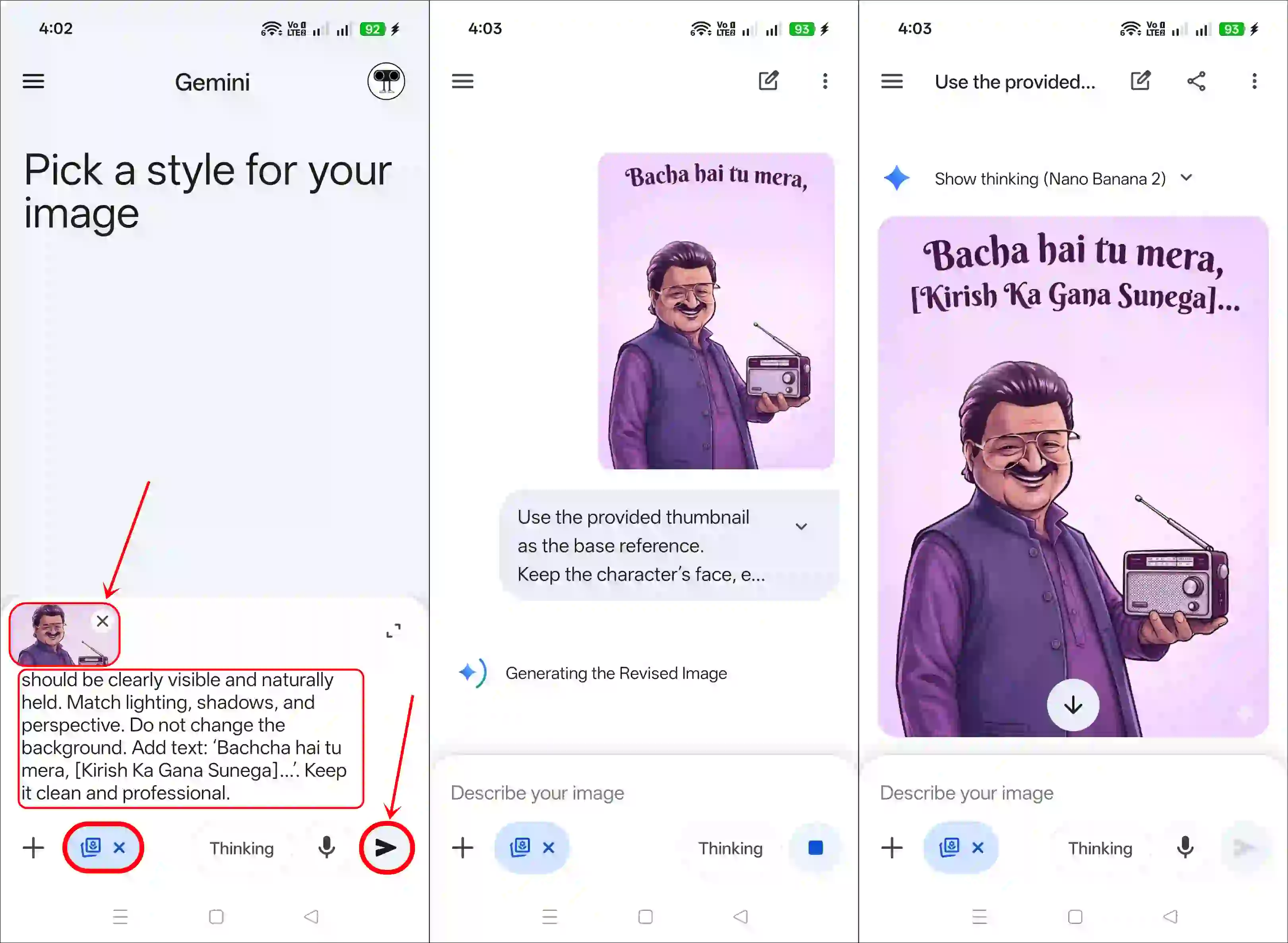
- Next, Upload Jamil Jamali’s Character Photo as Reference.
- Now, Copy the AI Prompt and Paste into the Box and Hit Airplane Icon.
Note: You Need to Replace the Product Name and Tagline. - Once the Image is Generated, Simply Download It.
Bachcha Hai Tu Mera Template
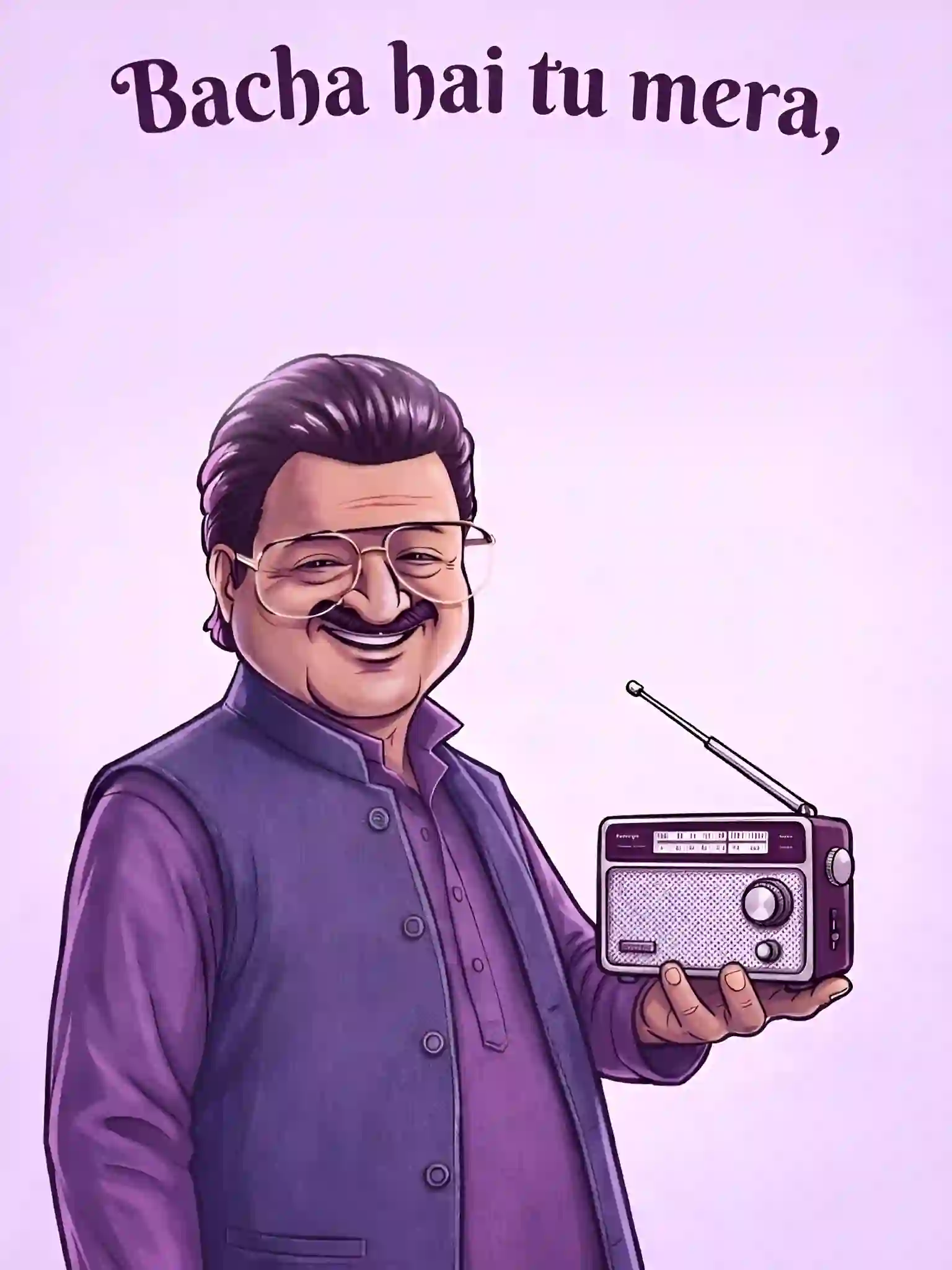
Copy Paste Bachcha Hai Tu Mera Trending AI Prompt
Use the provided thumbnail as the base reference. Keep the character’s face, expression, pose, outfit, and overall art style exactly the same. Replace the object in his hand with a realistic, high-quality [Your Product]. The item should be clearly visible and naturally held. Match lighting, shadows, and perspective. Do not change the background. Add text: ‘Bachcha hai tu mera, [Your Line]…’. Keep it clean and professional.Also read:
I hope you liked this post and found the “baccha hai tu mera prompt”. If you need any other AI photo editing prompts, please let me know by commenting below. Please share this article.