FanDuel is Not Showing “My Bets” to It’s Users Today
Currently, many users are reporting on Reddit and Twitter (Now X) that the FanDuel sportsbook is not showing them their active bets. If you’re suffering from this problem, don’t worry! You’re not alone. In this post below, I’ve explained the causes and how to fix this problem.
Why is FanDuel not showing my bets today?
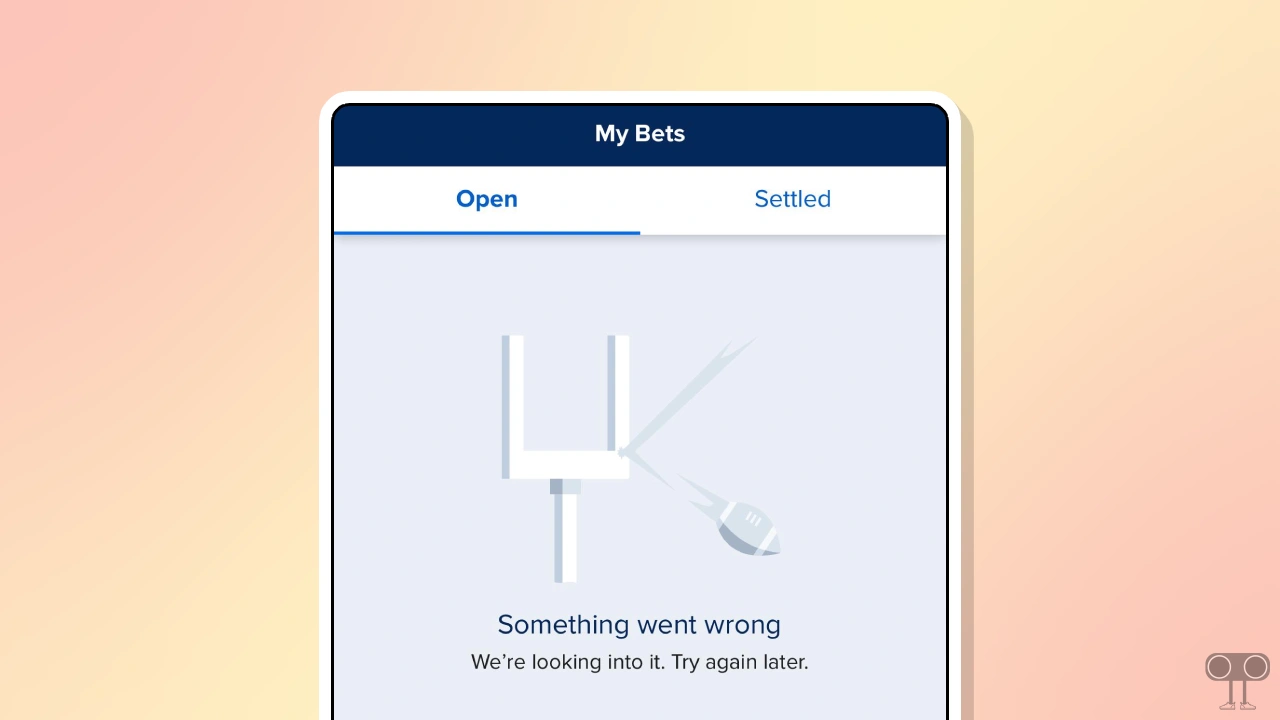
If the “My Bets” section in the FanDuel app or website is empty or displays an error message like “Something Went Wrong,” this is a common error. There could be many reasons why active bets are not showing up in FanDuel, such as a technical glitch, high traffic, app sync error, or temporary outage.
is FanDuel Down Right Now?
Yes! FanDuel is currently experiencing a temporary outage. You can easily check FanDuel’s server status through websites like downdetector.com, statusgator.com, isitdownrightnow.com, downforeveryoneorjustme.com.
If the servers are live but active bets aren’t showing in the “My Bets” section of the FanDuel app or website, you should follow the specific troubleshooting steps below. These steps can easily fix device-related issues.
How to Fix FanDuel is Not Showing “Active Bets” in My Bets
1. Force Close App/Hard Refresh Website
First, close the FanDuel app completely and then restart your phone. This process can easily fix temporary glitches between the app and the device.
If you use the FanDuel website, press Ctrl + F5 on a Windows computer or Cmd + Shift + R on a Mac. It hard refreshes the web page instead of a normal refresh and loads the page correctly by bypassing the cache.
2. Check Filters
Sometimes active bets are mistakenly displayed in the “Settled” or History sections. So, if you’re looking for them in the Active or Open section, you should also check the “Settled” section. Your active bets may appear there.
3. Check Internet Connection
The FanDuel platform operates online, so accessing it and its functions requires strong internet. If your internet is slow or not working at all, FanDuel or its functions, such as “Active Bets”, may not be visible. In this case, switch to a different internet connection.
4. Log Out/In
Sometimes, due to your old login session, the app or website may not display your active bets. In this situation, manually log out of your account, then restart your phone or computer. Now, log back into your account on the FanDuel app or website. This process re-authenticates your session.
5. Update App
If you are using an outdated FanDuel app, bugs may prevent you from seeing all bets. Go to the Google Play Store or the Apple App Store and update the FanDuel app to the latest version.
Even though the problem may persist despite multiple updates, you may have to reinstall FanDuel. The reinstall process deletes old and corrupted files from your device, creates new files, and resolves the issues.
I hope you found this article helpful and fixed the FanDuel not showing active bets problem. If you have any questions related to FanDuel, please ask in the comments below. Feel free to share this article as well.