Turn ON or OFF Disconnection Reminder/Notification on HUAWEI Watch Fit 5 Pro
HUAWEI announced the Watch Fit 5 Pro on April 20, 2026, and it will officially go on sale starting May 15, 2026. This HUAWEI Watch Fit 5 Pro has a special feature that keeps reminding you with repeated notifications whenever it disconnects from the app.
In this article, I have explained step-by-step how you can enable or disable the disconnection reminder/notification on the HUAWEI Watch Fit 5 Pro. You’ll need to manage this feature using the HUAWEI Health app.
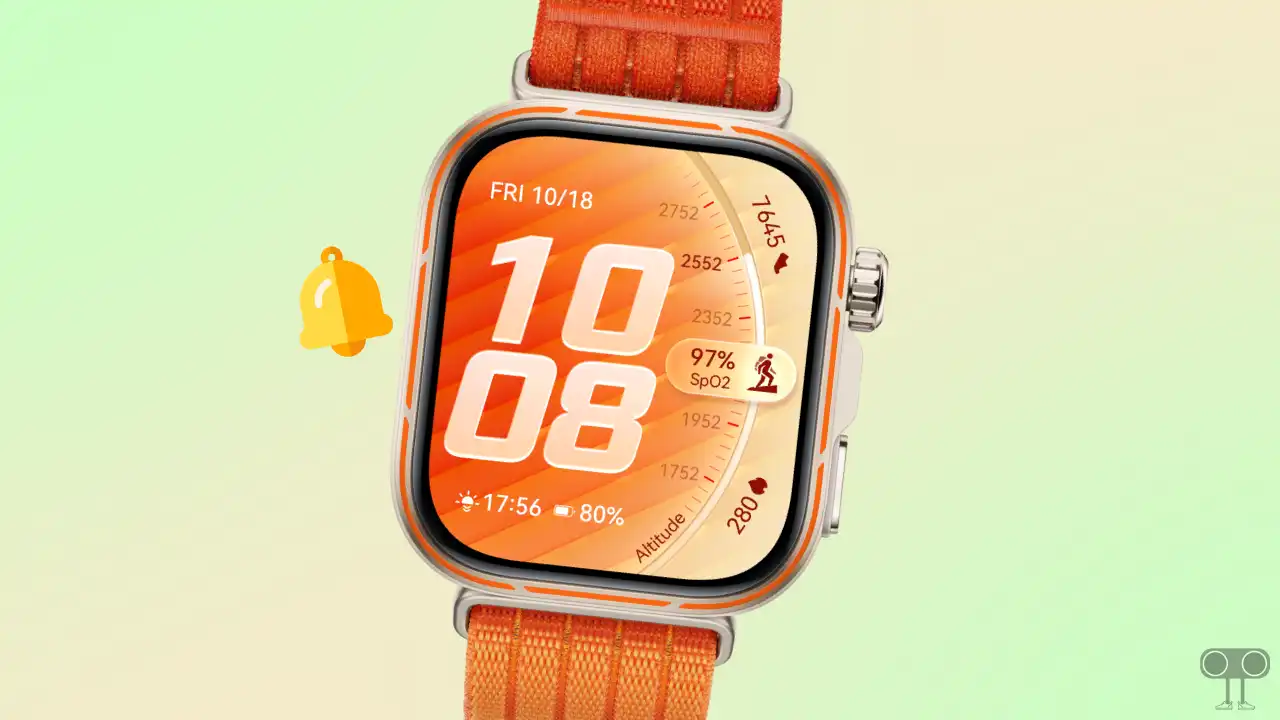
Turn ON or OFF Disconnection Reminder/Notification on HUAWEI Watch Fit 5 Pro
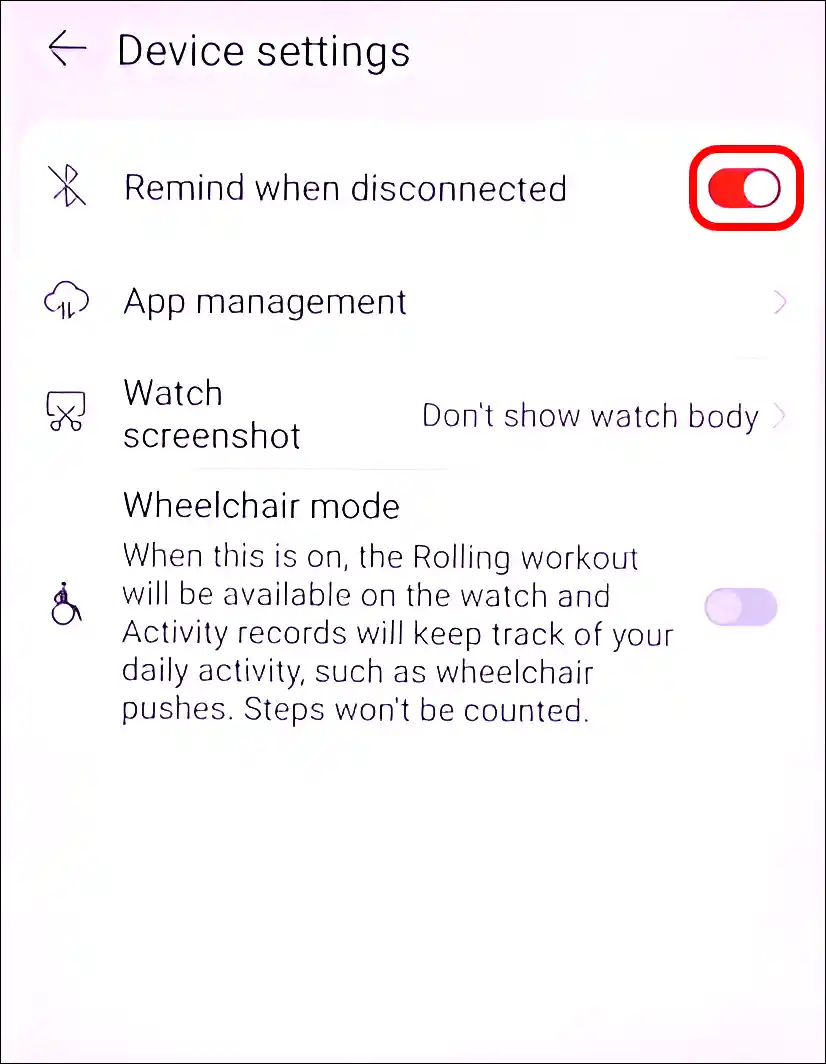
1. Enable Disconnecting Notification on HUAWEI Watch Fit 5 Pro
- Open HUAWEI Health App and Connect Your HUAWEI Watch Fit 5 Pro.
- Tap on Devices at Bottom Menu Bar.
- Tap on HUAWEI Watch Fit 5 Pro.
- Scroll Down and Tap on Device Settings.
- Turn On the “Remind When Disconnected” Toggle.
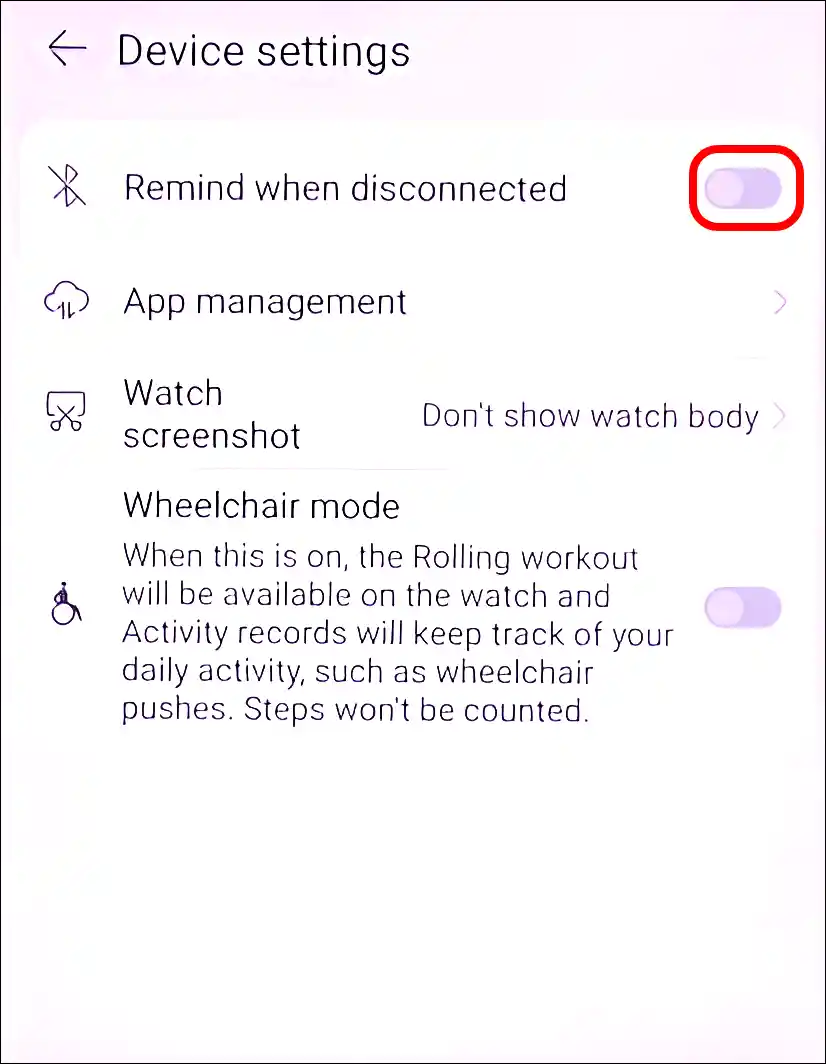
2. Disable Disconnecting Notification on HUAWEI Watch Fit 5 Pro
- Open HUAWEI Health App and Connect Your HUAWEI Watch Fit 5 Pro.
- Tap on Devices at Bottom Menu Bar.
- Tap on HUAWEI Watch Fit 5 Pro.
- Scroll Down and Tap on Device Settings.
- Turn Off the “Remind When Disconnected” Toggle.
That’s it! You’re done…
I hope you have found this article very helpful. And you learned how to turn the disconnection reminder ON or OFF on the HUAWEI Watch Fit 5 Pro. If you have any problems related to the HUAWEI Watch, please let us know by commenting. Please share this article with your friends.