Fix Paytm’s “Device Integrity Check Failed. Root Access or System Modification Detected.” Problem
As soon as some Paytm users open the app on their Android phone, they see a “Device Integrity Check Failed. Root Access or System Modification Detected.” which prevents them from using Paytm services. If you’re experiencing this issue, don’t worry! In this article, I’ve explained how you can fix it.
What Does This Error Message Mean, and What Causes It?
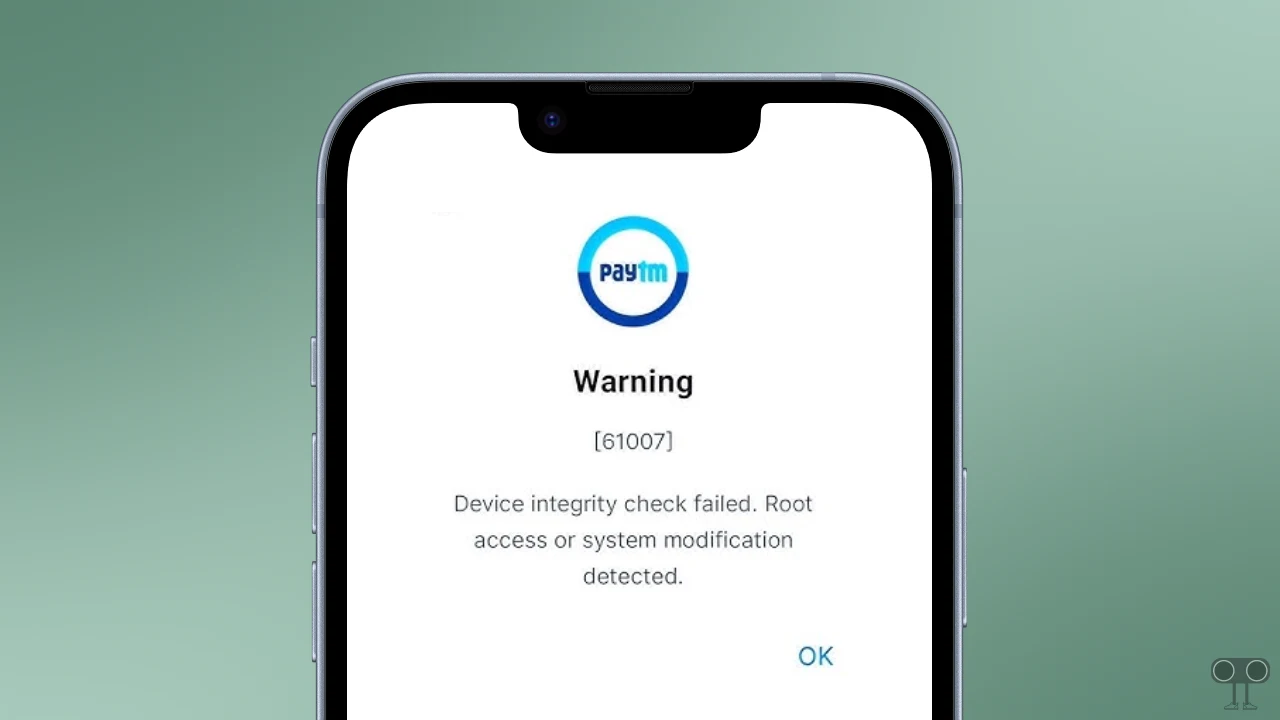
Paytm is showing this problem because the app has detected a security risk on your phone. This error message appears on the screen with warning 61007. The main reasons for this include a rooted phone, a customized ROM, insecure software, a cloned app, enabled developer options, a VPN, or a proxy.
This error appears on Paytm something like this:
Warning
[61007]
Device Integrity Check Failed. Root Access or System Modification Detected.
Fix Paytm App’s “Device Integrity Check Failed. Root Access or System Modification Detected.” Problem
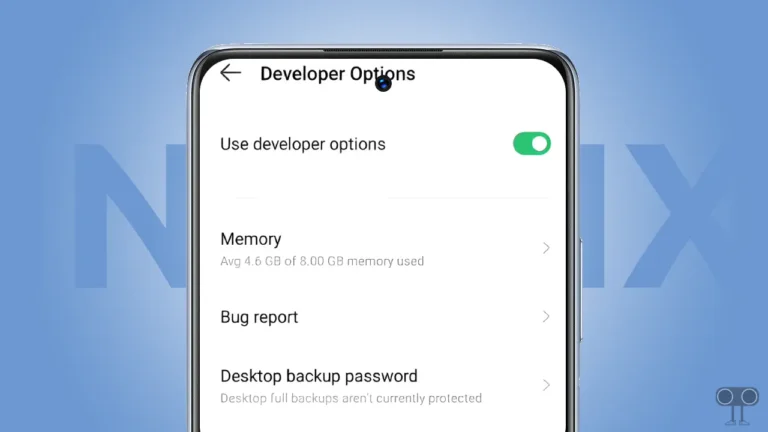
1. Disable Developer Options
Almost all payment applications in India detect Developer Options as a risk and ask users to disable them. Users enable Developer Options to access advanced and hidden features. However, you can disable it on your Android phone with the help of the steps mentioned below.
To turn off Developer Options in your phone:
- Open Settings App on Your Phone.
- Tap on System or Additional Settings.
- Tap on Developer Options.
- Simply, Toggle Off Developer Options.
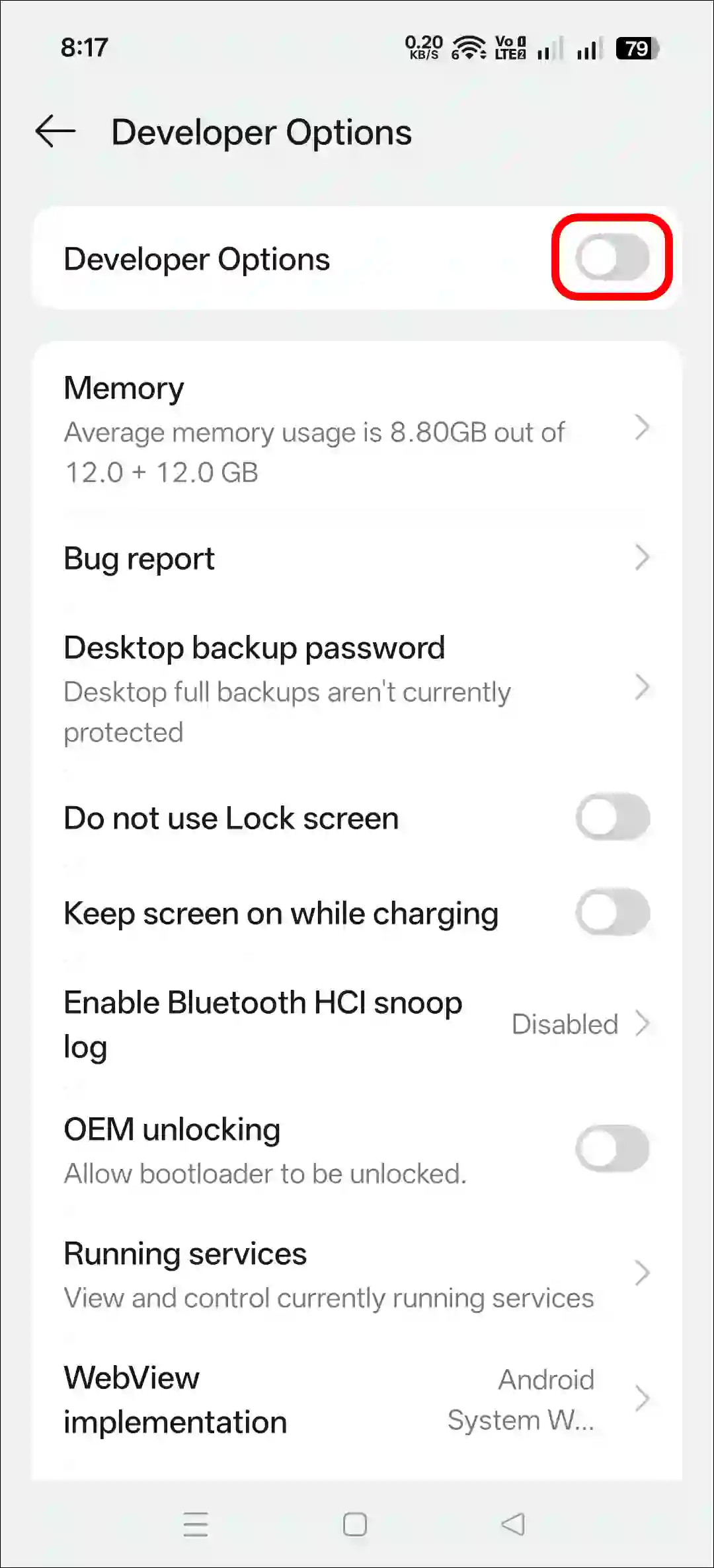
- Now, Restart Your Device.
2. Clear Paytm App Cache
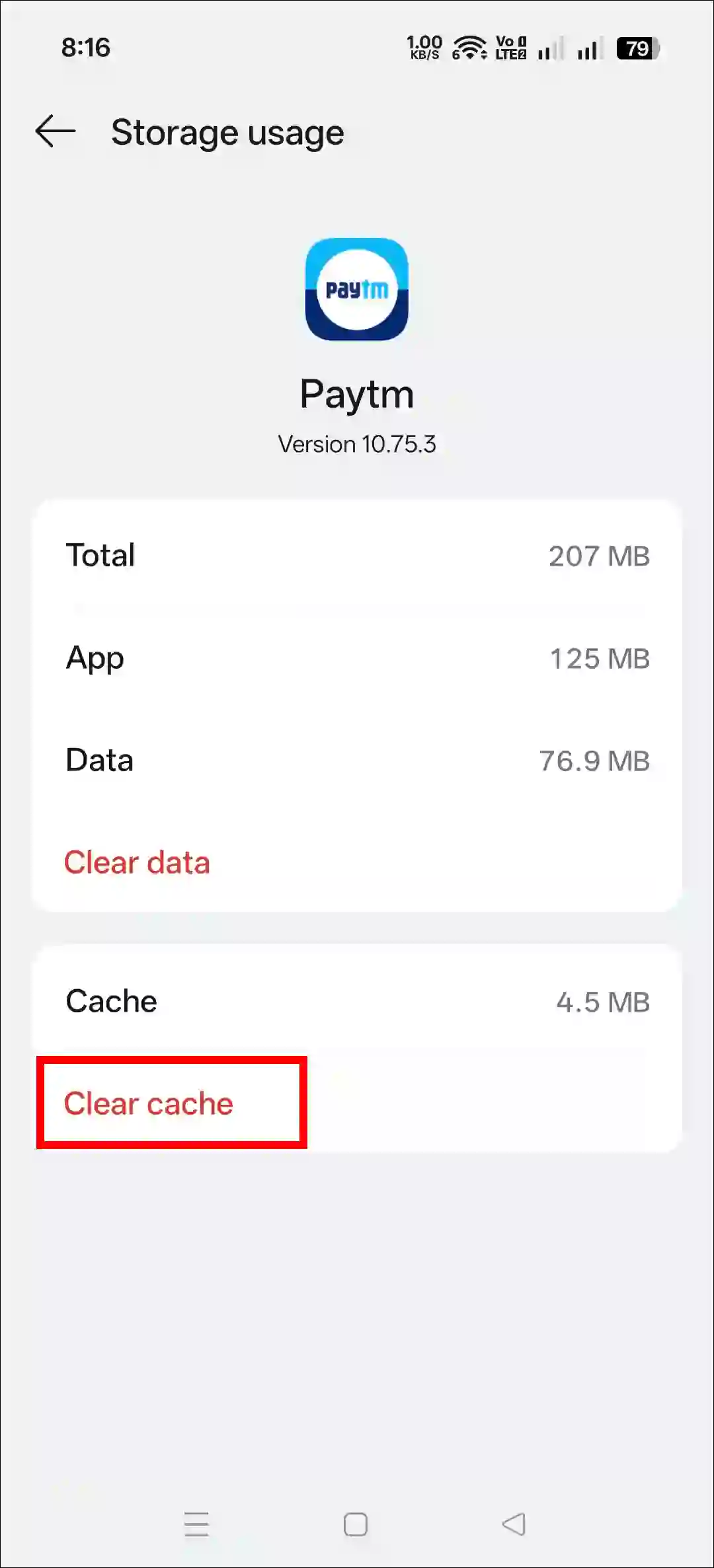
If your phone has a corrupted Paytm app cache, the Paytm security system may be unable to recognize the safe device. You can easily resolve this issue by clearing the corrupted cache. All the steps are shared below, one by one.
To clear Paytm app’s corrupt cache on your android phone:
- Open Settings App on Your Mobile Phone.
- Navigate to Apps > All Apps > Paytm.
- Tap on Storage Usage.
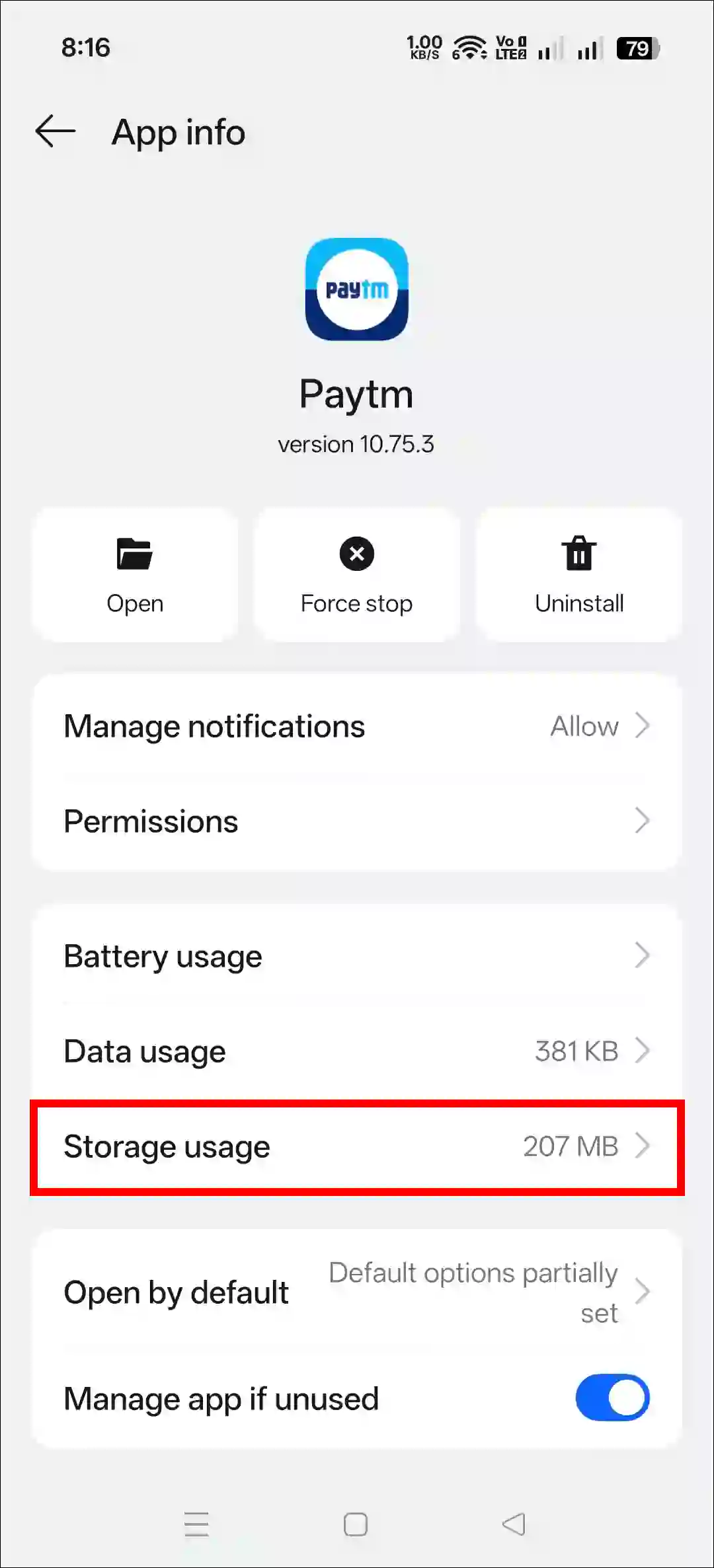
- Tap on Clear Cache.
3. Check & Uninstall Malicious Apps
If your phone has third-party APKs installed, there is a higher chance they contain malware, which is why Paytm’s security system does not consider your device safe. We recommend that you immediately uninstall any such third-party applications and only install apps from the Play Store.
4. Delete Clone Apps
Many times, users create a clone version of the Paytm app to use two Paytm accounts on a single device, which can be a security threat. If you’re using a cloned Paytm app, delete it immediately and use the one installed from the Play Store.
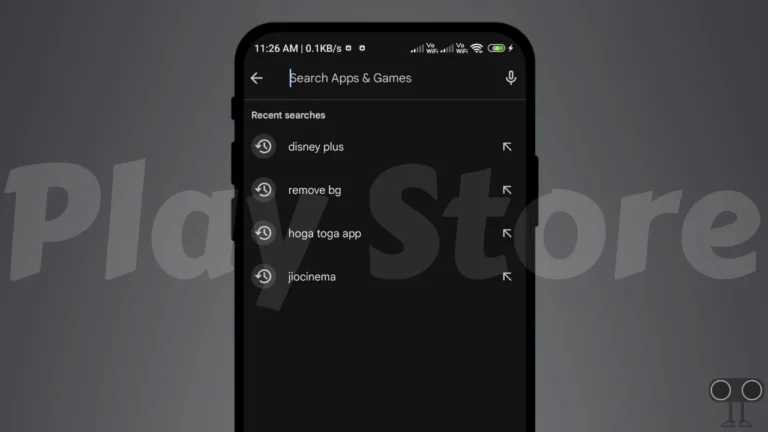
5. Update/Reinstall Paytm App from Play Store
If you updated the Paytm app from your device’s theme store instead of the Google Play Store, this issue might occur. In this case, either uninstall the Paytm app and reinstall it from the Play Store or simply update the Paytm app from the Play Store and use it.
I hope you found this article helpful and learned how to solve “Warning [61007] Device Integrity Check Failed” in Paytm. If you have any questions related to Paytm, please ask in the comments below. Feel free to share this article as well.