I Reset Closed Caption Style to Default in Windows 11. Here’s Why and How?
A while ago, I changed some closed caption settings on my Windows 11 PC. But now I’ve reset those settings back to default. Let me tell you why I did that and how you can reset your closed caption style to default on your Windows 11 laptop or computer too.
Why I Reset It to Default?
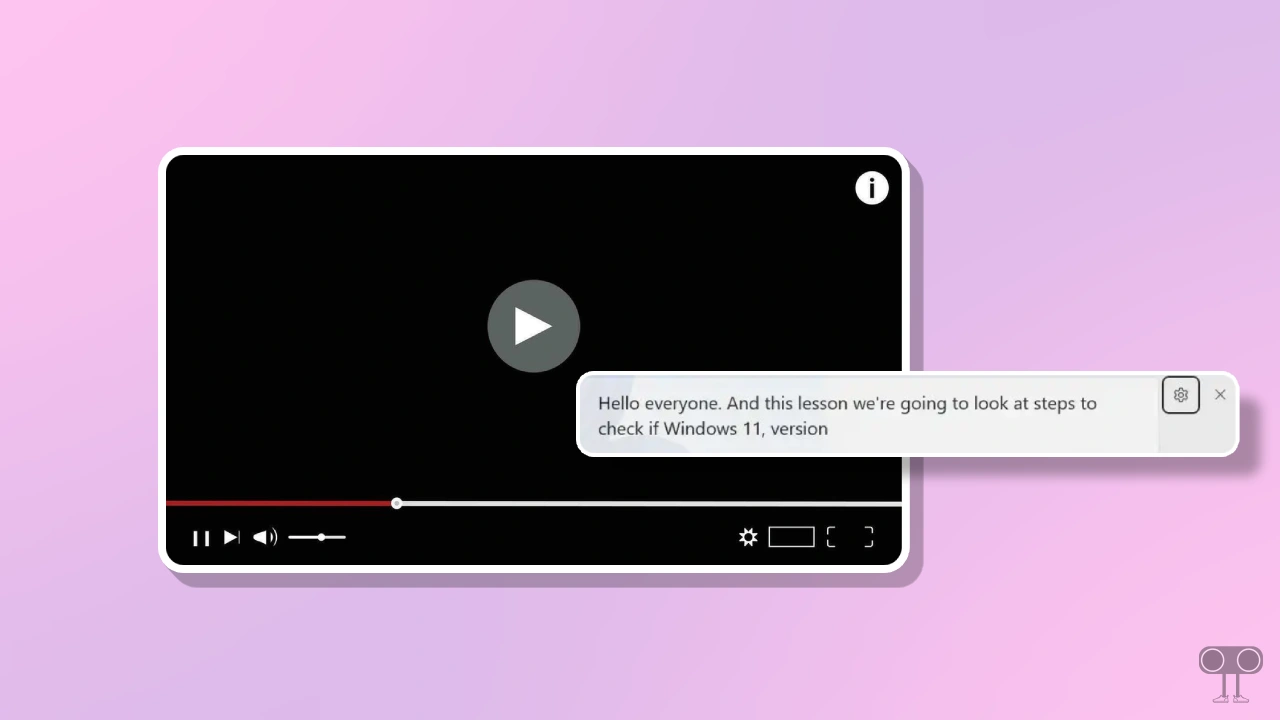
Windows 11 includes an amazing built-in feature called Live Captions (Closed Captions). It automatically converts spoken audio into text for any app, video, or microphone. You’ll see the caption text appear at the top or bottom of your screen.
In Windows 11, you can customize Live Captions the way you like; you can change the text font, color, opacity, size, effects, and background. I also modified Live Captions on my system, but on some videos, the caption text didn’t show up properly. So I reset it and set it back to the default settings.
How to Reset Closed Caption Style to Default in Windows 11
If you’ve customized live captions on your Windows 11 system before and now want to reset them to their default settings, you can definitely do that. We’ll use Windows Terminal to get it done. I’ve listed all the steps below, one by one.
Step 1. Press Windows + S and Search “Terminal” and Open It.
Step 2. Next, Select PowerShell or Command Prompt.
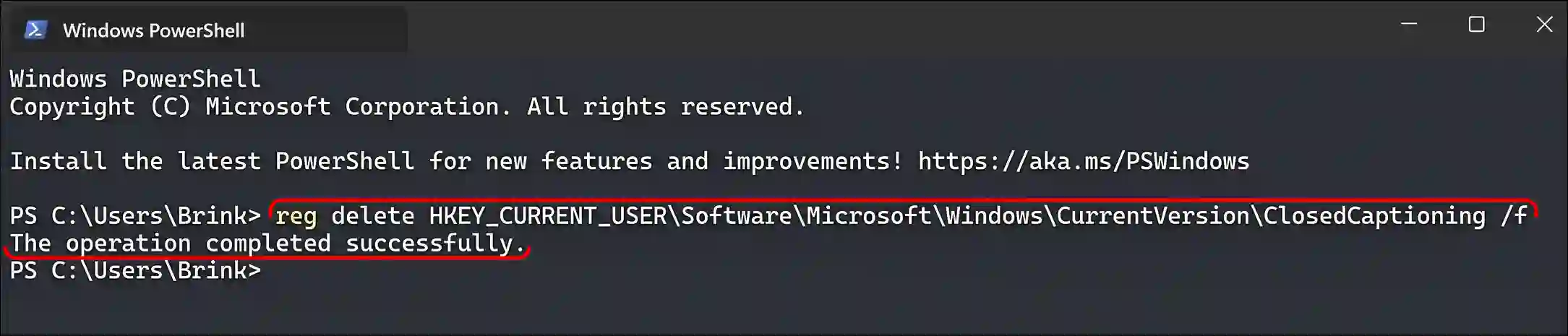
Step 3. Copy and Paste the Following Command Line and Hit Enter.
reg delete HKEY_CURRENT_USER\Software\Microsoft\Windows\CurrentVersion\ClosedCaptioning /f
Step 4. Once “The Operation Completed Successfully.” Message Flashed, Simply Close the Terminal.
That’s it! You’re done…
More posts related to Windows:
I hope you have found this article very helpful. And you learned how to reset the Windows 11 closed caption style. If you have any problems related to Windows 11, please let us know by commenting. Please share this article with your friends.