Get Rid of Firefox’s New Emoji Picker by Disabling It
After a very long time, Mozilla has finally added a native GTK emoji picker tool in Firefox version 150. Now, you can insert emojis into any comment box, any text input, or social media post directly using the Firefox interface.
You can easily access the native GTK emoji picker in the Firefox browser. Just click on any text field, then press CTRL + . or CTRL + ; on your keyboard. Doing this will pop up Firefox’s new GTK emoji picker in a window on your screen.
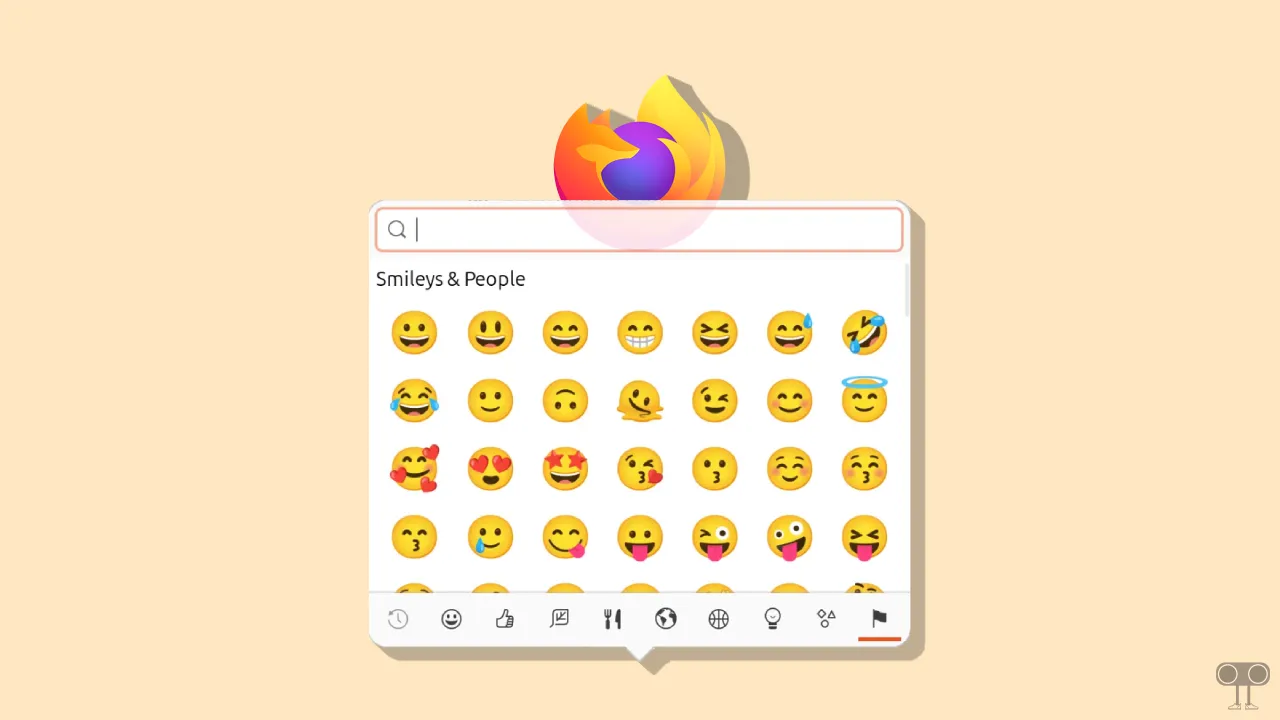
While it’s a fun and useful feature, many users find Firefox’s auto-emoji picker to be annoying and want to disable it in the browser. Many users have posted about this emoji picker on Reddit. The good news is that you can turn off this emoji picker in Firefox from the advanced preferences.
How to Disable GTK Emoji Picker on Firefox
If you have updated your Firefox browser to V150 or are using a later version, you can get rid of the GTK Emoji Picker by following the steps mentioned below. To do this, you simply need to manage a single command within the advanced preferences.
Here’s how I turned off Firefox’s new emoji picker:
Step 1. Launch the Firefox Browser on Your Laptop or Computer.
Step 2. and Go to about:config.
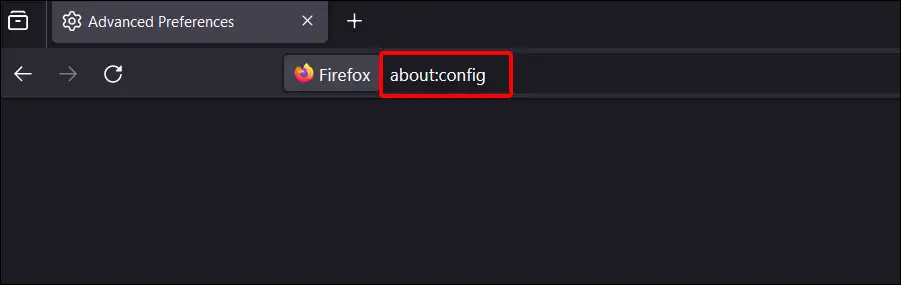
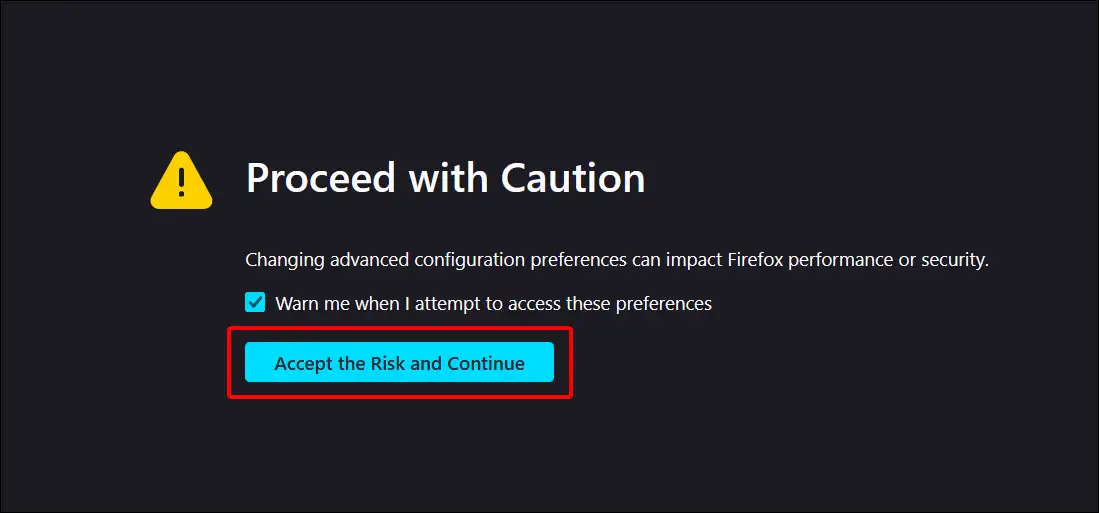
Step 3. Click on “Accept the Risk and Continue” to Bypass the Caution.
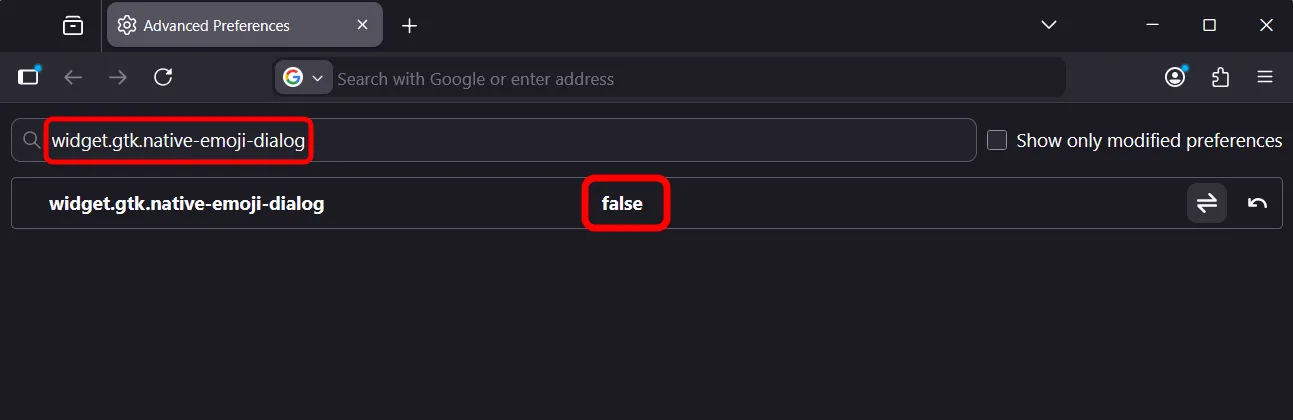
Step 4. Search widget.gtk.native-emoji-dialog and Set Its Value to False.
Step 5. Now, Restart Your Firefox Browser.
That’s it! Now, as soon as you click on a text field and press CTRL + . or CTRL + ; On the keyboard, the New Emoji Picker window will no longer pop-up on the screen.
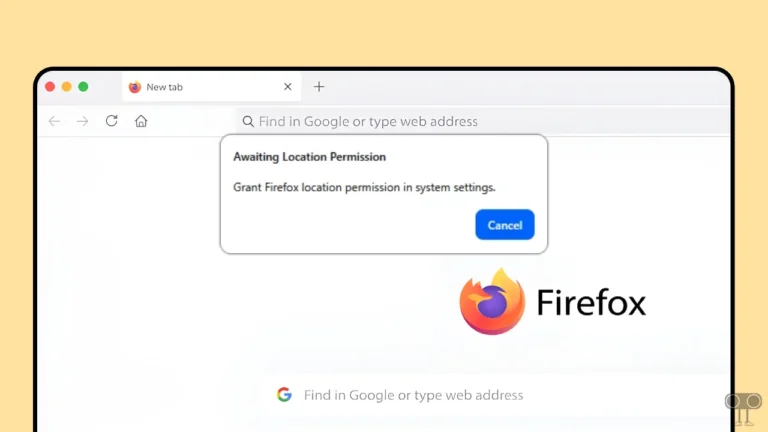
Read more: Disable Firefox’s “Awaiting Location Permission” Popup
I hope you have found this article very helpful. And you learned how to turn off Firefox’s new emoji picker popup. If you have any problems related to Firefox, please let us know by commenting. Please share this article with your friends.